Article video
Watch on YouTubeEcommerce Accessibility Compliance: A Practical Guide
Achieve accessibility compliance for your ecommerce store. Our 2026 guide covers WCAG standards, ADA laws, and a practical roadmap for auditing and remediation.

Achieve accessibility compliance for your ecommerce store. Our 2026 guide covers WCAG standards, ADA laws, and a practical roadmap for auditing and remediation.
Article video
Watch on YouTube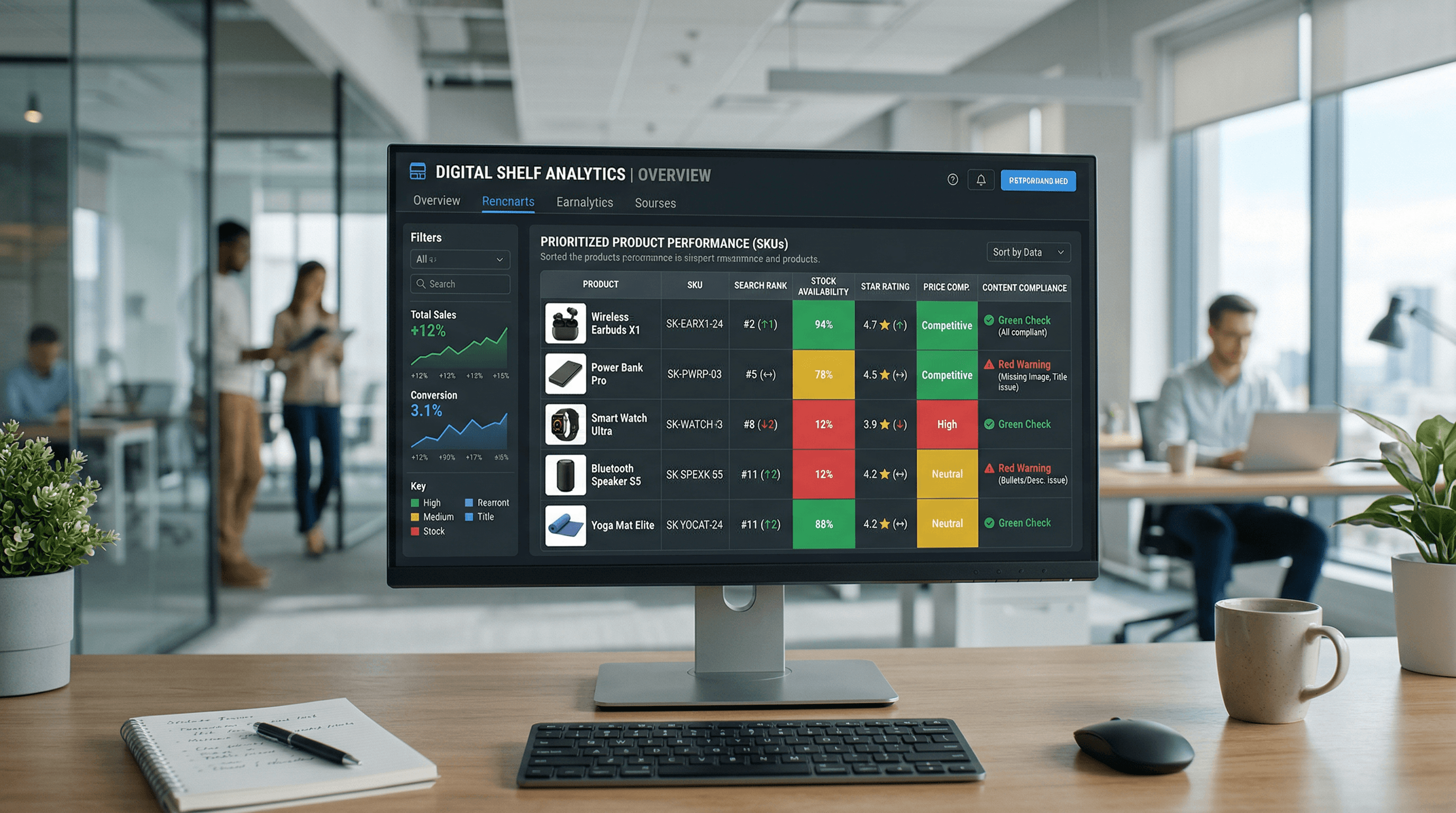
Turn digital shelf signals like retail search ranking, product content compliance, and out-of-stock monitoring into a high-impact weekly sprint.
Feb 27, 2026
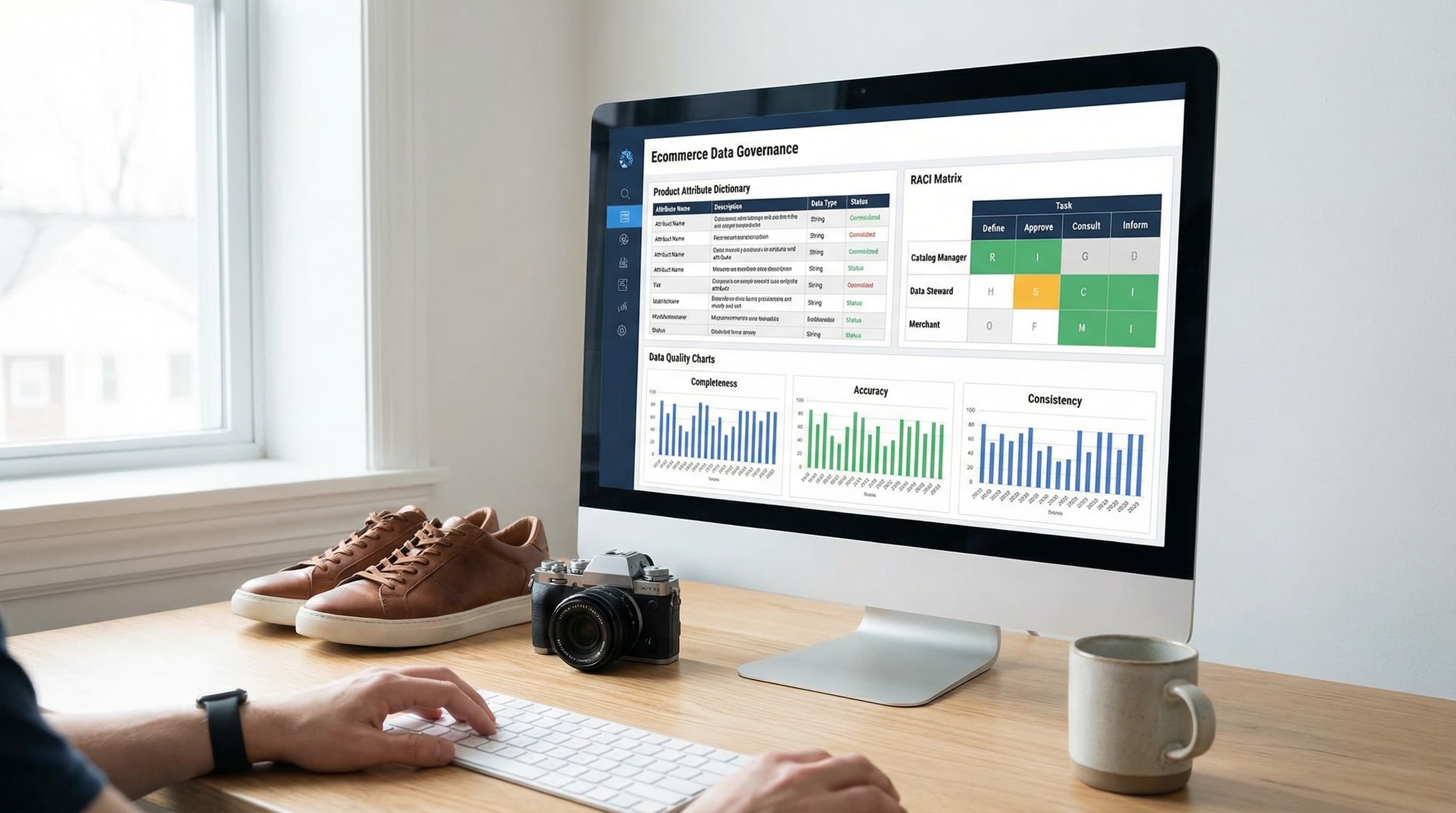
A practical data governance framework template to stop feed rejections, fix filter chaos, and organize your ecommerce product data in 30 days.
Feb 22, 2026

Master the math and data operations behind product bundling to increase AOV without eroding your margins or creating catalog chaos.
Feb 9, 2026
WebAIM's 2025 Million report found that 95.8% of the top 1 million homepages had detectable WCAG failures, and AudioEye estimated an average of 297 accessibility issues per webpage in a large-scale scan (AudioEye accessibility statistics). For ecommerce teams, that should change the framing immediately. Accessibility compliance isn't a niche legal concern. It's a mainstream operating problem across the web.
I've seen the same pattern in retail teams repeatedly. Accessibility gets treated like a redesign task, a plugin decision, or a one-time legal review. That approach breaks down fast once you have thousands of SKUs, frequent merchandising changes, seasonal landing pages, app updates, PDFs, third-party widgets, and a checkout flow touched by multiple teams.
The workable model is simpler and stricter. Treat accessibility compliance like security or privacy. Put ownership on named teams, turn requirements into repeatable checks, and build remediation into normal publishing operations. Done well, that reduces risk and improves how customers move through your store.
Most ecommerce leaders still underestimate accessibility because they see it as a legal edge case. It isn't. If the baseline web is full of avoidable failures, then every retailer has to assume its own storefront has exposure unless it has a real program in place.
That matters commercially, not just legally. A shopper who can't tab through product filters, understand a form error at checkout, or interpret unlabeled product imagery doesn't stay long enough to buy. Accessibility problems show up as abandoned sessions, frustrated support contacts, and blocked revenue paths.
There's also a strategic angle. If much of the market still delivers a poor accessible experience, then a retailer that cleans up navigation, forms, image text alternatives, and content structure can separate itself from weaker competitors. Accessibility work often overlaps with cleaner UX, better content hygiene, and stronger operational discipline. Those are the same habits that support conversion and content discoverability. Teams already focused on growth will recognize the pattern from other store optimization work, including broader ecommerce sales improvement efforts.
Practical rule: If a user can't browse, compare, and check out without friction using assistive technology or keyboard navigation, you don't have a compliant revenue path.
Accessibility compliance also belongs in governance now. The issue has moved well beyond design preference. It touches legal review, QA, merchandising workflows, CMS controls, procurement of third-party apps, and release management.
A useful mental shift is this. Don't ask, “Is our site accessible?” Ask, “What process keeps new content, new templates, and new tools from breaking accessibility every week?” The second question is the one that leads to a workable operating model.
The legal and technical stack gets simpler once you separate the why from the how.
The ADA, enacted in 1990, is the core legal benchmark in the U.S. for nondiscrimination, and it has become the foundation for digital accessibility expectations. The Department of Justice also extended web accessibility compliance deadlines for state and local governments to April 26, 2027 for entities with populations of 50,000 or more, and April 26, 2028 for smaller public entities and special districts, which signals that digital accessibility now sits inside a dated compliance framework rather than a loose principle (ADA web rule first steps guidance).
The technical side is WCAG. Think of it as the building code for a digital storefront. The law says the store must be accessible. WCAG defines what that means in testable terms.

WCAG is a W3C standard organized around 4 principles, 13 guidelines, and testable success criteria at levels A, AA, and AAA. In practice, WCAG 2.1 Level AA is the target most organizations work toward because it maps to legal and policy requirements across multiple jurisdictions (WCAG 2.1 recommendation).
Those four principles are often called POUR:
For ecommerce teams, that translates into concrete checks, not broad intentions. Can a shopper tab to filters? Does a screen reader announce form labels properly? Are error messages tied to the right fields? Does navigation behave consistently?
One mistake teams make is assuming they can keep the main experience broken and offer a fallback, such as phone support or a separate “accessible version.” Regulatory rules don't support that approach as a default. Where WCAG 2.1 AA is the enforceable standard, organizations need documented testing and remediation on the primary experience, not a side channel.
WCAG compliance works best when product, content, design, engineering, and QA all use the same acceptance criteria.
That's why accessibility programs succeed when they use the same mechanics as other compliance programs. Named owners. Defined standards. Test evidence. Release gates. Remediation tracking.
Retail teams don't need to memorize every WCAG criterion to make meaningful progress. They do need to control the failures that repeatedly block product discovery and checkout. In practice, WCAG 2.1 Level AA is the usual target, and that means meeting concrete requirements such as keyboard operability, text alternatives, color contrast, and predictable navigation on the actual shopping experience, not just in design files.

If resources are tight, fix the path to purchase first. Homepage polish matters less than whether shoppers can search, evaluate, add to cart, and check out without barriers.
Use this checklist on the core buying flow:
A common ecommerce failure is a custom checkout input that looks polished but isn't labeled correctly in code. The form appears fine visually, yet screen reader users don't know what the field is for. That's the kind of issue that directly interrupts revenue.
Accessibility compliance breaks down fastest in catalog content because merchants publish so much of it. Product titles, images, comparison tables, buying guides, videos, banners, and PDFs all add risk when standards are informal.
Operationally, these rules hold up well:
Good accessibility work is often boring. Clear labels, standard controls, stable navigation, and predictable forms beat clever UI every time.
Accessibility work stalls when teams treat everything as equally urgent. It isn't. The practical move is to run it as a phased program with clear owners and a limited scope in each pass.
Start with the roadmap below. It's simple enough for a small Shopify team and structured enough for a multi-brand operation.

Phase 1 is audit and assessment. Inventory the customer journey and supporting content first. Include homepage templates, category pages, PDPs, cart, checkout, account areas, app surfaces, help content, PDFs, and embedded third-party tools. The goal isn't to produce a giant spreadsheet. It's to identify where failure blocks buying, support, or account management.
Phase 2 is prioritization and planning. Triage by user impact and business criticality. Checkout defects come before editorial pages. Search and filtering issues usually come before secondary campaign assets. Reusable template issues come before one-off content fixes because one template fix can clean up many pages at once.
A strong prioritization model uses four buckets:
This is also the point where you assign ownership. Engineering owns component fixes. Content teams own copy structure, alt text, and PDFs. QA owns regression checks. Ecommerce ops keeps the backlog moving.
Later in the process, implementation often benefits from stronger product data structure. Teams already cleaning up product attributes and template logic may find this PIM implementation guide for Shopify metafields helpful when tying catalog governance to accessibility work.
A short walkthrough can help teams align on the operating model:
Phase 3 is remediation and testing, a stage where many teams fail by chasing overlays or alternate versions. That won't hold up. Regulatory guidance tied to WCAG 2.1 AA limits reliance on separate alternatives, so the primary site itself needs to be fixed through documented testing and remediation (Section 508 laws and policies overview).
Phase 4 is monitoring and maintenance. Put accessibility checks into release cycles, content publishing rules, and QA signoff. If a team launches new landing pages weekly, accessibility has to live inside that routine or it will decay quickly.
Use a simple governance rhythm:
Tools matter, but only if teams use them for the right job. Automated scanners are useful for pattern detection. They are not a substitute for human review of real shopping tasks.
A practical stack usually includes browser-based scanners, developer testing tools, keyboard-only walkthroughs, and at least one screen reader pass on critical flows. For ecommerce, I'd focus audits on search, filters, product selection, cart updates, checkout fields, account login, returns, and customer support entry points.
Automated tools catch repetitive issues quickly. They're efficient for spotting missing form labels, contrast failures, structural problems, and some ARIA misuse. They also help teams detect regressions after template changes.
Here's a simple selection view:
| Tool | Primary Use | Cost | Best For |
|---|---|---|---|
| Lighthouse | Browser auditing during development | Free | Quick checks in Chrome workflows |
| axe DevTools | Developer-focused accessibility testing | Free and paid options | Engineering teams fixing components |
| WAVE | Visual page evaluation and issue review | Free and paid options | Content and QA reviews |
| Screen readers such as NVDA or VoiceOver | Manual usability and assistive tech validation | Varies | Critical journey testing |
| Keyboard-only testing | Manual interaction testing | Free | Navigation, forms, modals, and focus order |
What doesn't work is relying on a single dashboard score. A page can score well and still fail a real shopper during filtering or checkout. That's why manual task testing matters.
Use a simple manual script:
If a tester can't explain where keyboard focus is, what a button does, or how an error is announced, the issue isn't closed.
The workflow matters more than the tool list. I'd run accessibility defects through the same ticketing system used for other production issues. Jira, Asana, Linear, or ClickUp can all work if the ticket format is strict.
A useful ticket includes:
Avoid vague tickets like “Improve accessibility on PDP.” Instead write, “Variant swatches on PDP can't be selected by keyboard. Focus indicator is missing, and selected state isn't announced to assistive technology.”
Then add a QA loop after the fix. The person closing the bug shouldn't be the only one validating it. Someone should retest the issue manually in the live component context, because accessibility defects often reappear when styling, scripts, or third-party apps interact.
Large catalogs break accessibility programs when teams rely on page-by-page heroics. That doesn't scale. The only sustainable approach is to move requirements upstream into the systems that create, enrich, and publish product content.
The challenge goes beyond storefront pages. The current compliance picture also reaches internal tools, PDFs, portals, and non-public digital content, and the DOJ's active public-sector deadlines for 2027 and 2028 reinforce that implementation is now an ongoing process issue, not a homepage cleanup project (DOJ 2024 web rule guidance).

For big assortments, the best fixes are systemic.
A strong operating model usually includes:
That's why catalog operations and accessibility should be linked. If your product data is messy, accessibility debt spreads faster. If your product data model is structured, many accessibility requirements become enforceable rules instead of editorial requests. Teams building that operational backbone can borrow ideas from broader product catalog management software workflows.
One useful example is image operations. Instead of asking editors to remember alt text after upload, define where alt text is stored, who approves it, and what happens when it's missing. For large image libraries, tools such as ButterflAI can help generate alt text and other product content at scale from product context, but those outputs still need human review for accuracy and relevance.
The hardest issues are usually outside the clean product template:
These areas need procurement and governance, not just code fixes. Before adding a new app or vendor widget, require accessibility review as part of approval. Before publishing a PDF, decide whether the content should exist as an HTML page instead.
Accessibility compliance doesn't stay fixed after a project closes. Stores change too often. Promotions go live, apps get replaced, templates evolve, and content teams publish new assets every week. Without maintenance, the backlog gradually rebuilds.
The most useful metrics are tied to workflows and customer impact, not vanity dashboards.
Track things like:
If you only watch automated scan results, you'll miss breakdowns in real use. A flow that passes many automated checks can still fail when a user tabs through filters or hits a form error.
The strongest programs don't isolate accessibility in legal or design. They distribute it.
Content teams need publishing rules. Designers need accessible component patterns. Developers need acceptance criteria in tickets. QA needs manual test scripts. Ops needs escalation paths when vendors or internal teams introduce risk.
Accessibility compliance is durable only when it becomes part of normal release discipline.
That's also where growth ties back in. A cleaner, more navigable store tends to be easier to use, easier to maintain, and easier to understand across search, support, and merchandising functions. Accessibility work sharpens the fundamentals. For ecommerce teams, that's rarely wasted effort.
ButterflAI helps ecommerce teams turn product data into scalable content outputs such as product copy, metadata, alt text, blog content, images, and videos. If you're trying to operationalize accessibility compliance alongside SEO and catalog workflows, it's one option to evaluate at ButterflAI.
