Product Video Generator
Generate product videos faster with AI scripts, scenes, and variants. Free tool, no payment required. No sign up required.
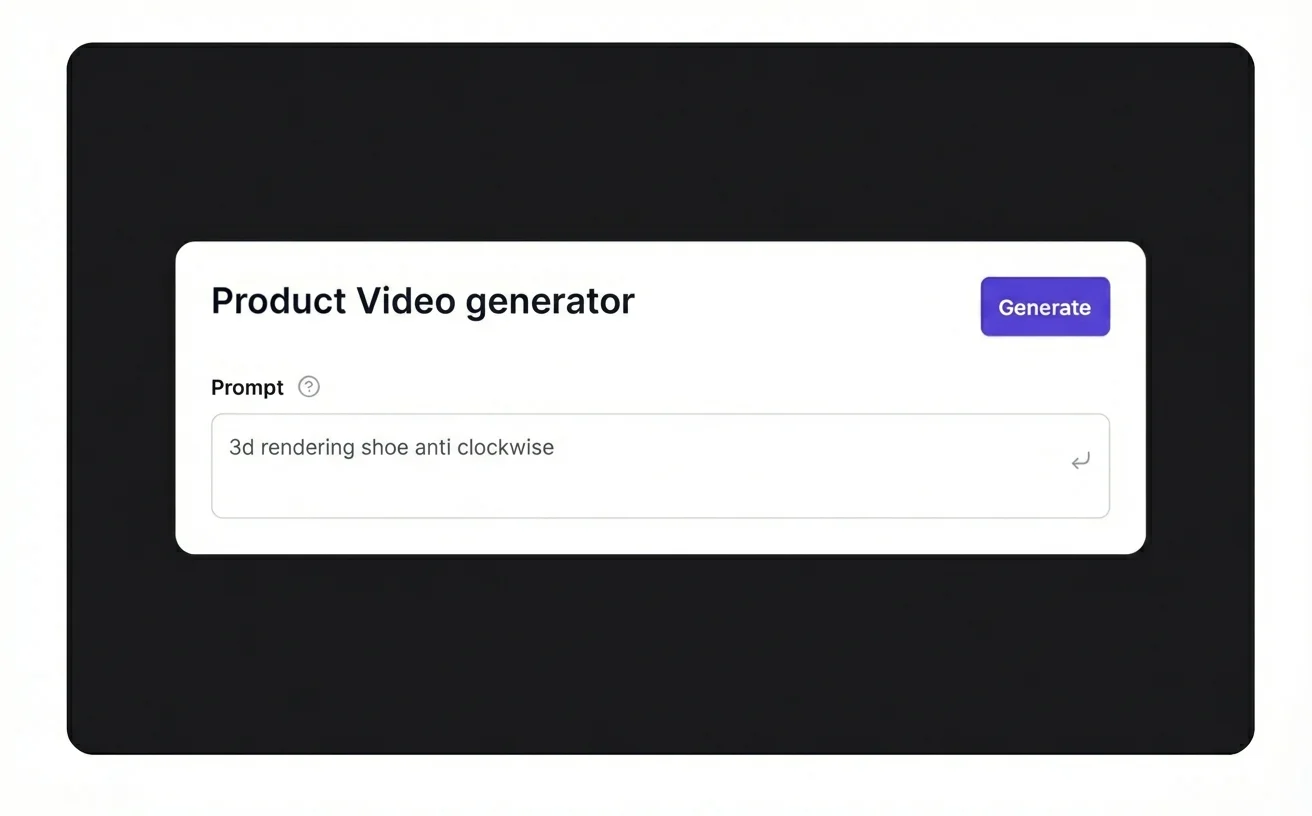
Generate a product video
Upload a few product images to create a short video.
What is product video?
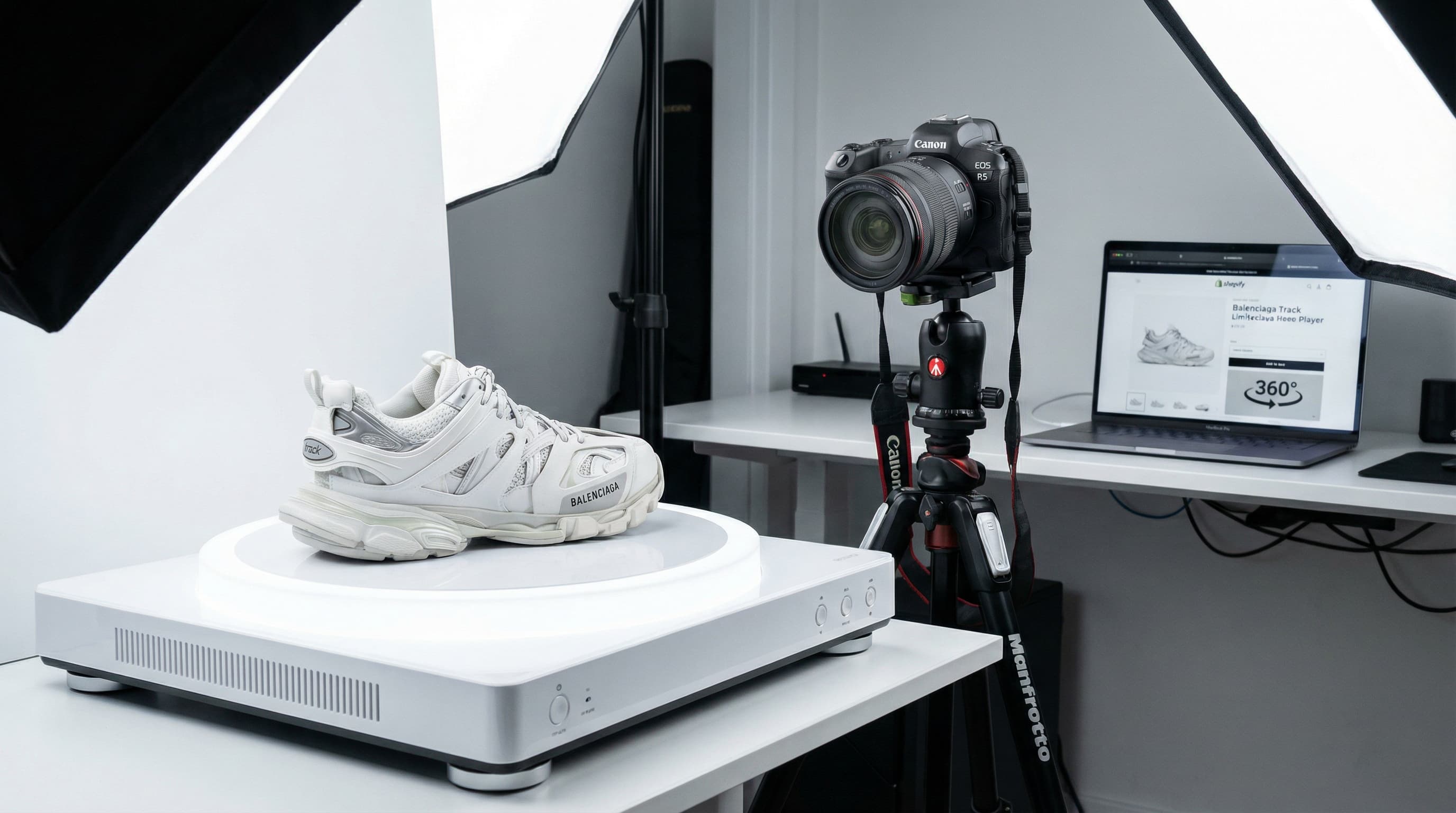
A product video is a short visual asset that demonstrates product appearance, movement, context, or key value in motion. It improves understanding beyond static images on product pages.
Decision confidence. Video helps shoppers evaluate details, scale, and product behavior more clearly.
Engagement lift. Motion content usually improves attention and time on page compared with static-only galleries.
Cross-channel utility. The same base video can be adapted for PDP, ads, social, and marketplaces.
Key features built for commerce teams
Everything you need to standardize, scale and ship quality outputs.
Template library
Choose clean, on-brand layouts that keep visual identity consistent across every clip.
Auto captions
Highlight benefits and specs automatically for fast scanning and mobile-first viewing.
Popular use cases
Where teams use product videos to increase engagement and conversion.
Create ad‑ready video variants
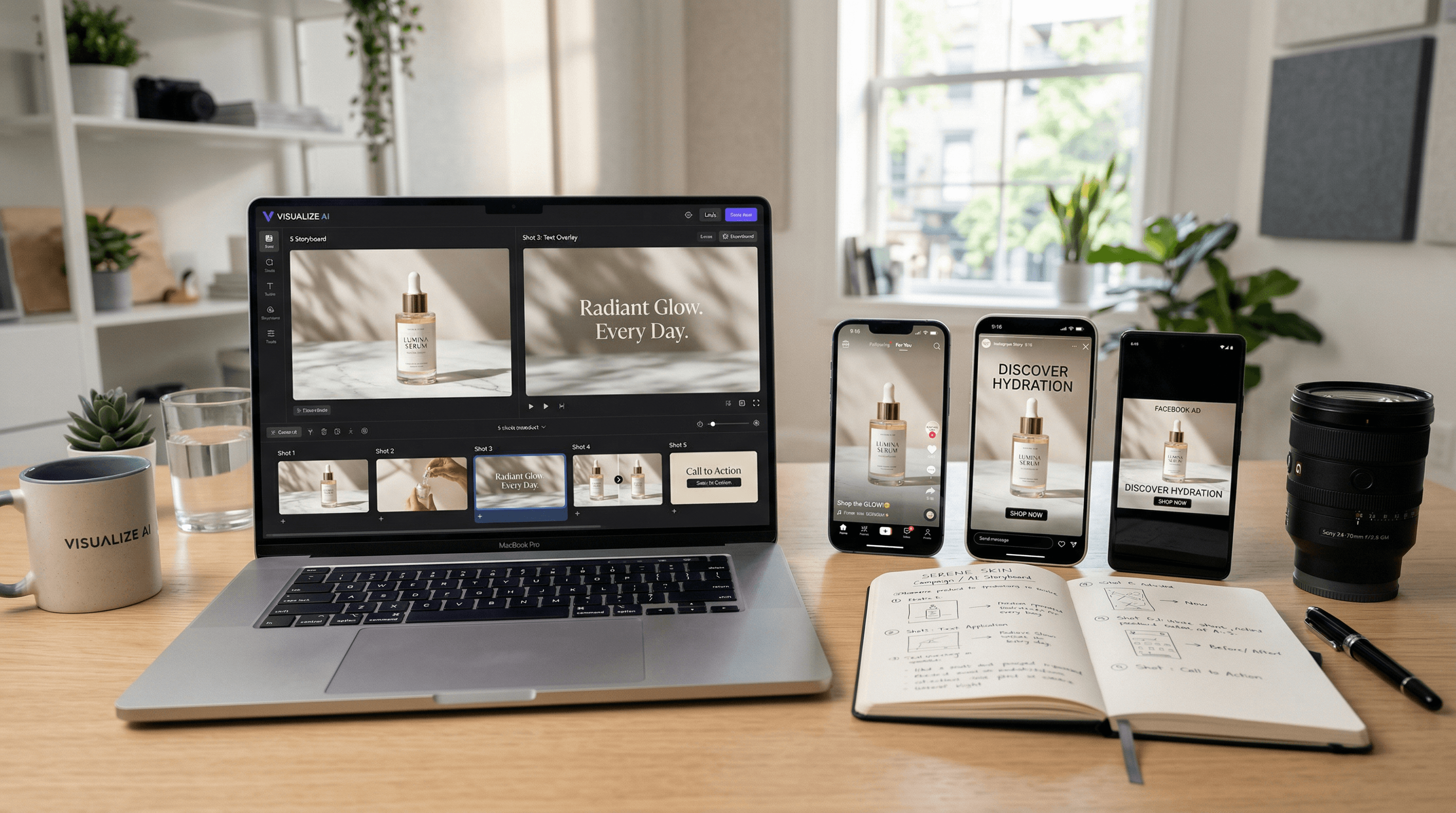
Produce multiple short videos for paid campaigns to test hooks, pacing, and messaging. Use it when you need multiple video formats for PDPs, ads, and social in a short window. Gives performance teams options without costly video shoots.
Add motion to product pages
Generate clean, lightweight videos that highlight benefits and reduce bounce. Ideal for teams that want consistent messaging across channels without heavy editing. Great for PDPs where speed and clarity matter most.
How it works
Three quick steps from input to output to keep media workflows fast and consistent.
Upload assets
Upload key images to build the sequence, pacing, and product story. The quality of your input assets drives the quality of the video. Use high‑resolution images or clips with consistent lighting, and provide a short list of the top benefits you want.
Pick a template
Select a format and layout that fits the channel, campaign goal, and audience. Define the target channel before you generate. For PDPs, you may want slower pacing and more detail; for social, keep it punchy with a strong hook in the first seconds.
Common issues & solutions
FAQs
Quick answers to common questions.
Learn more about ecommerce SEO and catalog optimization
Read guides and tips that expand this tool.
Discover more tools
Keep exploring more ways to upgrade your catalog.