
AI image editor for product photos
Turn raw product photos into polished creative faster, keep quality consistent, and generate photoshoot-style scenes without reshooting.
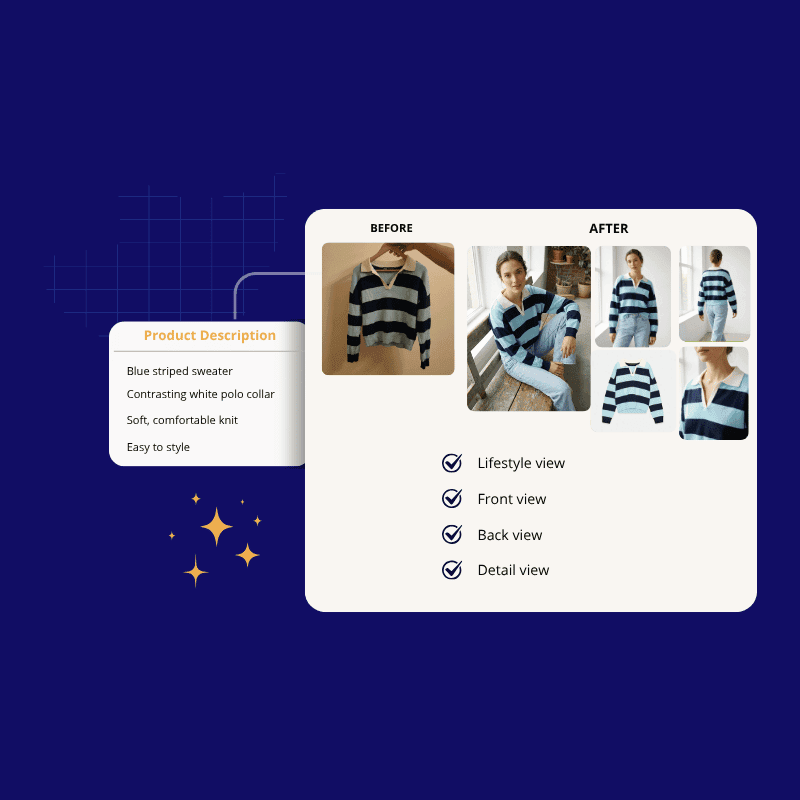
E-commerce brands that already trust us








Why Product Image Editing Needs Workflow Control
Editing visuals one by one creates delays and inconsistent results. Teams need speed, quality control, and review steps in the same place.
Save Time
Move from raw image to approved asset without repeating the same manual steps for every file.
Keep Quality High
Keep backgrounds, crops, lighting, and detail quality aligned across the catalog.
Create Photoshoot-Style Variants
Generate studio, lifestyle, and campaign-ready scenes from a single product image.
Edit product photos with one visual workflow
See how ButterflAI creates inspirational images, listing images, and ready-to-publish assets
Start free trialHow ButterflAI AI Image Editor Works
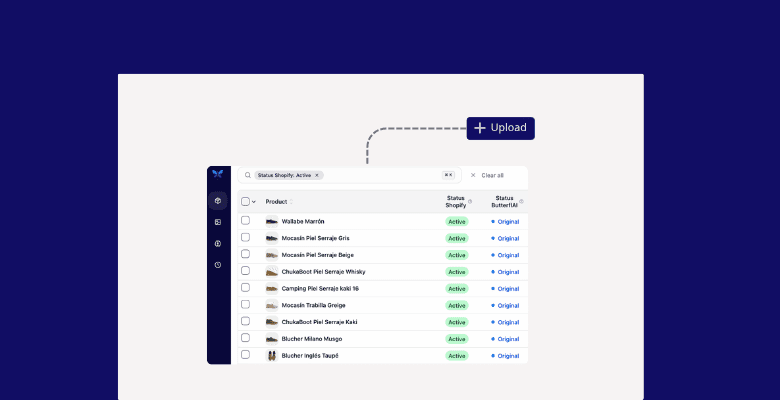
Upload or Select Assets
Choose the existing product images you want to refine, restyle, or use as a base for new scenes.
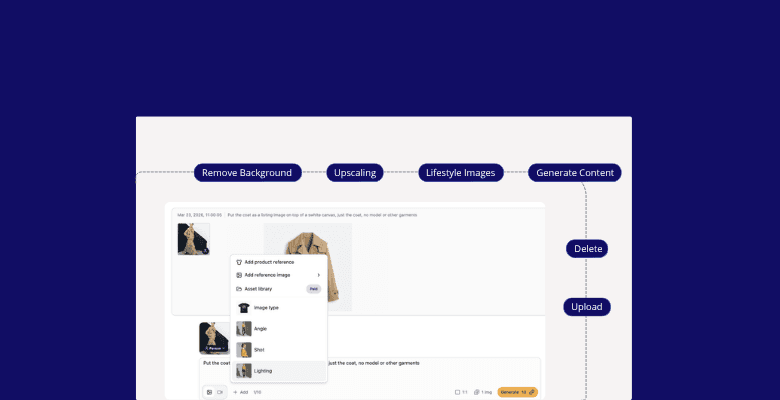
Edit or Generate Variants
Run the visual workflow you need, from cleanup to background changes and photoshoot-style compositions.
Review Approved Outputs
Keep the best versions, reject weak ones, and export or publish the final set with confidence.
Clean Up a Product Shot Before Export
Compare the original product image with the cleaned version before export so teams can judge background removal, edge cleanup, and detail preservation with confidence.
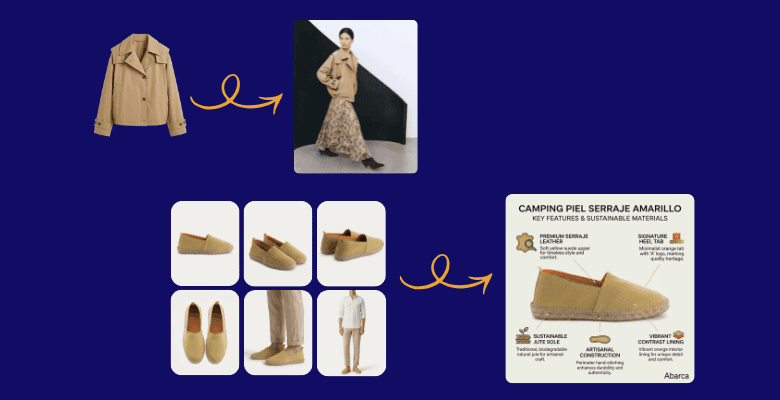
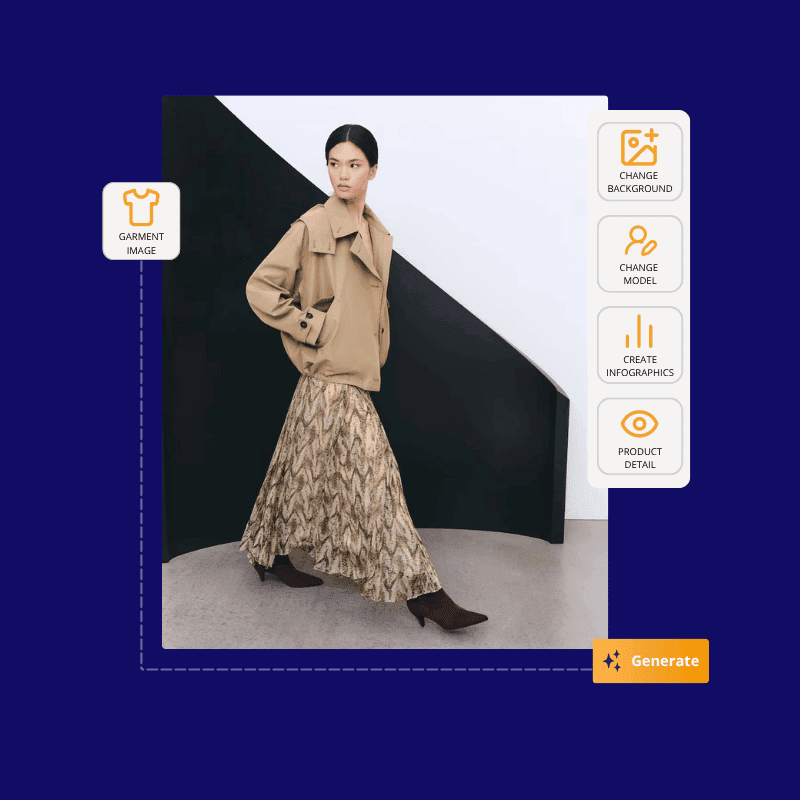
Create Photoshoot-Style Variations from One Asset
Turn one garment shot into multiple visual variants by changing the background, swapping the model, or generating lifestyle and campaign-style scenes for different channels.
AI Image Editor FAQs
Common questions about faster, higher-quality visual editing for product catalogs.
Can I create photoshoot-style product visuals from one image?
Does the workflow help keep quality consistent?
Does it work for apparel, accessories, and home products?
ButterflAI
Make Product Visual Production Faster
See how ButterflAI helps visual teams save time, protect quality, and create photoshoot-style product assets.