Product Background Remover
Remove product backgrounds instantly for clean, conversion-ready visuals. Free tool, no payment required. No sign up required.
Remove a background in seconds
Upload a product photo to get a clean cutout.
What is product background removal?
Product background removal is the process of isolating the product from its original background to create cleaner, more controlled visual assets for ecommerce and marketplaces.
Visual consistency. Uniform backgrounds create a cleaner catalog and improve perceived product quality.
Merchandising control. Isolated products are easier to reuse across campaigns, templates, and channels.
Channel compliance. Many marketplaces require clean or specific background standards for listing acceptance.
E-commerce brands that already trust us
Key features built for commerce teams
Everything you need to standardize, scale and ship quality outputs.
Edge-aware cutouts
Preserve fine details like hair, fabric, and glass so products stay sharp in zoom and listings.
Bulk processing
Clean thousands of images with a single batch and keep outputs consistent for seasonal drops.
Background options
Use transparent, white, or branded backgrounds to match channel rules and visual guidelines.
Consistent outputs
Deliver uniform visuals across every channel for a cohesive, on-brand library.
Popular use cases
Where teams use background removal to keep imagery clean, consistent, and channel‑ready.
Meet white‑background requirements
Quickly align images with Amazon, Google, and marketplace standards without manual retouching. Use it to keep product imagery uniform when assets come from multiple vendors or studios. Keeps approval cycles short and avoids inconsistent white levels.
Reduce retouching workload
Automate background cleanup so studio teams can focus on styling and consistency instead of masking. Ideal for marketplace compliance where white backgrounds are required for approval. Also reduces outsourcing costs for large product batches.
Standardize PDP imagery
Keep backgrounds uniform across categories so product pages feel cohesive and premium. Helpful when refreshing a catalog quickly without re‑shooting product sets. This is especially useful when legacy photos lack consistent lighting.
Speed up seasonal refreshes
Update imagery quickly for campaigns or seasonal drops without re‑shooting full sets. Great for ad and social workflows that need clean cutouts and reusable assets. Helps creative teams build new layouts without waiting on photo studios.
Scale client image cleanups
Process large client catalogs efficiently while maintaining consistent output quality. Ideal for agencies delivering weekly image refreshes across multiple brands. Helps standardize lighting and spacing across mixed sources.
Create ad‑ready assets
Remove distracting backgrounds so products stand out clearly in paid ads and listings. Improves click-through by keeping focus on the product silhouette. Useful for CRO tests where imagery consistency is critical.
Prepare bulk catalogs fast
Batch‑process thousands of images so feeds and exports are ready on time. Keeps launch timelines intact when asset volume spikes. Great for last-minute vendor deliveries and surge periods. Helps ops hit SLA dates for marketplaces.
Enable new compositions
Extract clean cutouts that can be reused in banners, bundles, and social content. Gives design teams flexible layers for seasonal or co-marketing assets. Speeds up creative production without additional design effort.
How it works
Three quick steps from input to output to keep media workflows fast and consistent.
Upload images
Add shots individually or in bulk to start the batch, group SKUs, and keep collections organized. To speed reviews, keep filenames tied to SKU and angle, and group related shots together. This makes it easier to spot edge artifacts, color casts, or.

Choose a background
Pick transparent, white, or brand color to meet channel rules and marketplace requirements. When selecting a background, consider how the image will be used downstream. White is safest for marketplaces, but transparent assets allow creative teams to.
Download results
Review cutouts, tweak if needed, and export files ready for listings or your PIM. Before exporting, run a quick visual QA: check for halos, clipped edges, and missing details on complex items like jewelry or hair. If any issues appear, adjust the.

Common issues & solutions
FAQs
Quick answers to common questions.
Learn more about ecommerce SEO and catalog optimization
Read guides and tips that expand this tool.

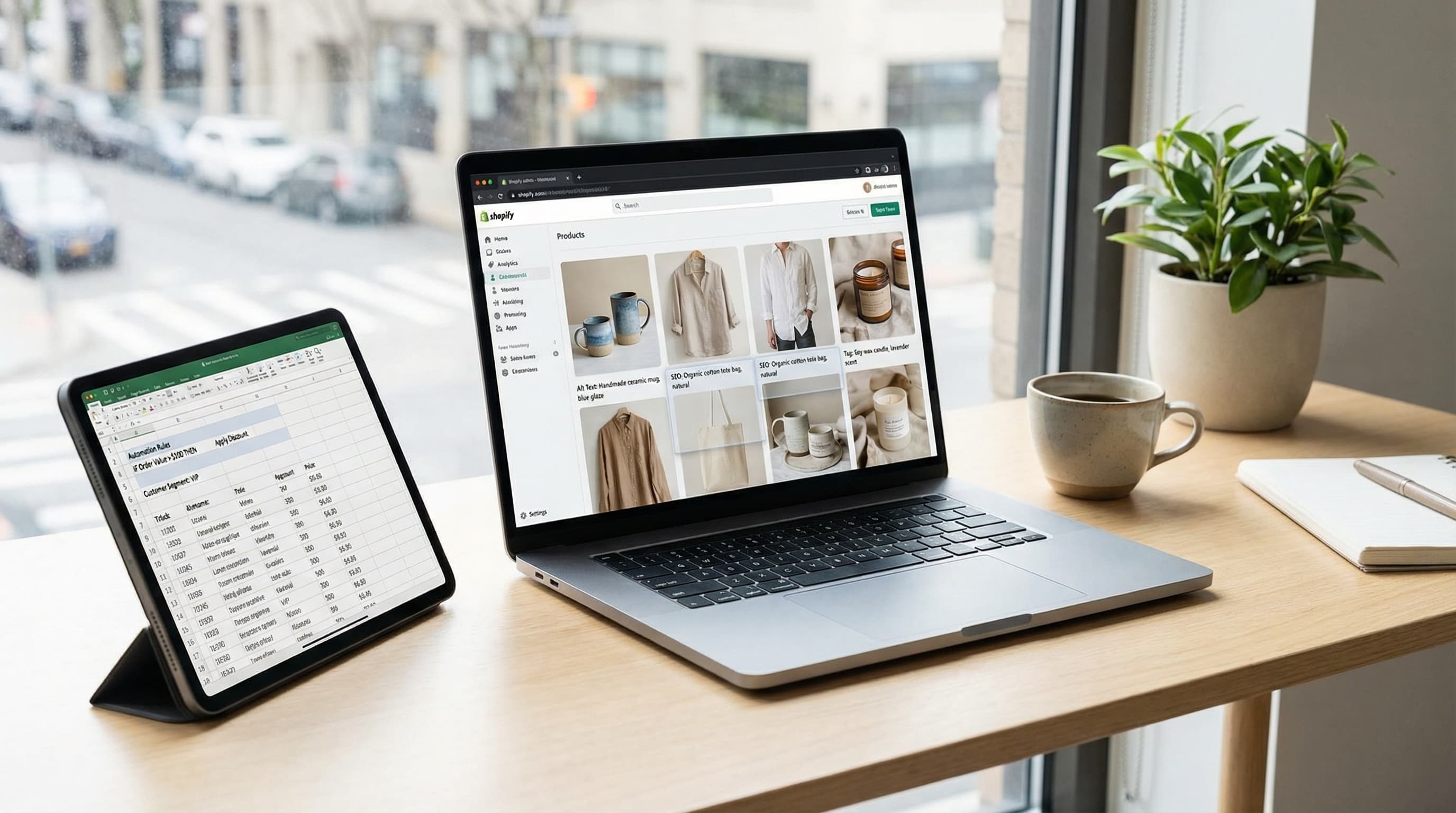
Alt Text in Shopify: Image SEO and Accessibility at Scale
Operational playbook to optimize alt text for thousands of products: SEO, web accessibility, and automation at scale.
Read more
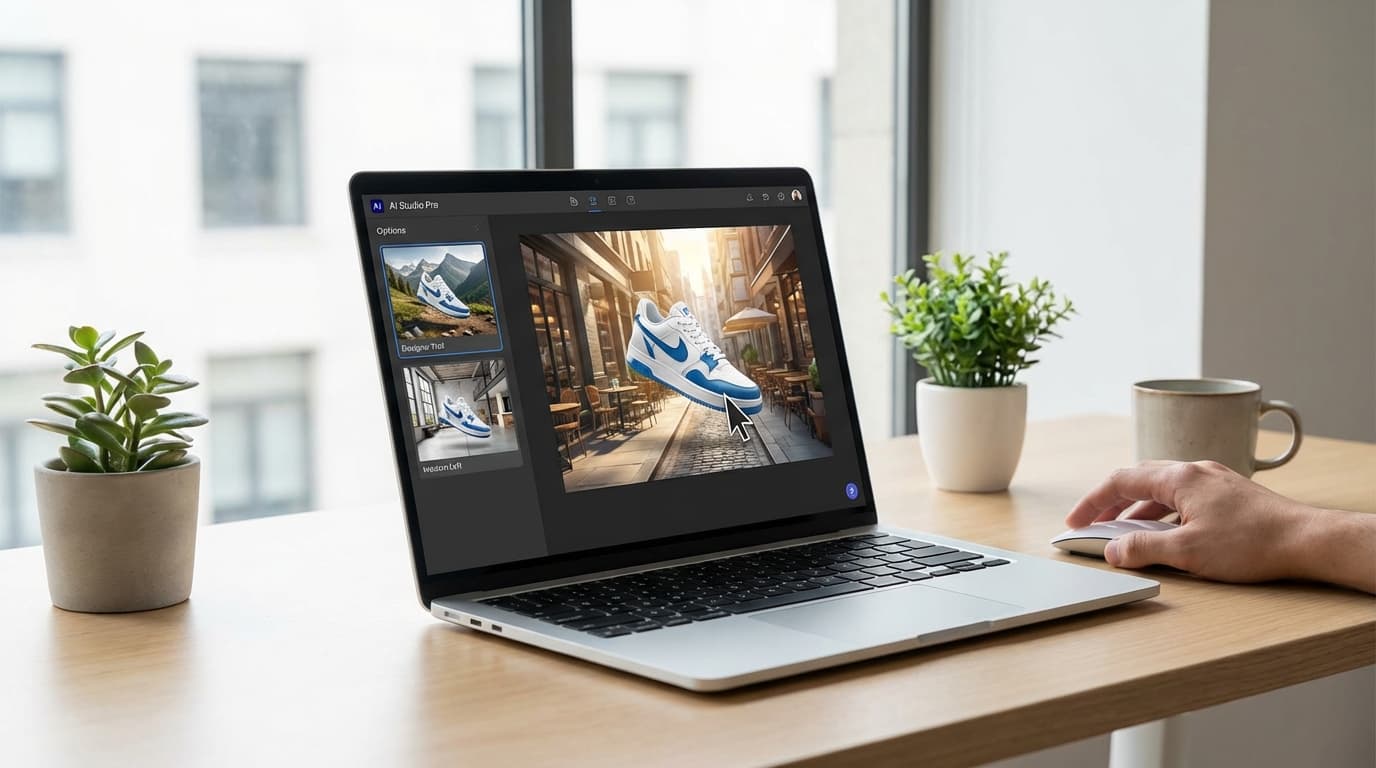
AI eCommerce Product Photography: Scale Your Catalog in 2025
Discover how to optimize eCommerce product photography with AI. A practical guide to reducing shooting costs, improving editing, and scaling your visual catalog.
Read more
Build a Powerful Brand Image for Multichannel eCommerce: Complete Guide 2025 | ButterflAI
Discover how to create a cohesive brand image across all eCommerce channels. Strategies, examples and tools to strengthen your online presence.
Read more
AI SEO: Best Practices and Top 5 Tools to Optimize Your Rankings in 2025 | ButterflAI
Discover the best AI practices for SEO and the 5 most effective tools to optimize your web positioning. Complete guide with proven strategies and real success cases.
Read more
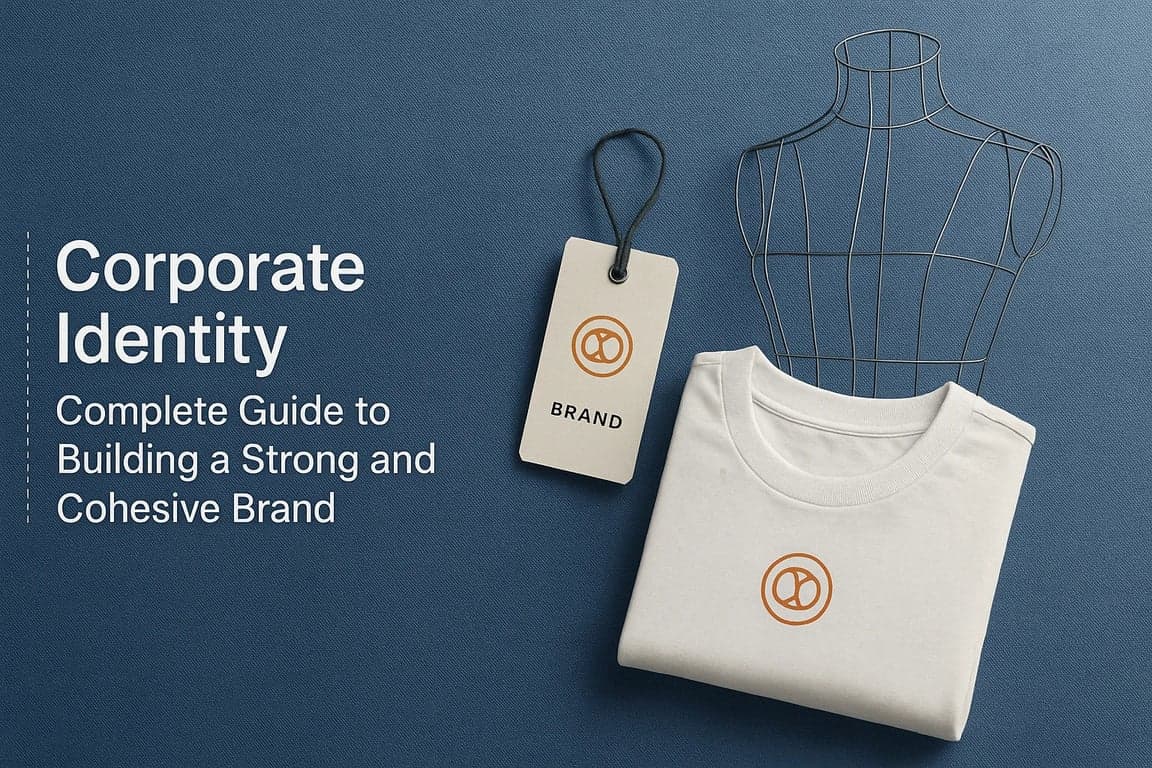
Corporate Identity: Complete Guide to Building a Strong and Cohesive Brand | ButterflAI
Discover how to create a solid and coherent corporate identity. Complete guide with key elements, best practices, and real examples to build a successful brand.
Read moreDiscover more tools
Keep exploring more ways to upgrade your catalog.
Product Clothes Changes
Generate new clothing variations on existing model images for campaigns and catalogs.
Product Video Generator
Turn product context into short videos designed for ads, social, and ecommerce PDPs.
AI Background Generator
Create brand-aligned backgrounds for product photos without manual design work.
AI Outfit Generator for Fashion Ecommerce Teams
Create coordinated outfit variants for ecommerce visuals, merchandising, and campaign production without planning a new photoshoot for every look.
AI Model Generator
Create diverse model imagery for product campaigns, PDPs, and performance ads.
Product Title Generator
Generate product titles that balance keywords, readability, and marketplace limits.