AI Background Generator
Generate custom product backgrounds with AI in seconds. Free tool, no payment required. No sign up required.
Generate a new background
Upload your product image and describe the scene.
What is AI-generated background?
An AI-generated background is a synthetic scene created to place a product in a controlled visual context. It helps brands produce on-brand imagery without full physical set production.
Context without studio overhead. Teams can build lifestyle or themed scenes faster than traditional production.
Brand direction control. Background styles can align with campaign mood, season, or audience segment.
Content velocity. AI backgrounds speed up creative output for large catalog and campaign calendars.
E-commerce brands that already trust us
Key features built for commerce teams
Everything you need to standardize, scale and ship quality outputs.
Scene prompt control
Define studio, lifestyle, or seasonal environments with precise creative direction.
Lighting consistency
Keep shadows and product orientation coherent so outputs look natural.
Brand-safe styles
Reuse color palettes and visual rules to keep a uniform catalog identity.
Batch generation
Create multiple scene variants for campaigns, marketplaces, and PDP testing.
Popular use cases
Where ecommerce teams use AI background generation to scale visual production.
Create seasonal visual themes quickly
Swap scenes for holidays and promotions without reshooting products, so campaign refreshes move faster.
Improve hero image context
Generate lifestyle or studio backgrounds that highlight product positioning and increase page clarity.
Test scene variants in ads
Produce multiple creative angles to test which visual context drives higher click-through and conversion.
Scale client visual production
Deliver consistent, branded assets across multiple accounts without expanding manual design effort.
How it works
Three quick steps from input to output to keep media workflows fast and consistent.
Upload the product image
Upload the cleanest product photo you have, ideally with sharp edges and consistent lighting, so the model can preserve contours and textures when it relocates the item into a new scene. Keep the crop stable across variants and use SKU-based filenames to simplify QA, approvals, and batch publishing later.
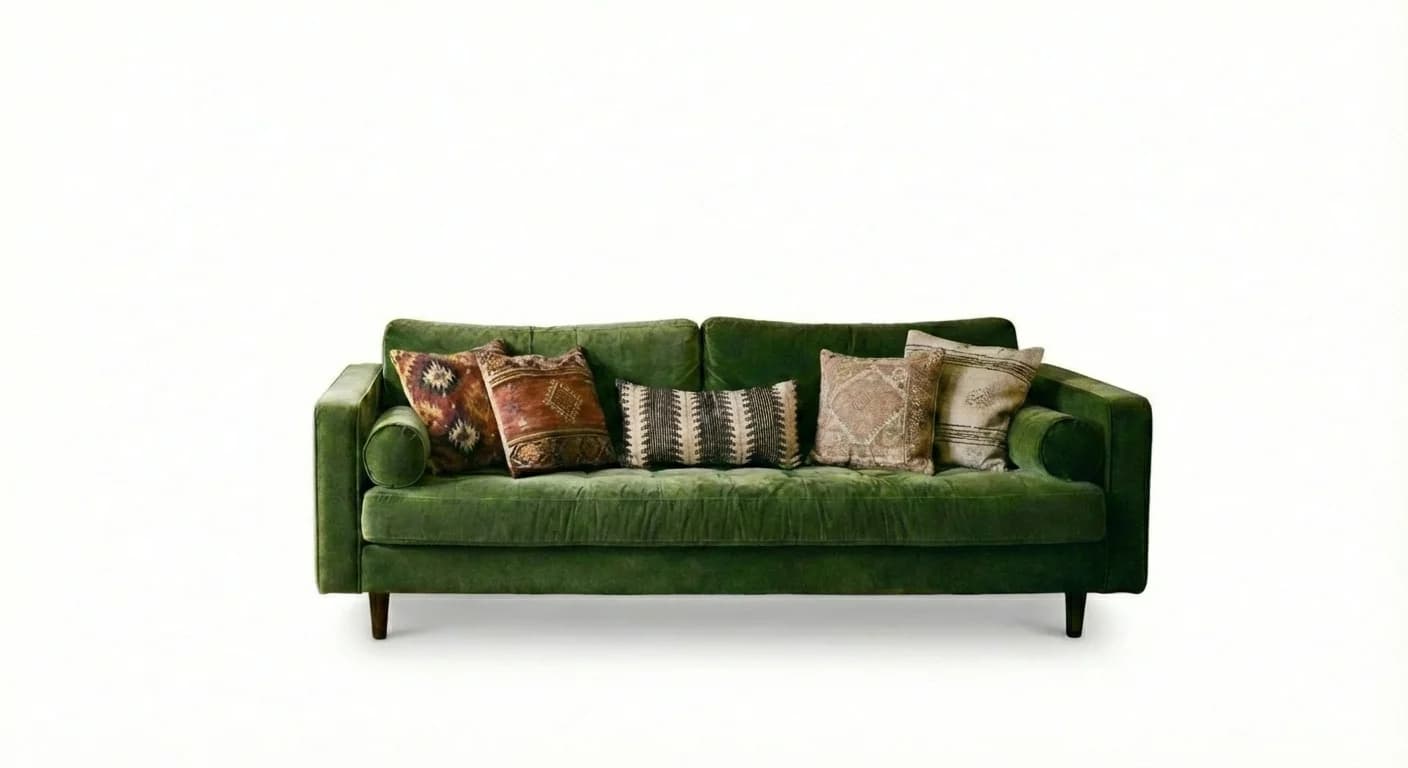
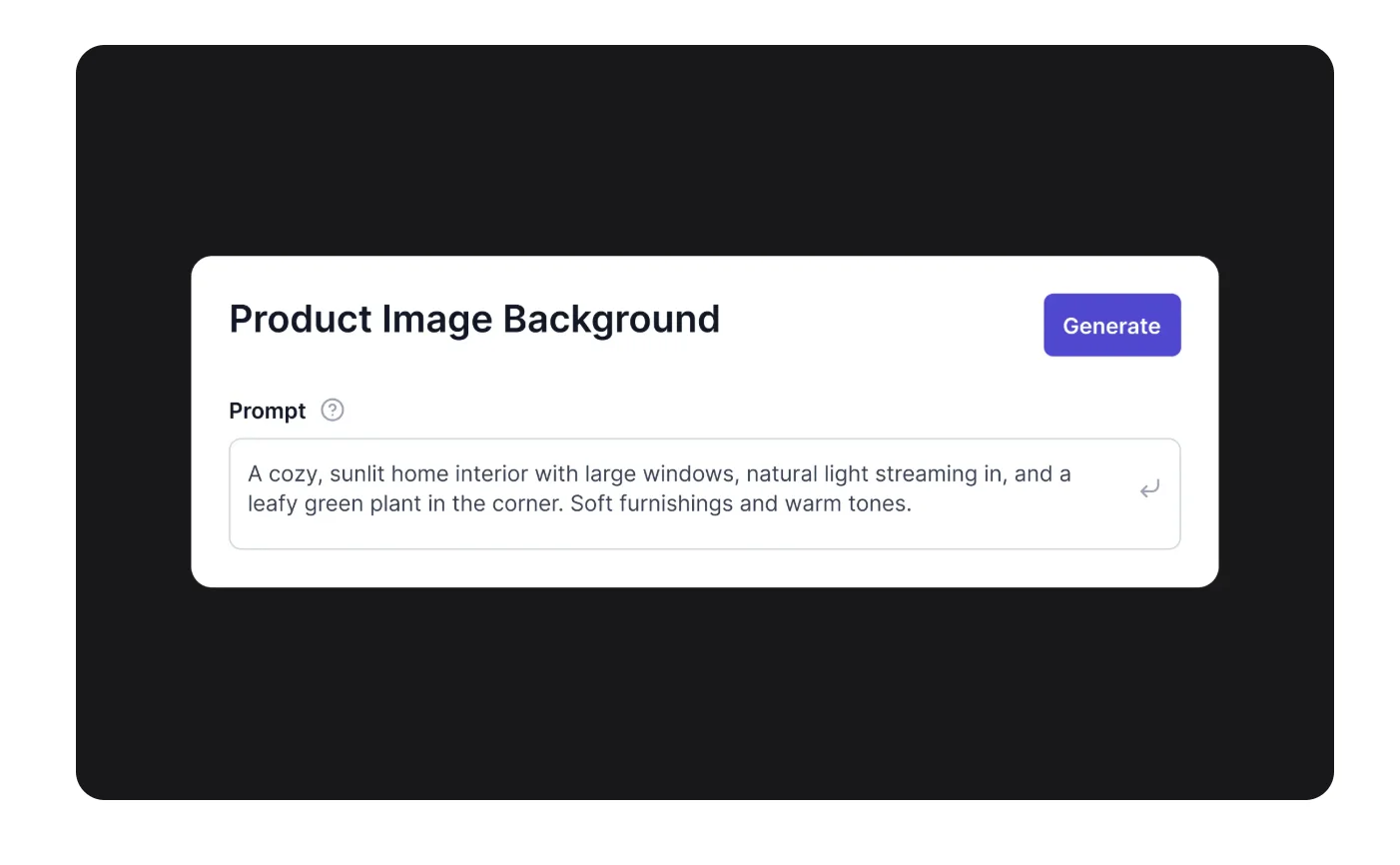
Describe the target scene
Describe the target environment with concrete details such as mood, materials, surface type, depth, and light direction. The clearer your prompt, the easier it is to keep brand consistency across channels. Use one baseline prompt per campaign and only swap the variables that should actually change between assets.
Generate and export variants
Generate multiple options, compare realism, and choose the versions that keep product focus while matching your art direction. Validate shadows, color balance, and edge quality before exporting. Once approved, push the selected backgrounds to ads, PDP modules, social creatives, and marketplace image sets.

Common issues & solutions
FAQs
Quick answers to common questions.
Learn more about ecommerce SEO and catalog optimization
Read guides and tips that expand this tool.

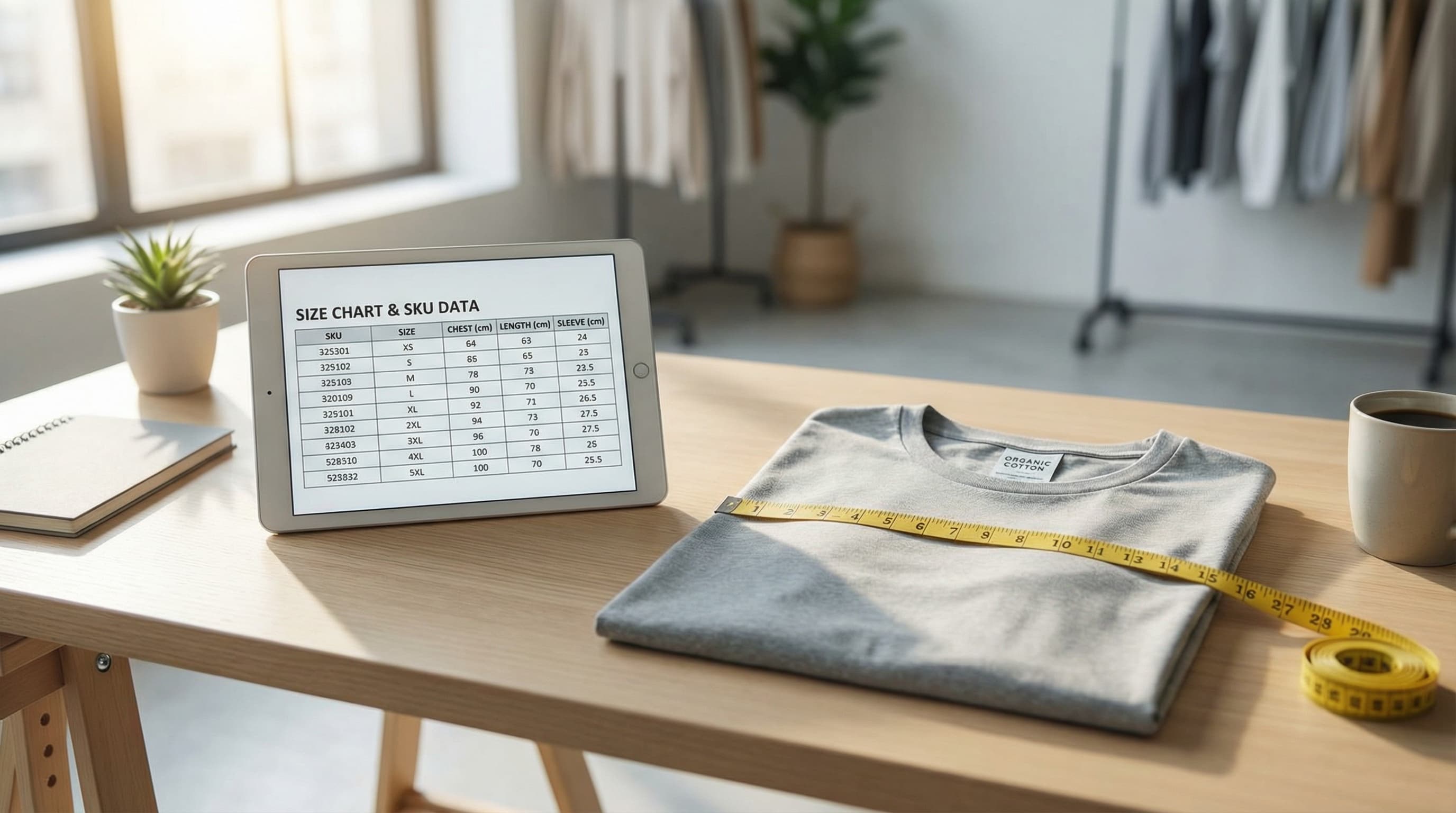
Scalable Size Chart Template: Build a Fit Guide to Reduce Returns
Move beyond static images. Learn how to treat sizing as structured data to reduce returns, improve PDP conversion, and scale your catalog operations.
Read more
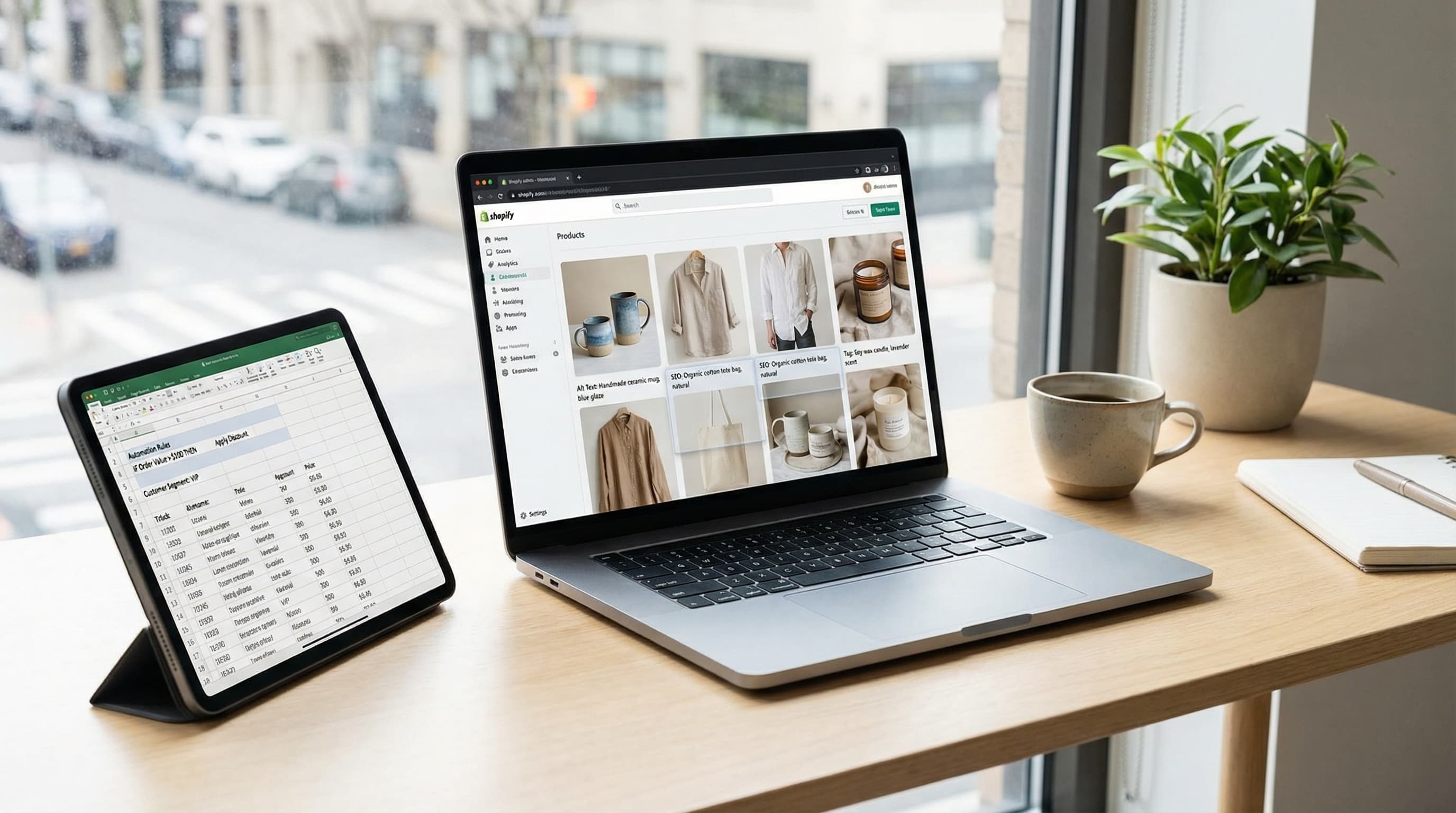
Alt Text in Shopify: Image SEO and Accessibility at Scale
Operational playbook to optimize alt text for thousands of products: SEO, web accessibility, and automation at scale.
Read more
AI eCommerce Product Photography: Scale Your Catalog in 2025
Discover how to optimize eCommerce product photography with AI. A practical guide to reducing shooting costs, improving editing, and scaling your visual catalog.
Read more
Build a Powerful Brand Image for Multichannel eCommerce: Complete Guide 2025 | ButterflAI
Discover how to create a cohesive brand image across all eCommerce channels. Strategies, examples and tools to strengthen your online presence.
Read more
Corporate Identity: Complete Guide to Building a Strong and Cohesive Brand | ButterflAI
Discover how to create a solid and coherent corporate identity. Complete guide with key elements, best practices, and real examples to build a successful brand.
Read more
Organic Traffic for eCommerce: Complete Guide to Increase Visits and Sales 2025 | ButterflAI
Learn to generate organic traffic for your eCommerce with proven SEO strategies, content optimization and advanced techniques to boost sales.
Read moreDiscover more tools
Keep exploring more ways to upgrade your catalog.

AI Outfit Generator for Fashion Ecommerce Teams
Create coordinated outfit variants for ecommerce visuals, merchandising, and campaign production without planning a new photoshoot for every look.
AI Model Generator
Create diverse model imagery for product campaigns, PDPs, and performance ads.
Product Title Generator
Generate product titles that balance keywords, readability, and marketplace limits.
Free AI Product Description Generator
Generate SEO-friendly product descriptions that turn product data into unique, conversion-ready copy.
Free AI Meta Title Generator
Use our free AI meta title generator to draft title tags that surface the main keyword early, stay readable in the SERP, and give teams stronger options to review before publishing.
Free Meta Description Generator
Generate meta descriptions for product pages, collections, blog posts, and landing pages without starting from a blank field.