
Generate alt text automatically
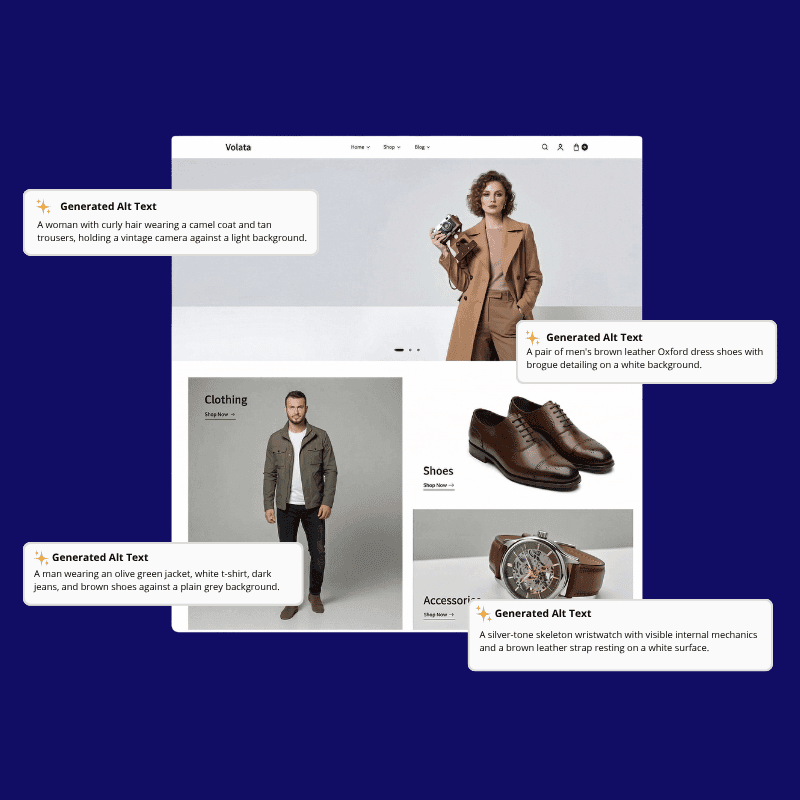
Create accessible, product-aware alt text in bulk with review support and locale-specific guidance.
E-commerce brands that already trust us





Why Alt Text Generation Matters
Alt text is usually one of the first things to break when catalogs grow. Teams need coverage, consistency, and reviewability.
Bulk Coverage
Fill gaps across thousands of images without writing alt text one asset at a time.
Rules and Templates
Apply category-specific guidance so outputs stay descriptive and useful.
Product-Aware Context
Use product attributes and image signals to avoid vague or repetitive copy.
How ButterflAI Alt Text Generation Works
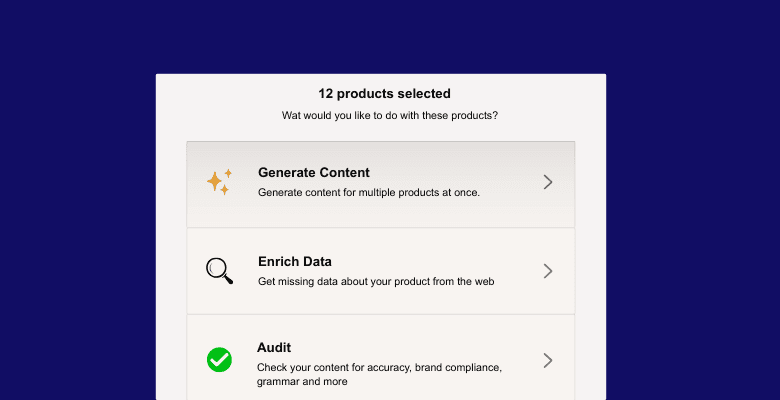
Choose the Product Set
Select the images, products, or collection you want to cover for alt text generation.
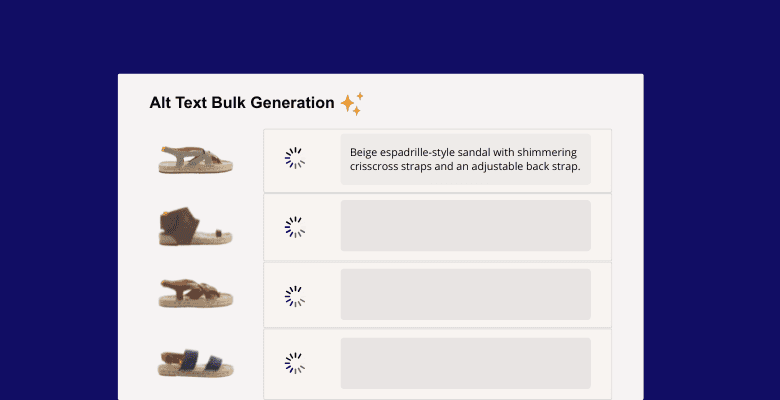
Set Rules and Generate
Use templates, category guidance, and brand rules to produce alt text in bulk.
Review Generated Alt Text
Check the outputs, adjust edge cases, and publish only the entries that are ready.
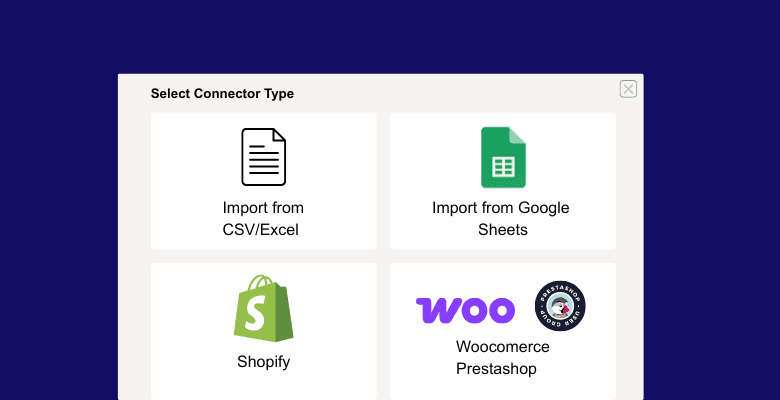
Connect Your Catalog Sources
Keep alt text grounded in real catalog context by connecting the storefront and spreadsheet sources that feed product data, giving teams a repeatable way to scale accessibility copy without relying on isolated visual guesses.
Generate Descriptive Alt Text at Scale
Create clear alt text for every product image at scale, using the photo and its surrounding context to keep each line descriptive, accessible, and specific across large catalogs and recurring refreshes.

Alt Text Generation FAQs
Answers to common questions about accessibility and image SEO workflows.
How long should alt text be?
Is this for SEO or accessibility?
Can you reference variants like color or material?
Can a human review the results before publishing?
Can I avoid keyword stuffing and keep alt text on-brand?
Can I skip decorative or low-priority images during a run?
Does it support locale-specific guidance?
ButterflAI
Improve Image Coverage without Manual Rework
See how ButterflAI turns alt text generation into a repeatable catalog workflow.