Product Clothes Changes
Change outfits on model photos with AI for faster fashion creative tests. Free tool, no payment required. No sign up required.
Swap outfits on model shots
Upload a base photo and apply new apparel.
What is virtual clothes change?
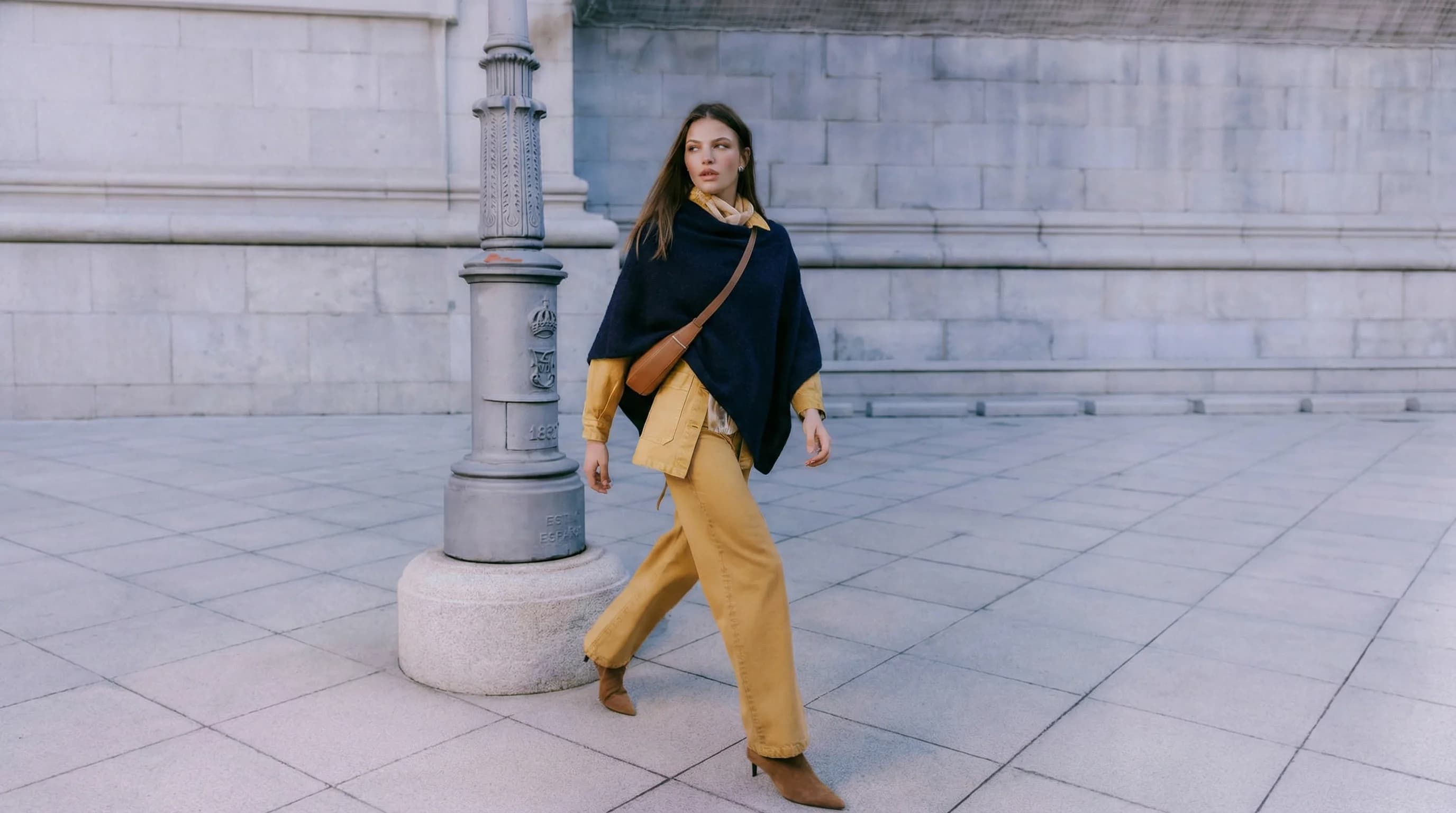
Virtual clothes change is the process of replacing or transforming apparel digitally in product imagery to test styles, variants, and creative directions without new photo shoots.
Variant speed. Teams can test multiple looks quickly without re-shooting every combination.
Creative flexibility. Digital wardrobe changes support campaign experimentation with lower production overhead.
Catalog scalability. Visual consistency is easier to maintain across many apparel SKUs and seasonal drops.
E-commerce brands that already trust us





Key features built for commerce teams
Everything you need to standardize, scale and ship quality outputs.
Apparel type support
Work with tops, dresses, outerwear, and accessories across seasonal lines and campaigns.
Realistic drape
Maintain natural folds, shadows, and fit so swaps feel believable and on-brand.
Bulk variant creation
Generate full outfit sets in one batch for launches, lookbooks, and creative tests.
Brand styling controls
Match fabrics, colors, and art direction to keep styling consistent across collections.
Popular use cases
Where teams use outfit changes to scale fashion imagery without reshoots.
Show color variants quickly
Generate multiple colorways without reshooting models, keeping listings complete and consistent. Use it to scale variant imagery when you only have one shoot per style. Great for pre-selling upcoming drops while inventory is still in production.
Refresh looks for campaigns
Update outfits for seasonal themes or promotions while reusing existing model imagery. Ideal for fast seasonal updates where full re‑shoots are too slow or expensive. Lets creative teams test new looks without disrupting the photo calendar.
Reduce photo‑shoot costs
Scale product imagery without scheduling new shoots for every style change. Helpful when testing multiple looks in ads without creating new photography. Keeps spend controlled while still expanding the creative library.
Fill missing variant images
Create coverage for sizes or styles that were never photographed in the original session. Great for early‑stage design teams needing realistic previews before production. Supports internal approvals and sales decks with consistent visuals.
Localize styling by region
Adapt outfits to regional preferences without duplicating the entire creative process. Useful when climate or cultural differences require distinct styling. Supports localized campaigns without separate photo budgets.
Scale client lookbooks
Generate additional outfit variations for campaigns while keeping a consistent model and pose. Perfect for assortment testing when you need many visuals quickly. Useful for rapid campaign pivots and drop testing.
Test different styles in ads
Create multiple outfit variants to see what converts best in paid campaigns. Enables rapid creative iteration without waiting on new photography. Great for agencies optimizing spend across multiple brands.
Visualize early samples
Preview how new garments look on‑model before full production or photography. Helpful for design decisions and early go-to-market planning. Reduces risk by validating looks before production spend. Useful for retail line reviews.
How it works
Three quick steps from input to output to keep media workflows fast and consistent.
Upload a base model
Use a clean, well-lit model photo to preserve pose, texture, and proportions. A strong base image prevents most downstream issues. Use consistent poses, neutral expressions, and uncluttered backgrounds so the garment swap focuses on the clothing.
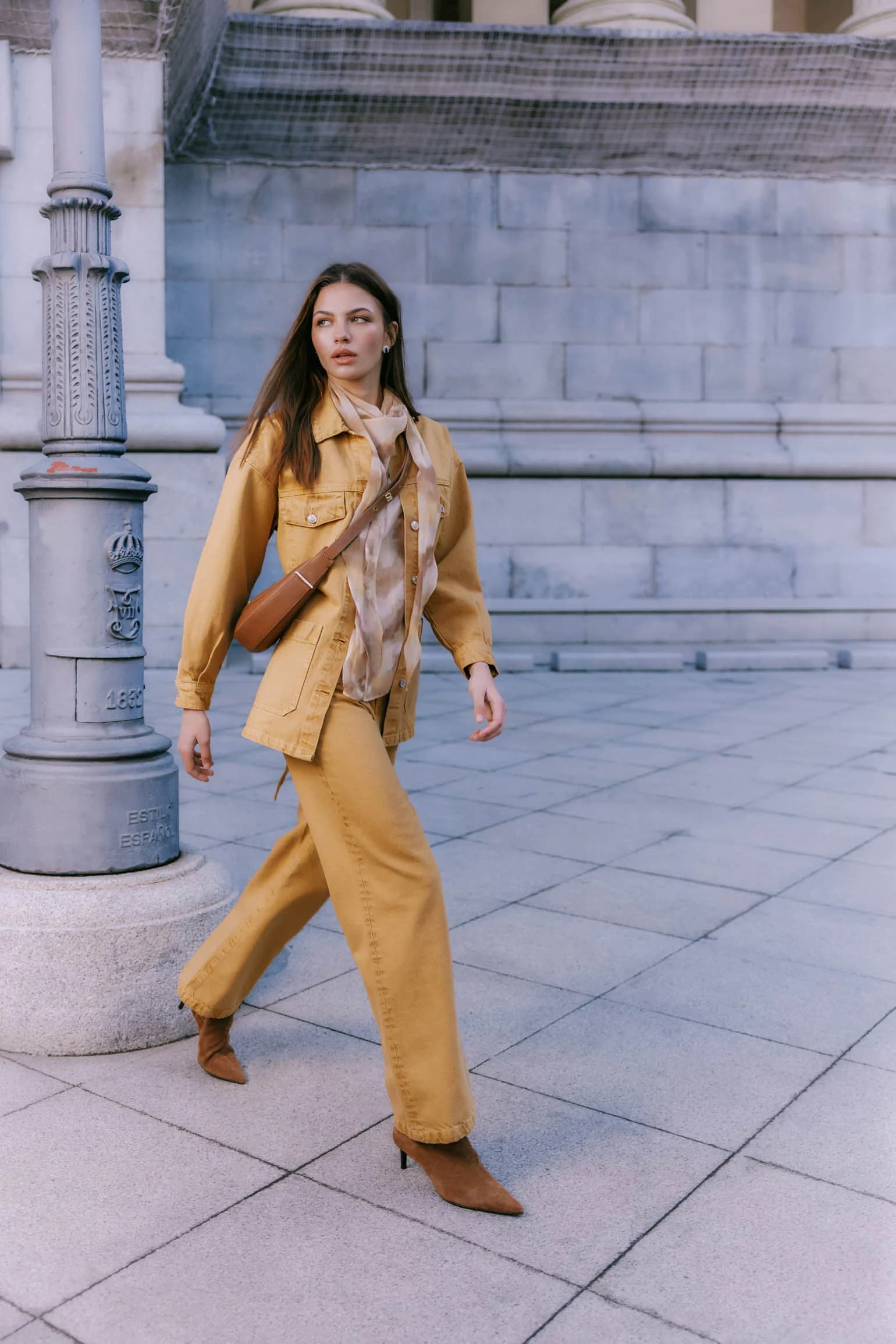
Add garments
Upload new garments or collections to apply over the base look and set the creative direction. The more precise your garment instructions, the more realistic the result. Include fabric type, weight, fit notes, and any distinctive details like.
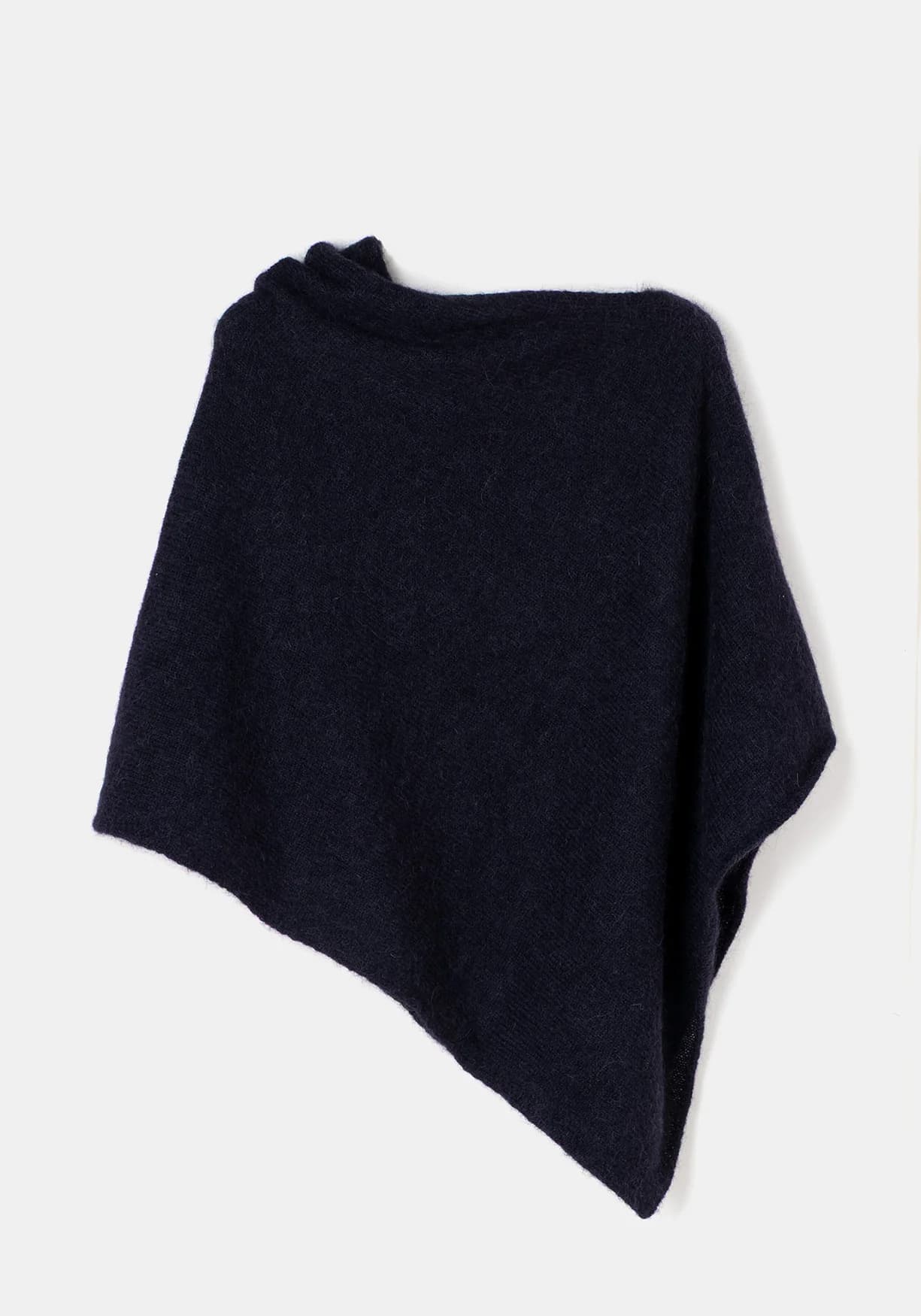
Generate variants
Generate realistic variants ready for campaigns, lookbooks, and A/B visual tests. Batching is where you lock in consistency. Start with a small set to validate fit, texture, and lighting, then apply the same settings across the rest of the.
Common issues & solutions
FAQs
Quick answers to common questions.
Learn more about ecommerce SEO and catalog optimization
Read guides and tips that expand this tool.
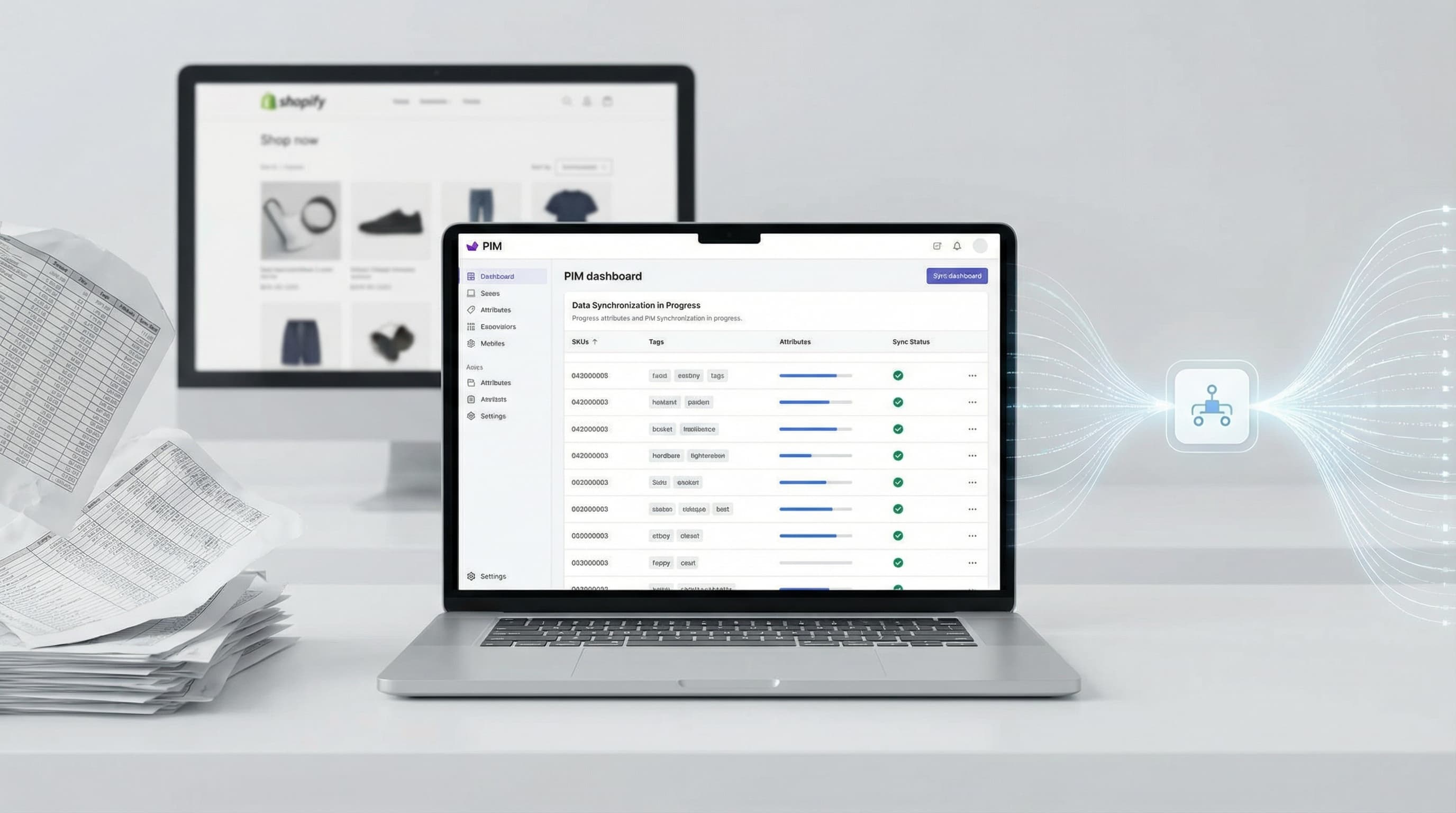
How to Implement an eCommerce PIM to Scale Your Shopify Catalog
Master your product data model, centralize attributes, and eliminate CSV chaos with an effective eCommerce PIM strategy.
Read more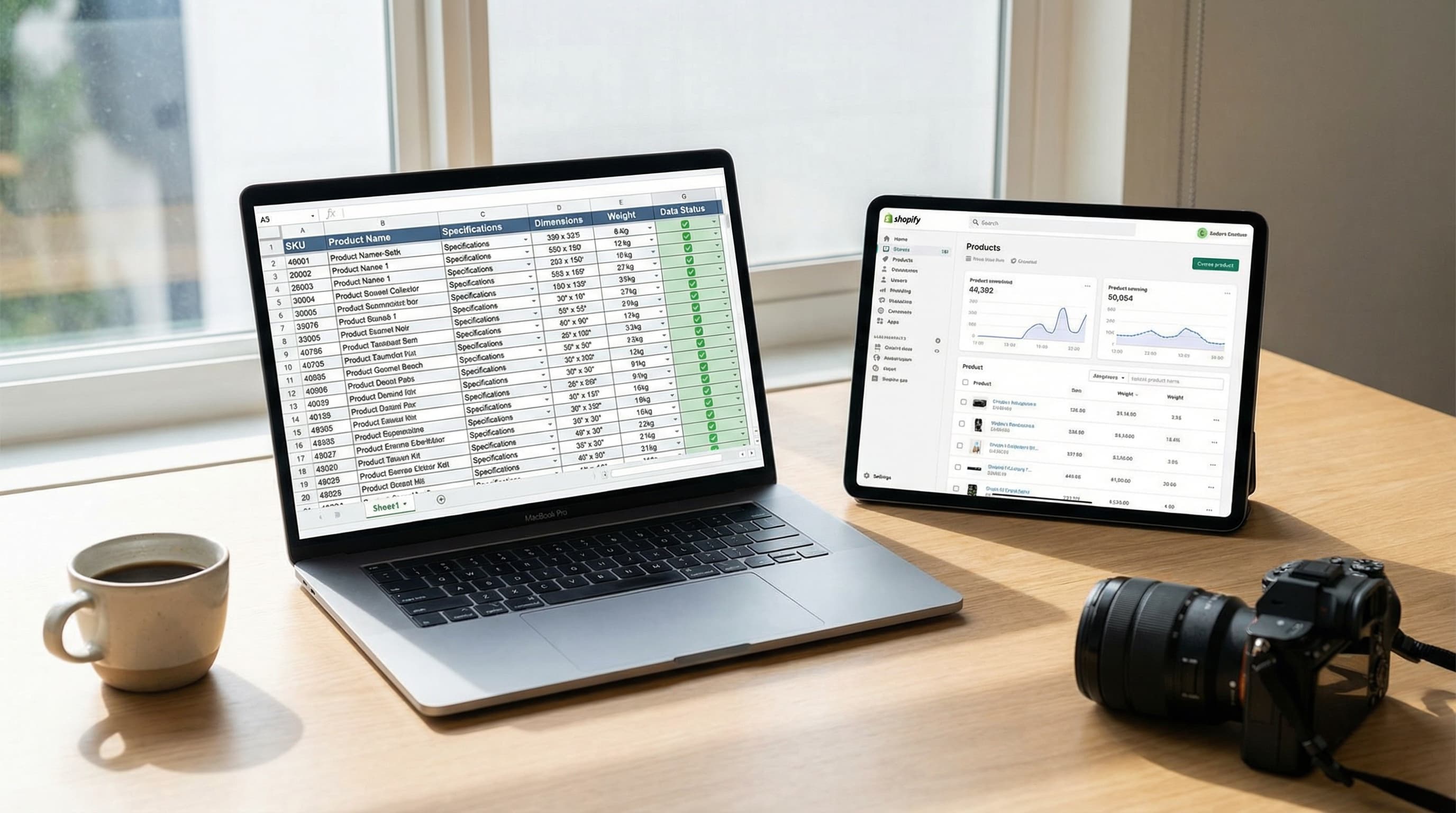
Product Datasheet Template for eCommerce: Guide and Data Model
Practical guide to structuring your catalog data, optimizing Shopify mapping, and preparing your store for AI scaling.
Read more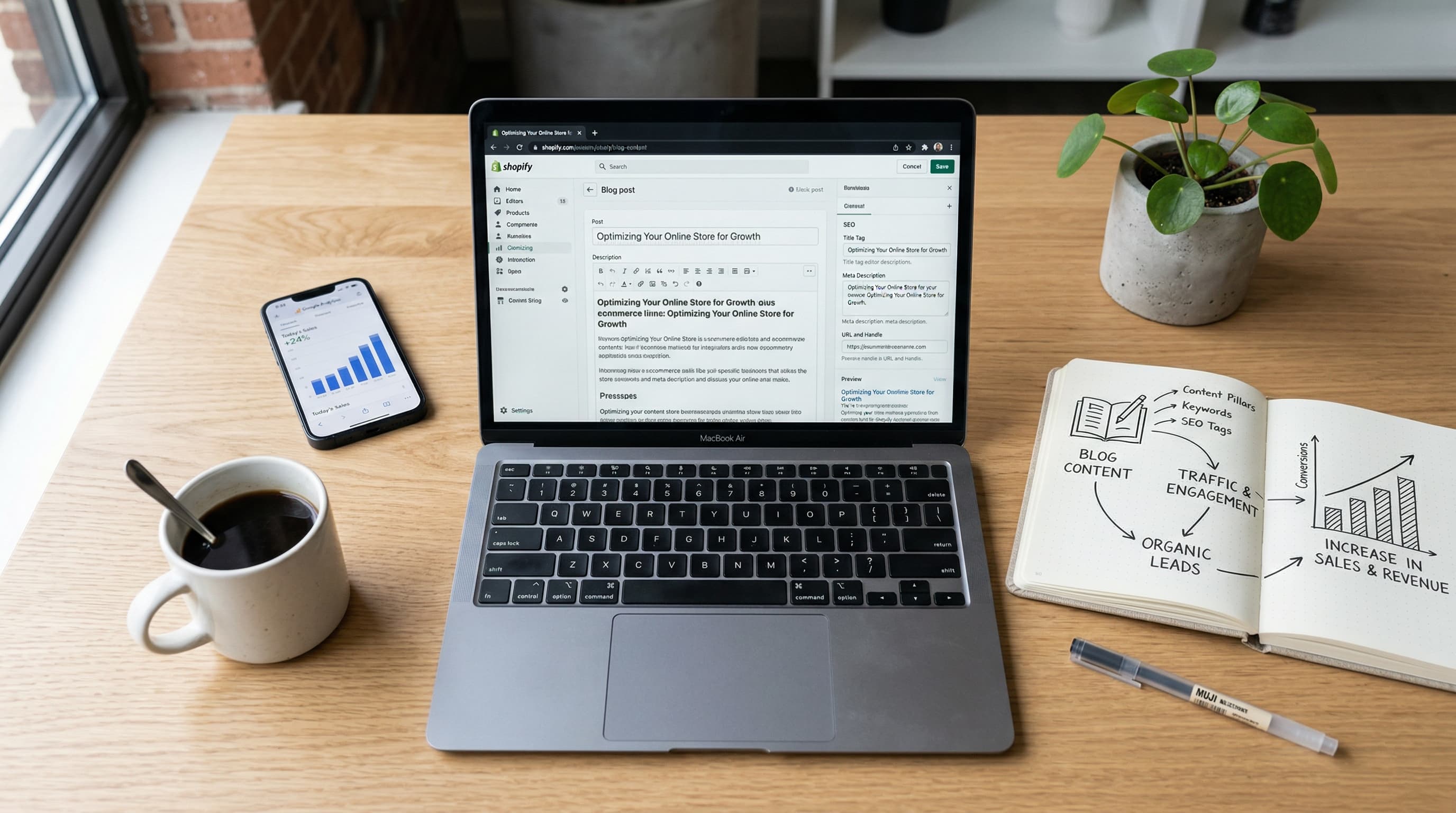
Blogging on Shopify: Organic Traffic and Sales | Butterflai
Learn how to turn a Shopify blog into an organic growth engine with SEO structure, informational keyword targeting, internal linking, and conversion-focused content that lowers CAC, builds authority, and sends qualified readers into your product pages.
Read more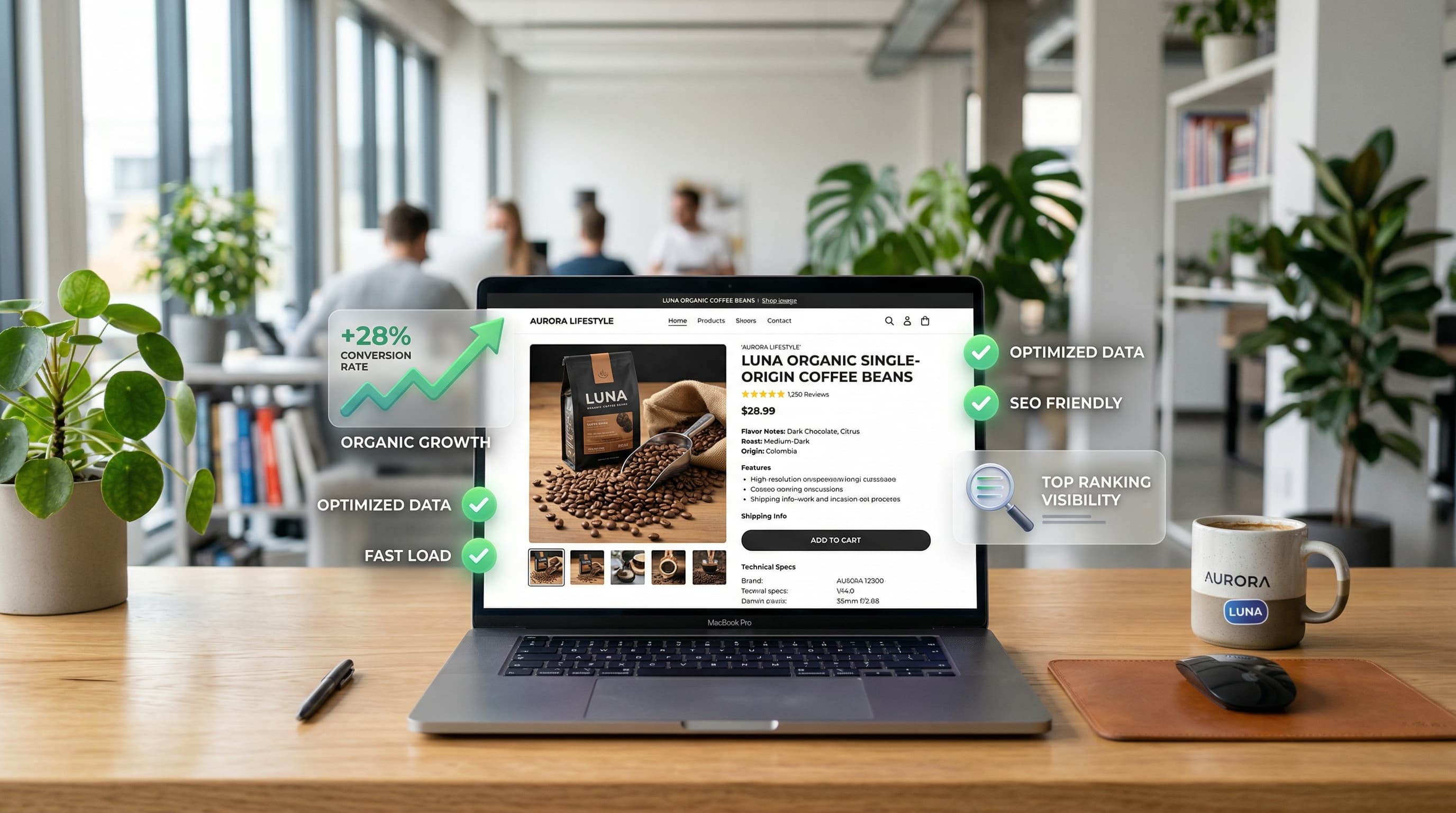
How to Improve Your Product Page SEO: 15 Best Practices
A deep dive into technical, content, and conversion strategies to rank your product pages and scale your eCommerce organic growth.
Read more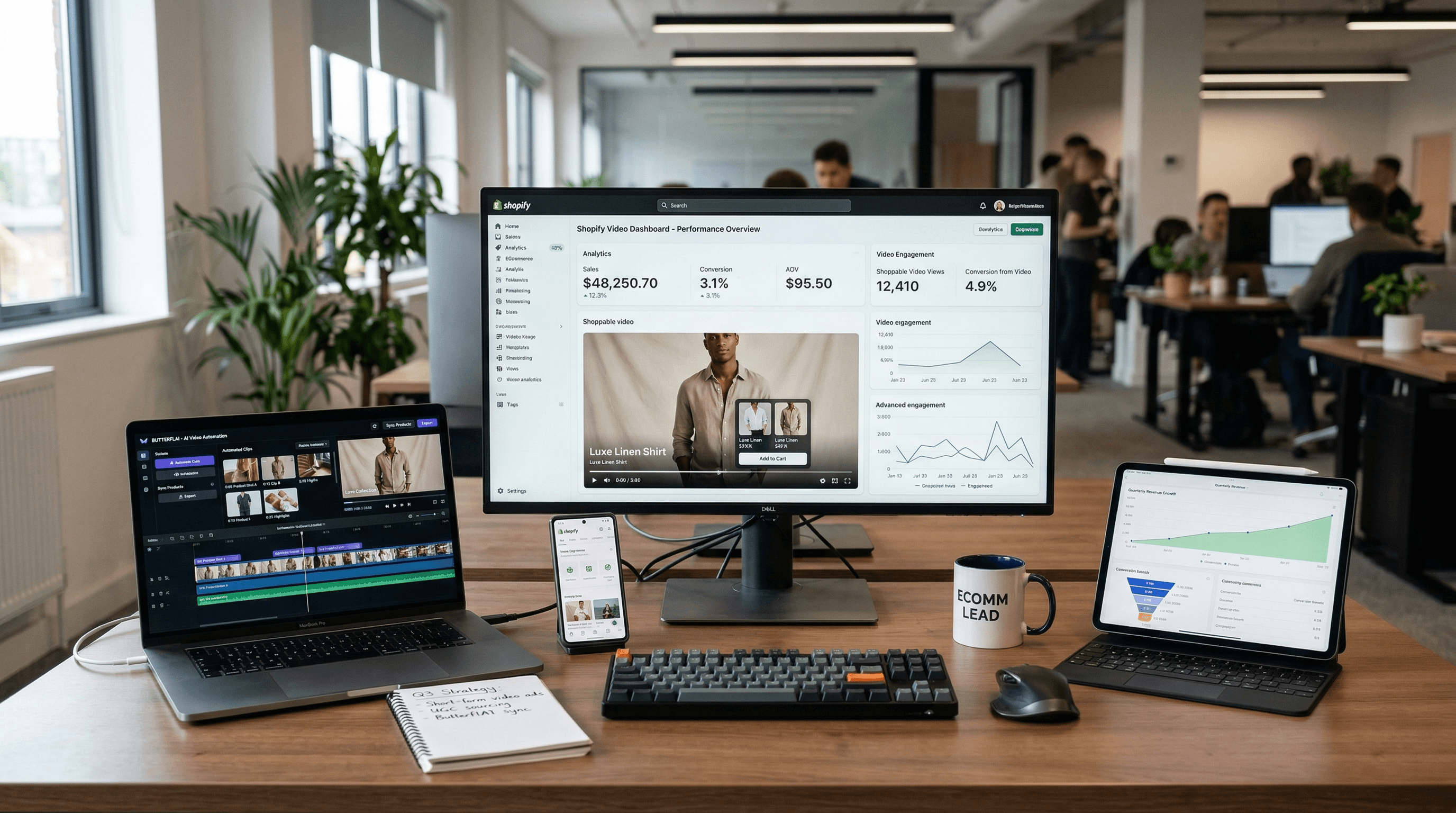
11 Best Video Tools for Shopify Apps: Scaling Your eCommerce
Scale your product conversions with the best video editing and AI automation tools for Shopify in 2026.
Read more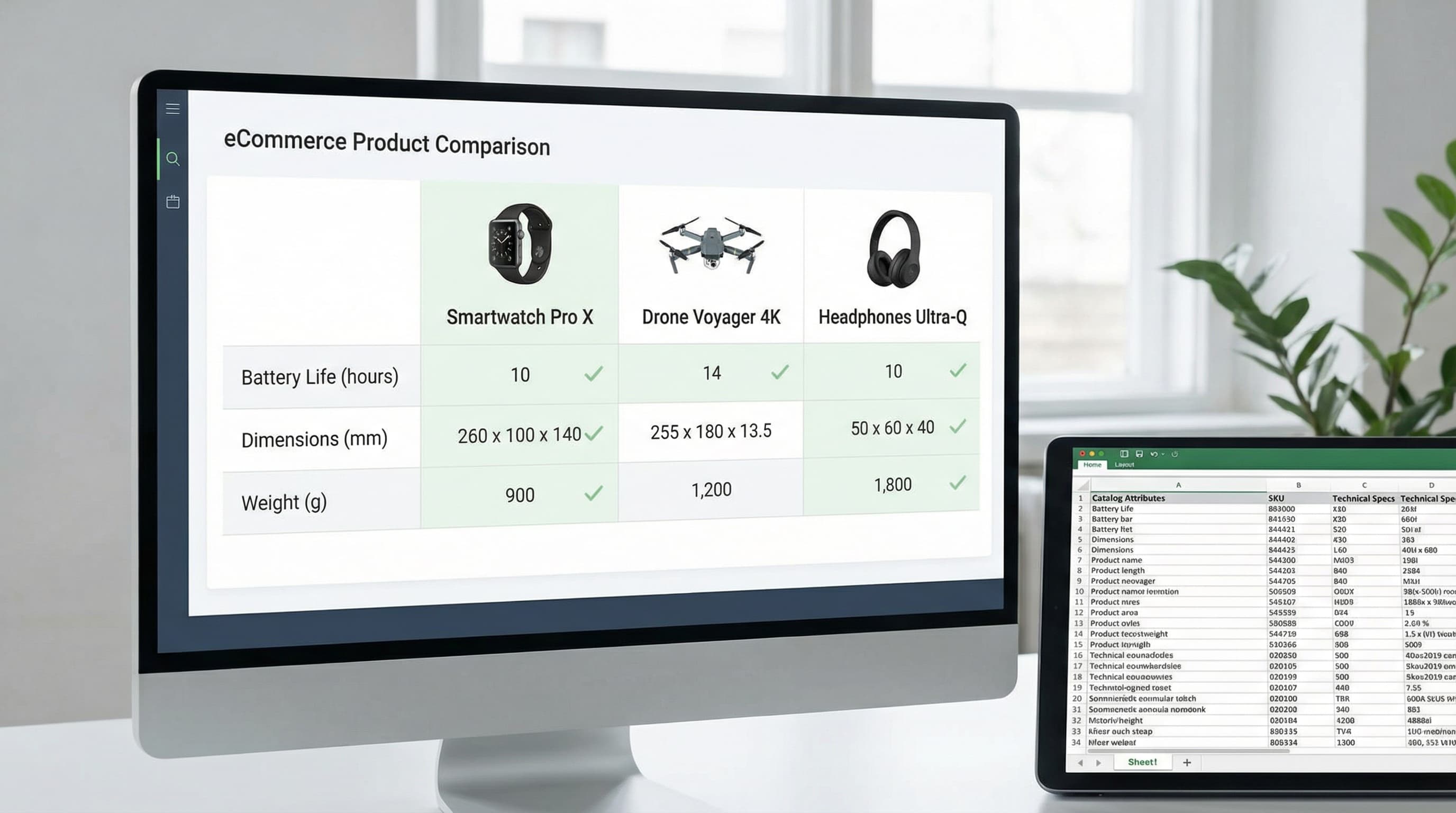
Building Scalable Ecommerce Product Comparison Tables
Stop manually updating static charts. A data-first playbook to building scalable, dynamic product comparison tables that drive conversion and reduce returns.
Read moreDiscover more tools
Keep exploring more ways to upgrade your catalog.
Product Video Generator
Turn product context into short videos designed for ads, social, and ecommerce PDPs.
AI Background Generator
Create brand-aligned backgrounds for product photos without manual design work.
AI Outfit Generator for Fashion Ecommerce Teams
Create coordinated outfit variants for ecommerce visuals, merchandising, and campaign production without planning a new photoshoot for every look.
AI Model Generator
Create diverse model imagery for product campaigns, PDPs, and performance ads.
Product Title Generator
Generate product titles that balance keywords, readability, and marketplace limits.
Free AI Product Description Generator
Generate SEO-friendly product descriptions that turn product data into unique, conversion-ready copy.
