Ecommerce tools
AI Background Generator
Create studio-ready product scenes from one image.
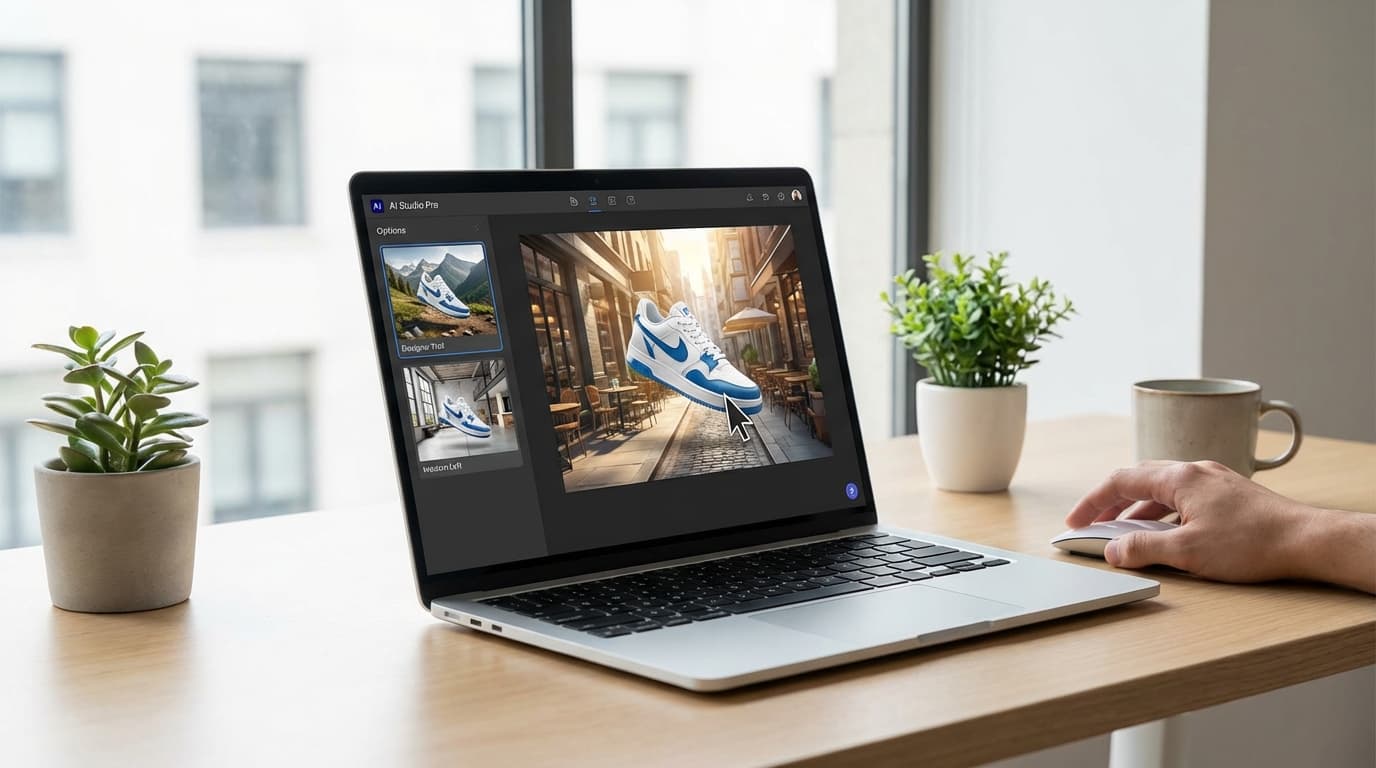
Generate a new background
Upload your product image and describe the scene.
Common catalog issues we solve
Flat product photos that do not fit campaign context
Slow creative production for seasonal visual updates
Inconsistent scene style across ads, PDPs, and social
Teams often have clean cutouts but still need strong contextual scenes to sell the product. Building those backgrounds manually for every SKU is slow and expensive.
This tool generates consistent, on-brand environments from a single image so creative and ecommerce teams can move faster without sacrificing visual quality.
ButterflAI creates realistic backgrounds that match product lighting and brand style at scale.
E-commerce brands that already trust us
Key features built for commerce teams
Everything you need to standardize, scale, and ship quality outputs.
Scene prompt control
Define studio, lifestyle, or seasonal environments with precise creative direction.
Lighting consistency
Keep shadows and product orientation coherent so outputs look natural.
Brand-safe styles
Reuse color palettes and visual rules to keep a uniform catalog identity.
Batch generation
Create multiple scene variants for campaigns, marketplaces, and PDP testing.
Popular use cases
Where ecommerce teams use AI background generation to scale visual production.
Create seasonal visual themes quickly
Swap scenes for holidays and promotions without reshooting products, so campaign refreshes move faster.
Improve hero image context
Generate lifestyle or studio backgrounds that highlight product positioning and increase page clarity.
Test scene variants in ads
Produce multiple creative angles to test which visual context drives higher click-through and conversion.
Scale client visual production
Deliver consistent, branded assets across multiple accounts without expanding manual design effort.
How it works
Three quick steps from input to output, designed to keep media workflows fast without sacrificing consistency. Each step helps standardize assets across channels, so you can process large batches confidently while keeping output quality aligned with marketplace and brand requirements.
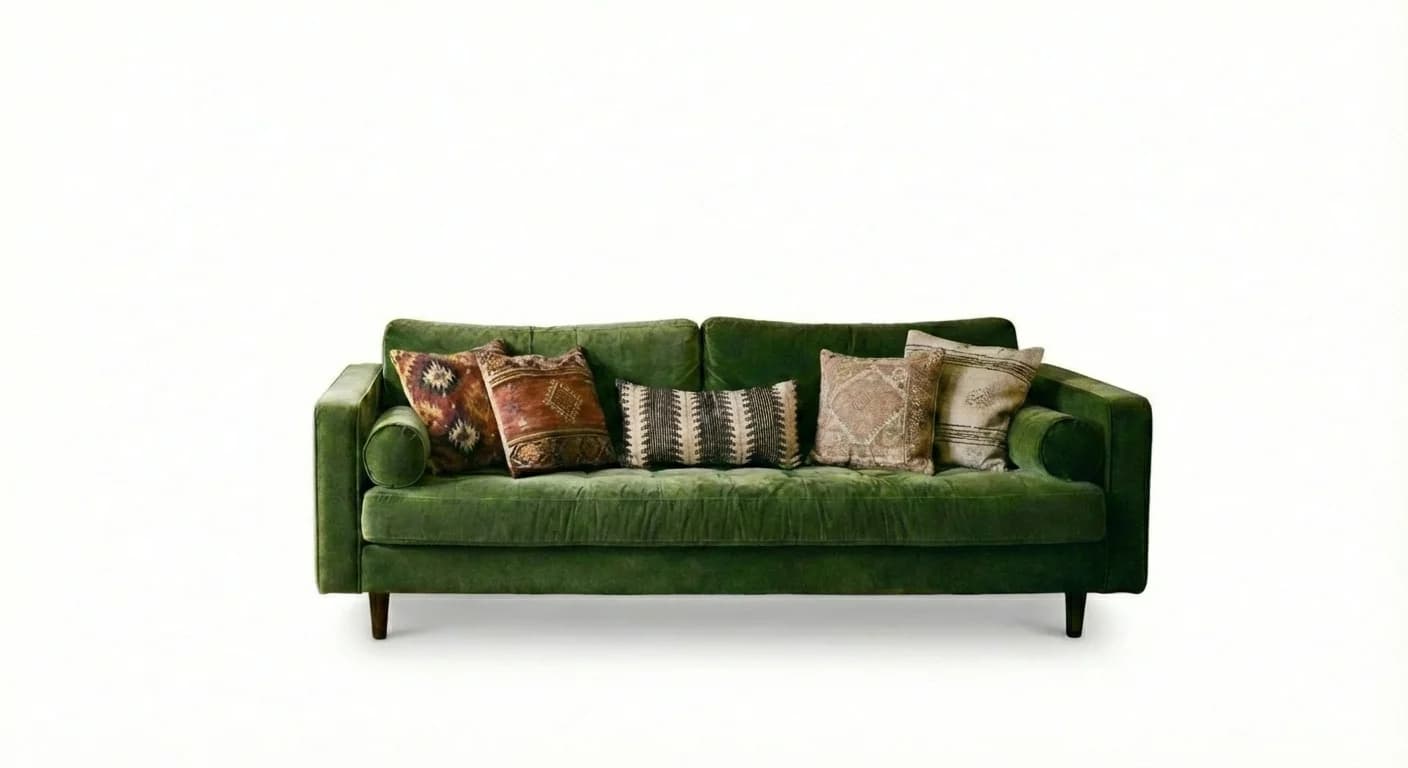
Upload the product image
Upload the cleanest product photo you have, ideally with sharp edges and consistent lighting, so the model can preserve contours and textures when it relocates the item into a new scene. Keep the crop stable across variants and use SKU-based filenames to simplify QA, approvals, and batch publishing later.
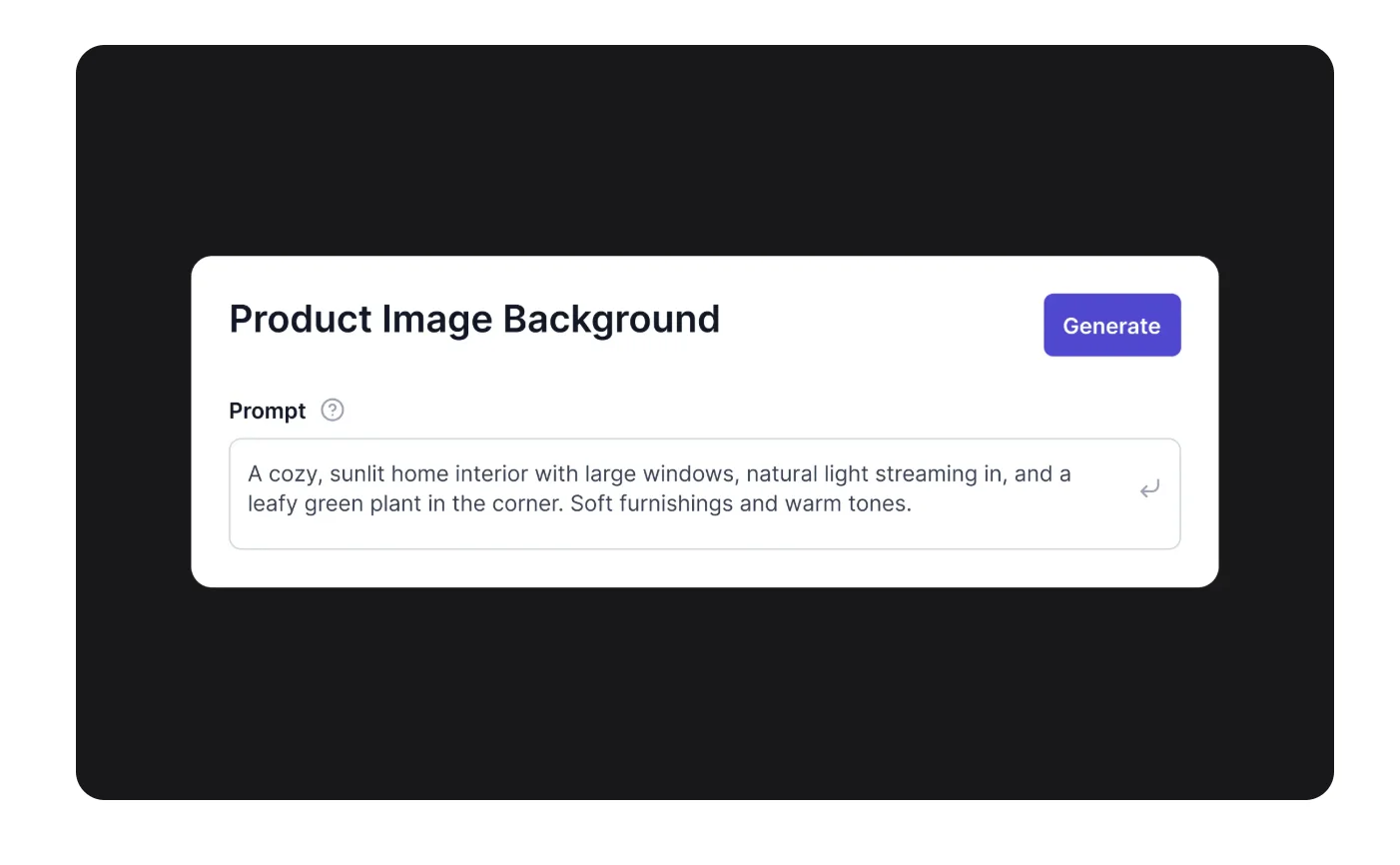
Describe the target scene
Describe the target environment with concrete details such as mood, materials, surface type, depth, and light direction. The clearer your prompt, the easier it is to keep brand consistency across channels. Use one baseline prompt per campaign and only swap the variables that should actually change between assets.
Generate and export variants
Generate multiple options, compare realism, and choose the versions that keep product focus while matching your art direction. Validate shadows, color balance, and edge quality before exporting. Once approved, push the selected backgrounds to ads, PDP modules, social creatives, and marketplace image sets.

Common issues & solutions
FAQs
Quick answers to common questions.
Recommended Shopify resources
Explore related guides to improve optimization, catalog structure and technical SEO control.
Media quality and image consistency
Keep Shopify media sharp, consistent, and conversion-ready by standardizing image ratios, alt text, and variant mapping across your entire store.
Explore guideCatalog structure and product taxonomy
Build a Shopify catalog that scales with clear product types, collections, and merchandising rules so shoppers can find what they need fast and reliably.
Explore guideBulk editing workflows in Shopify
Bulk work fails when CSVs are messy and updates are unverified. Focus on data hygiene, safe rollouts, and the Shopify bulk editor with ButterflAI review queues.
Explore guideLearn more about ecommerce SEO and catalog optimization
Read the guides and tips that expand on this tool.
Build a Powerful Brand Image for Multichannel eCommerce
Transform your online business with a cohesive brand image strategy. Learn how to create visual impact and strengthen customer loyalty across all digital channels.
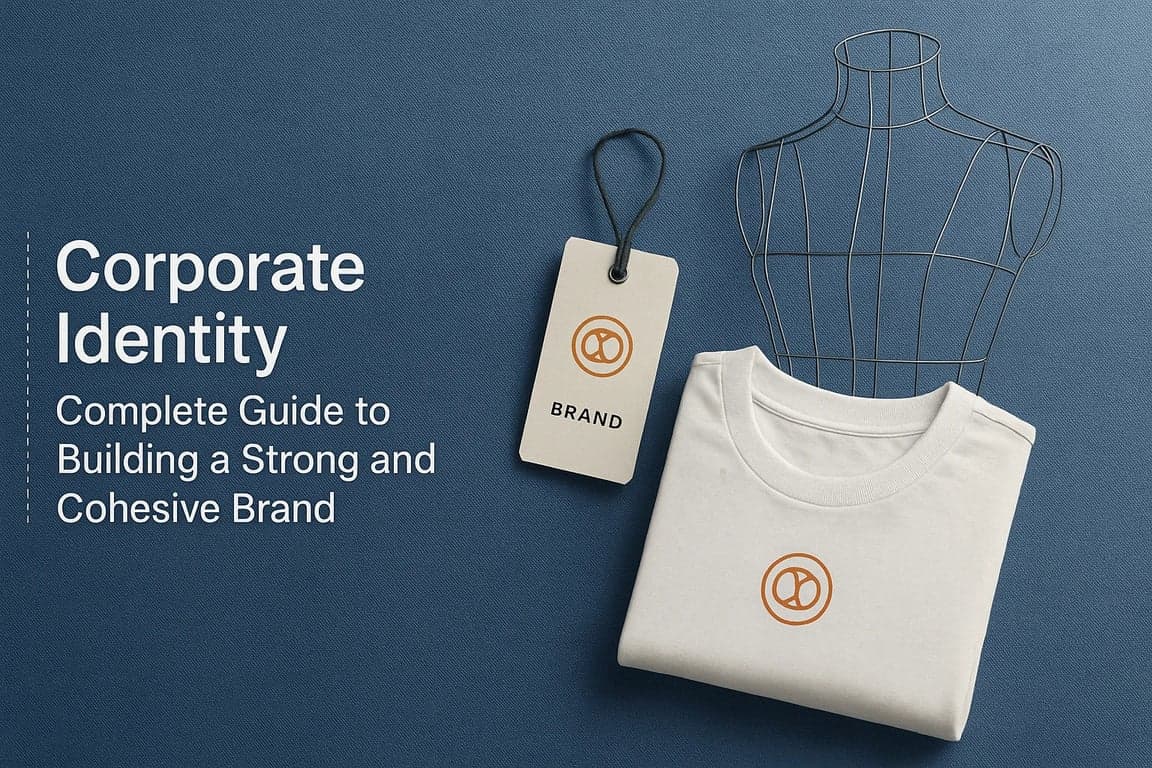
Read moreCorporate Identity: Complete Guide to Building a Strong and Cohesive Brand
Corporate identity is your company's DNA: it defines who you are, how you're perceived, and why you're chosen. Discover how to create a solid corporate identity that generates trust, differentiation, and emotional connection with your audience.
Read moreOrganic Traffic for eCommerce: Complete Guide to Increase Visits and Sales
Master the most effective SEO strategies to generate quality organic traffic that converts. Discover proven techniques, real success cases and a step-by-step action plan to transform your online store into a customer magnet.
Read moreDiscover more tools
Keep exploring more ways to upgrade your catalog.

Outfit Generator
Generate new on-model outfit combinations with our free Outfit Generator to scale fashion creative without extra photo shoots.
AI Model Generator
Generate ecommerce-ready AI model images with our free AI Model Generator to scale fashion and beauty visuals without reshoots.
Product Title Optimizer
Generate SEO-ready product titles in seconds with our free AI Product Title Optimizer to improve click-through rate, ranking, and sales.