
Clean hero shots for listings
Bags, belts, eyewear, and small goods need simple, product-first images with accurate shape and a background that supports marketplace or retailer use.
Cover clean ecommerce packshots, hardware close-ups, and editorial lifestyle scenes for bags, belts, sunglasses, and small leather goods.
Free Trial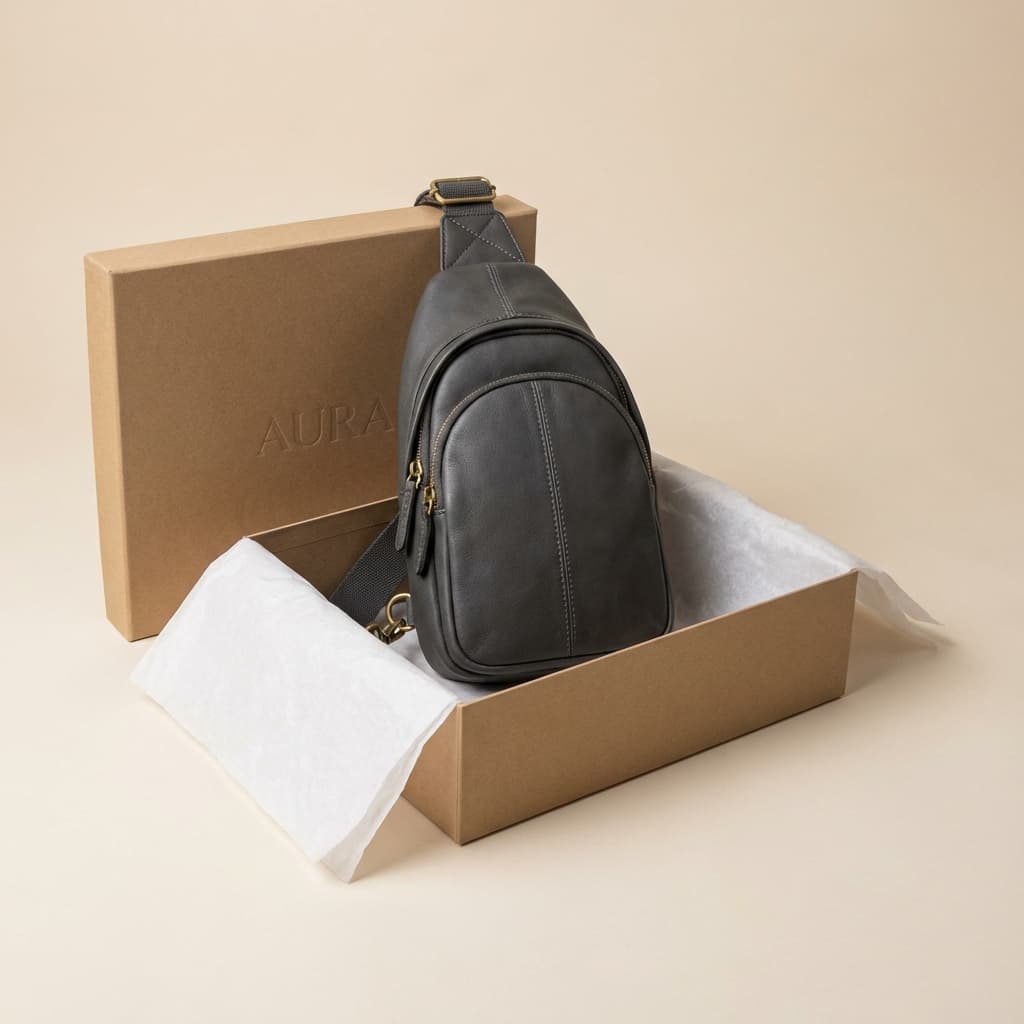
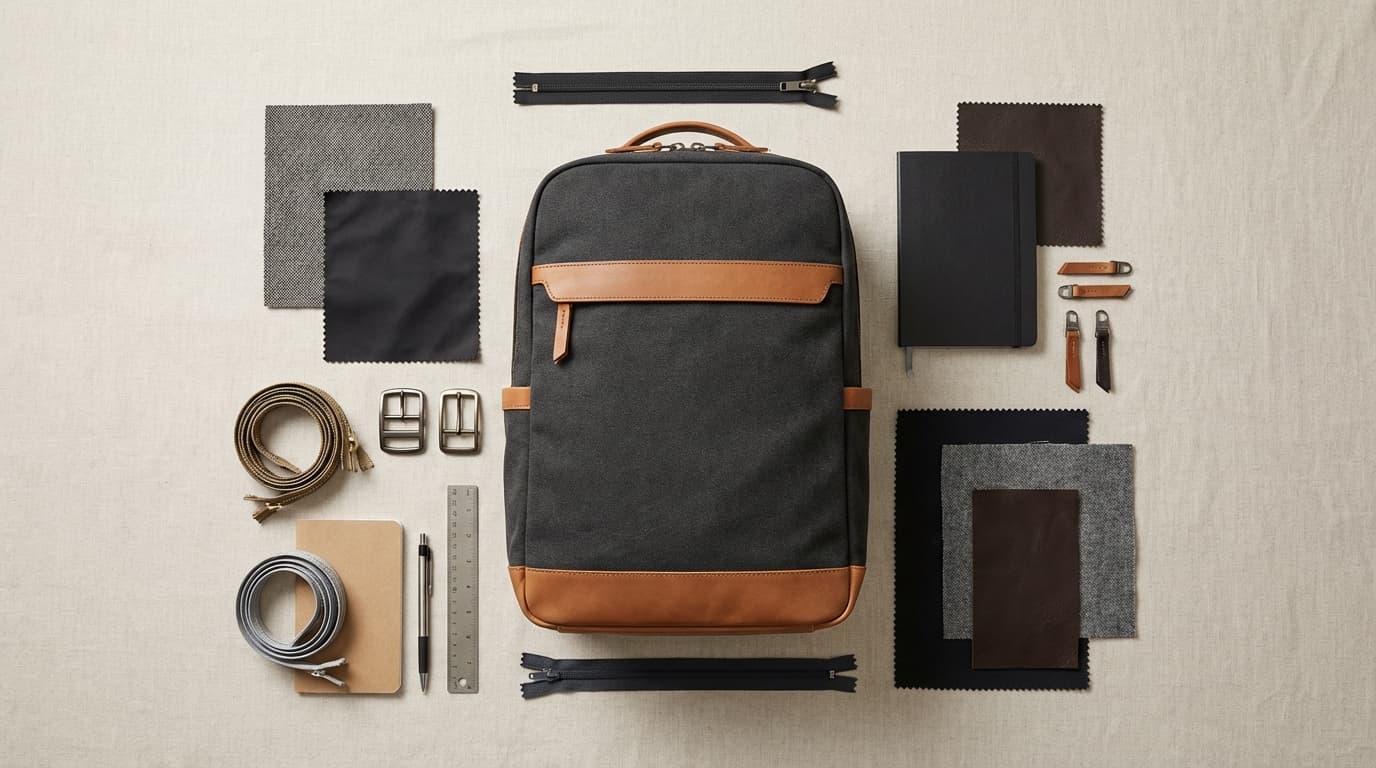
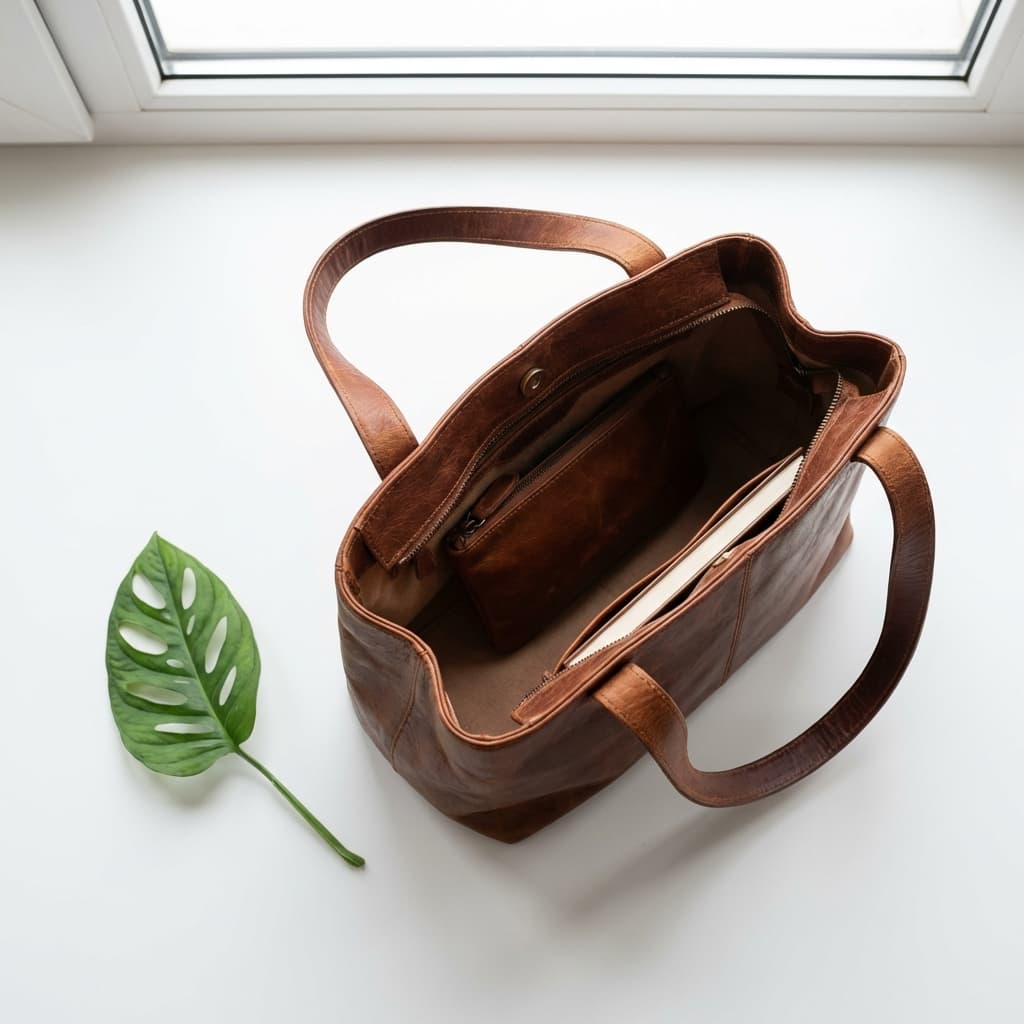
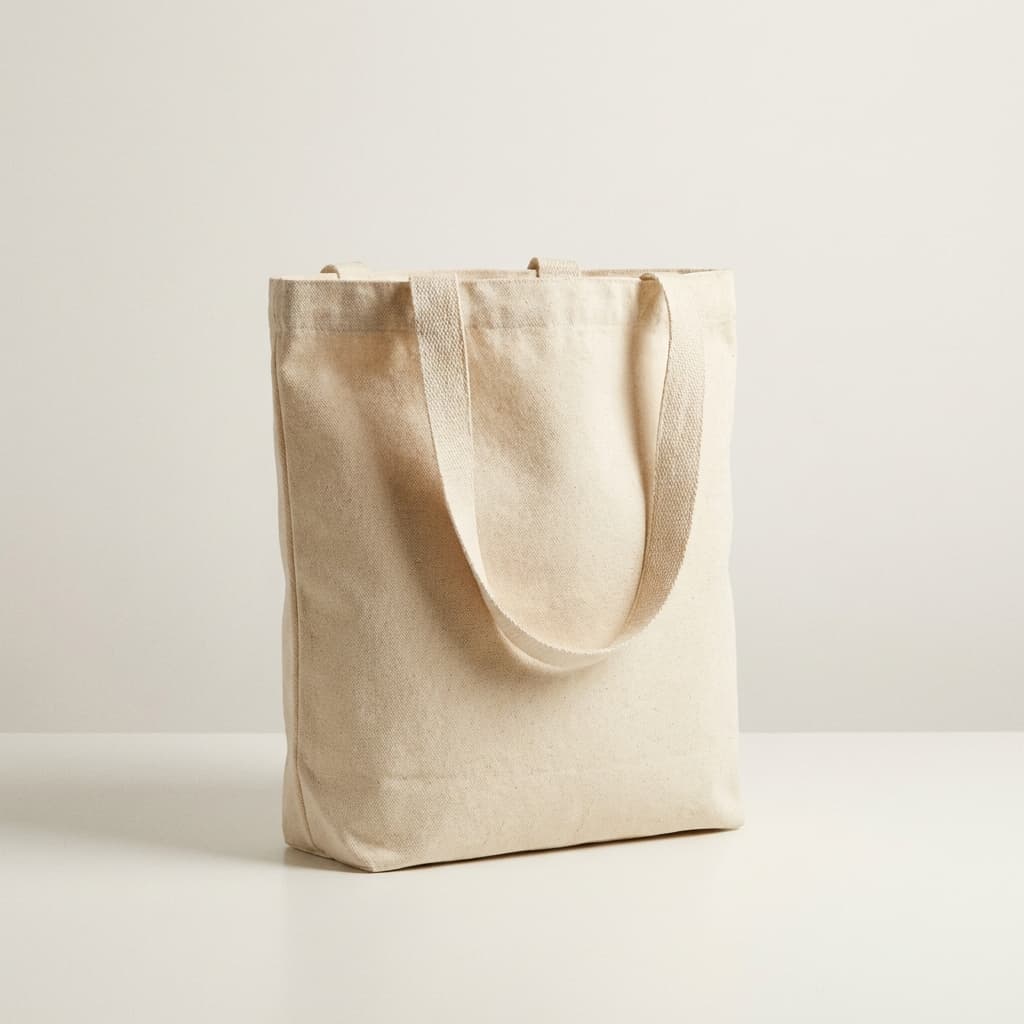







Nine accessory image directions mixing marketplace-safe hero shots, detail-led compositions, and premium styled scenes.
Accessory-focused search results usually reward clean packshots, craftsmanship detail, and premium lifestyle styling that keeps the product dominant.
Bags, belts, eyewear, and small goods need simple, product-first images with accurate shape and a background that supports marketplace or retailer use.
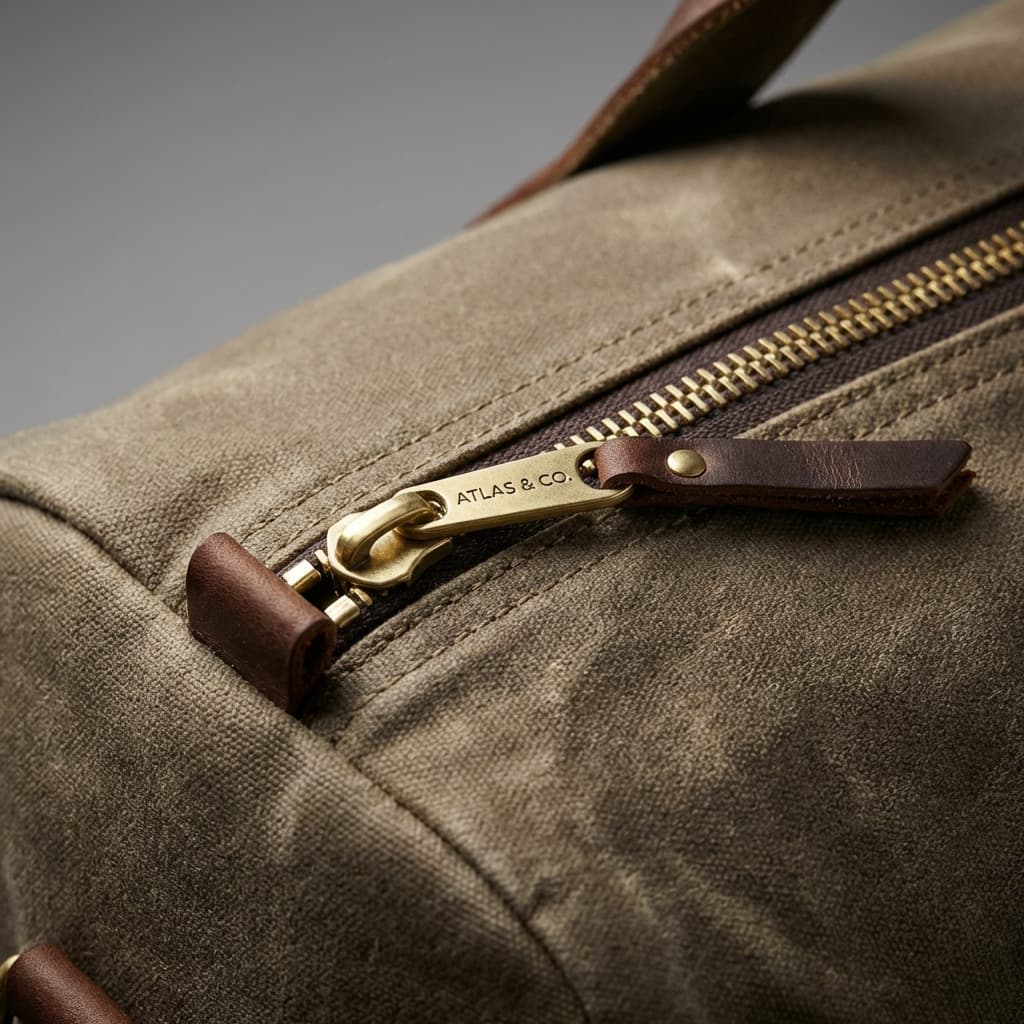
Close-ups of leather grain, metal hardware, stitching, edges, and lens treatments help shoppers judge build quality quickly.
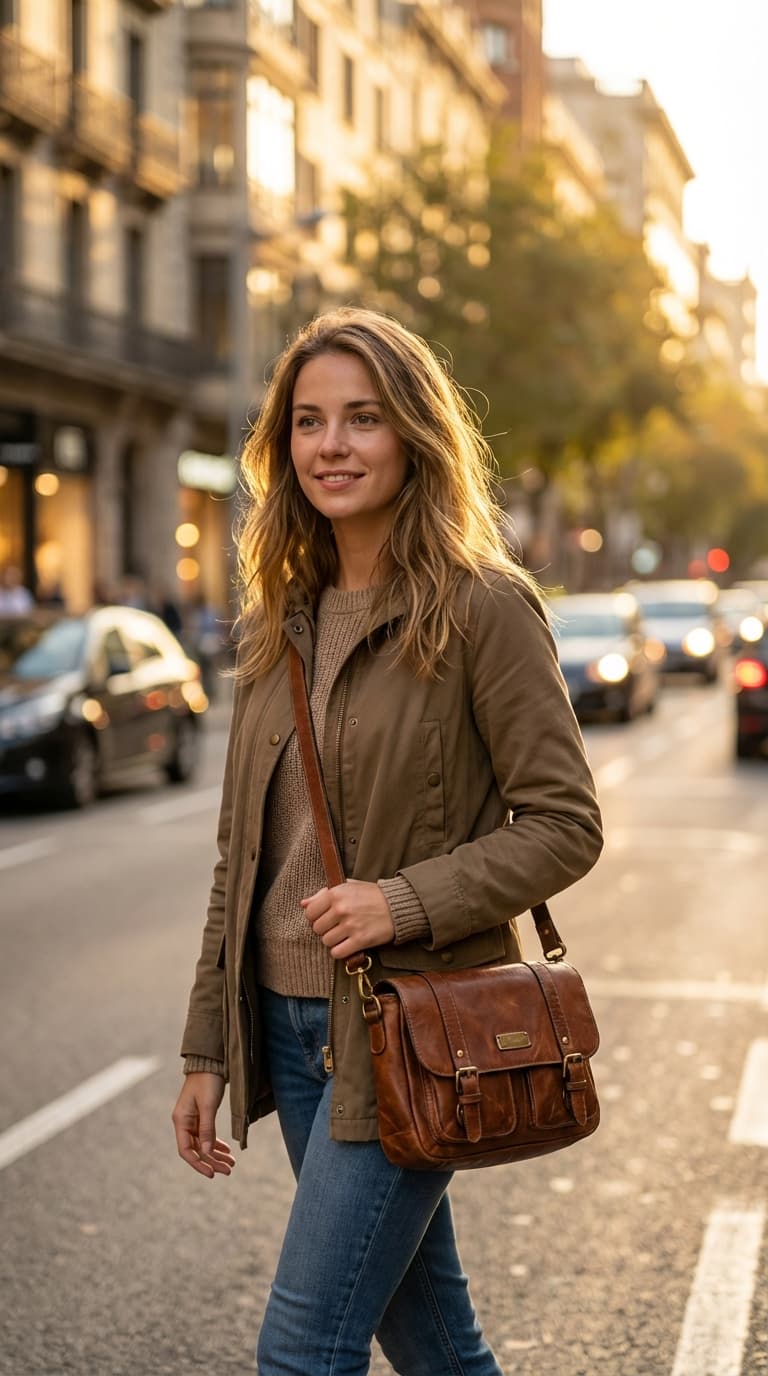
Premium editorial or worn-context scenes work best when they reinforce travel, gifting, or fashion positioning without overpowering the SKU.
Build the product-only listing image first so edges, handles, straps, lenses, and silhouettes stay clear and trustworthy.
Choose the close-ups that matter most, from buckles and zippers to stitching, embossing, or frame finishes.
Produce PDP, campaign, and marketplace variants quickly, then curate the strongest scenes and detail shots by channel.
Shot types and setups that repeatedly appear across accessory service pages, how-to articles, and inspiration results.
Create the clean PDP image first so shoppers can assess silhouette, color, and overall finish before looking at styled variants.
Use a macro crop to highlight premium hardware, fastening details, logo embossing, or lens finishes that signal quality.
Show scale and real-world use with a restrained on-body or handheld composition that keeps the accessory as the hero.
Support seasonal launches with props and styling that feel aspirational while staying tightly aligned with the collection mood.
How accessory teams scale image production with AI.
Keep bags, belts, and small goods aligned with one visual language across the catalog.
Generate seasonal visual sets quickly for gifting, travel, and new collection launches.
Deliver white-background and channel-safe variants while preserving premium product perception.
Create close-up compositions that highlight zippers, buckles, stitching, and material quality.
Produce more visual variants per SKU for rapid paid media testing cycles.
Update legacy accessory images at scale and keep presentation consistent across channels.
Reinforce visual consistency, catalog structure and SEO coverage with this recommended path.
Practical guidance for teams creating accessory imagery with AI.