Furniture product photography and photoshoot ideas for PDPs and room scenes

    Combine clean cutout shots, finish detail images, and full-room lifestyle visuals without slowing merchandising or campaign launches.

    Free Trial
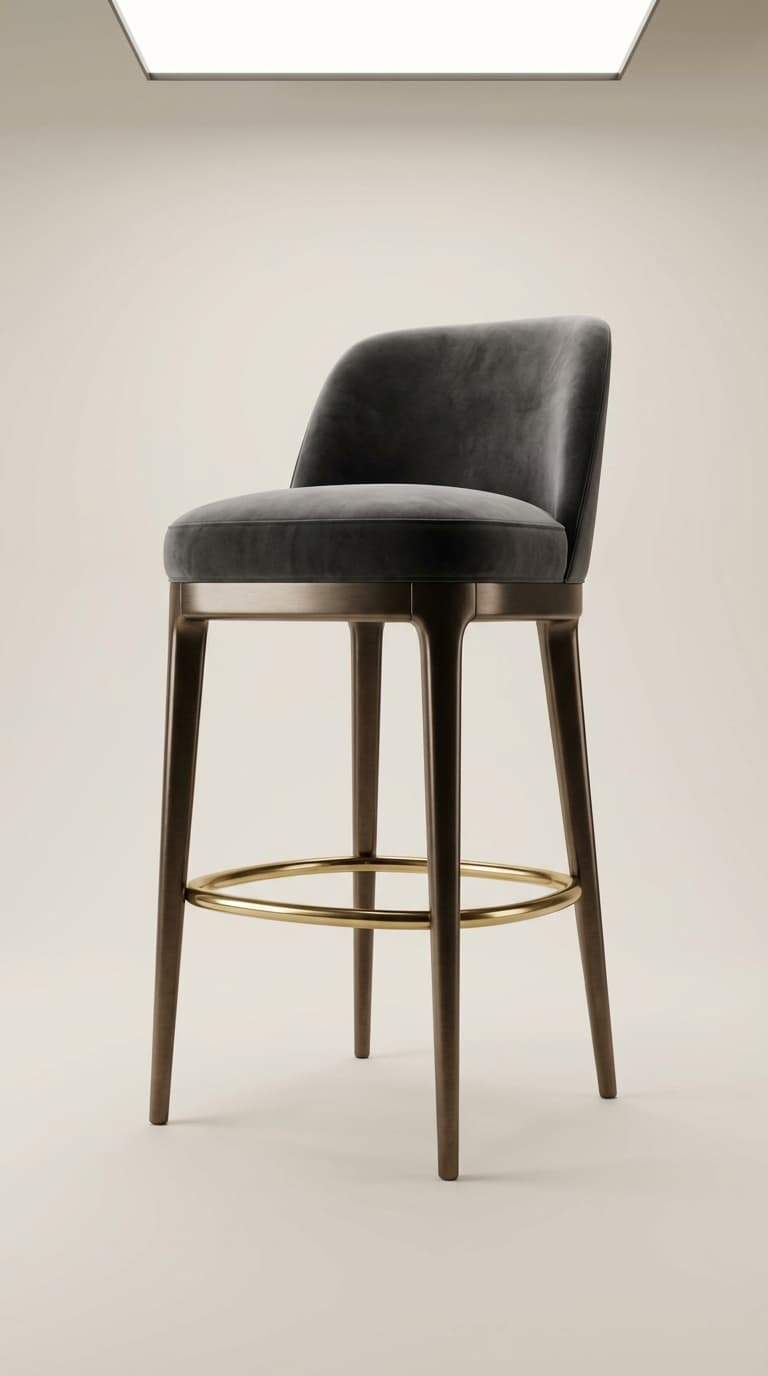
    Luxury bar stool with metal footrest, premium furniture design.
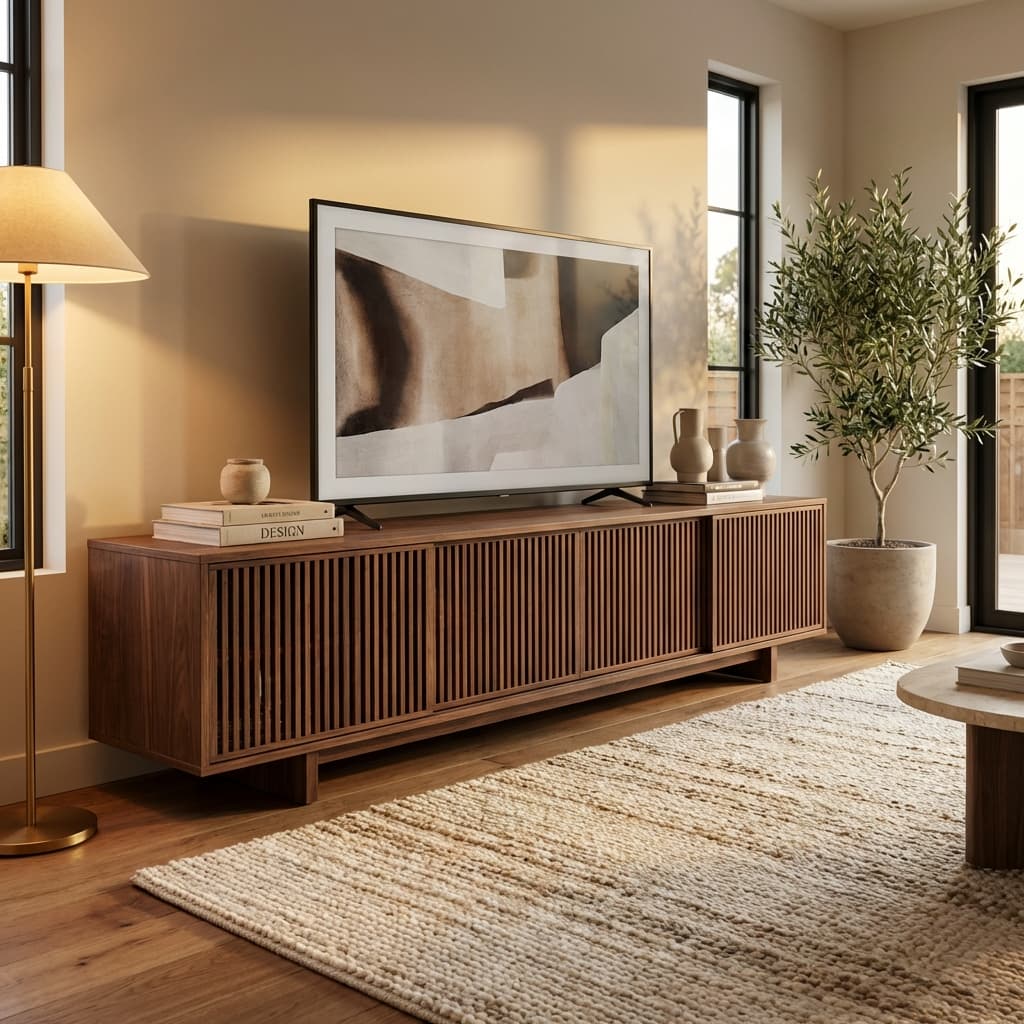
    Modern wooden TV stand with sliding doors in a contemporary living room interior.
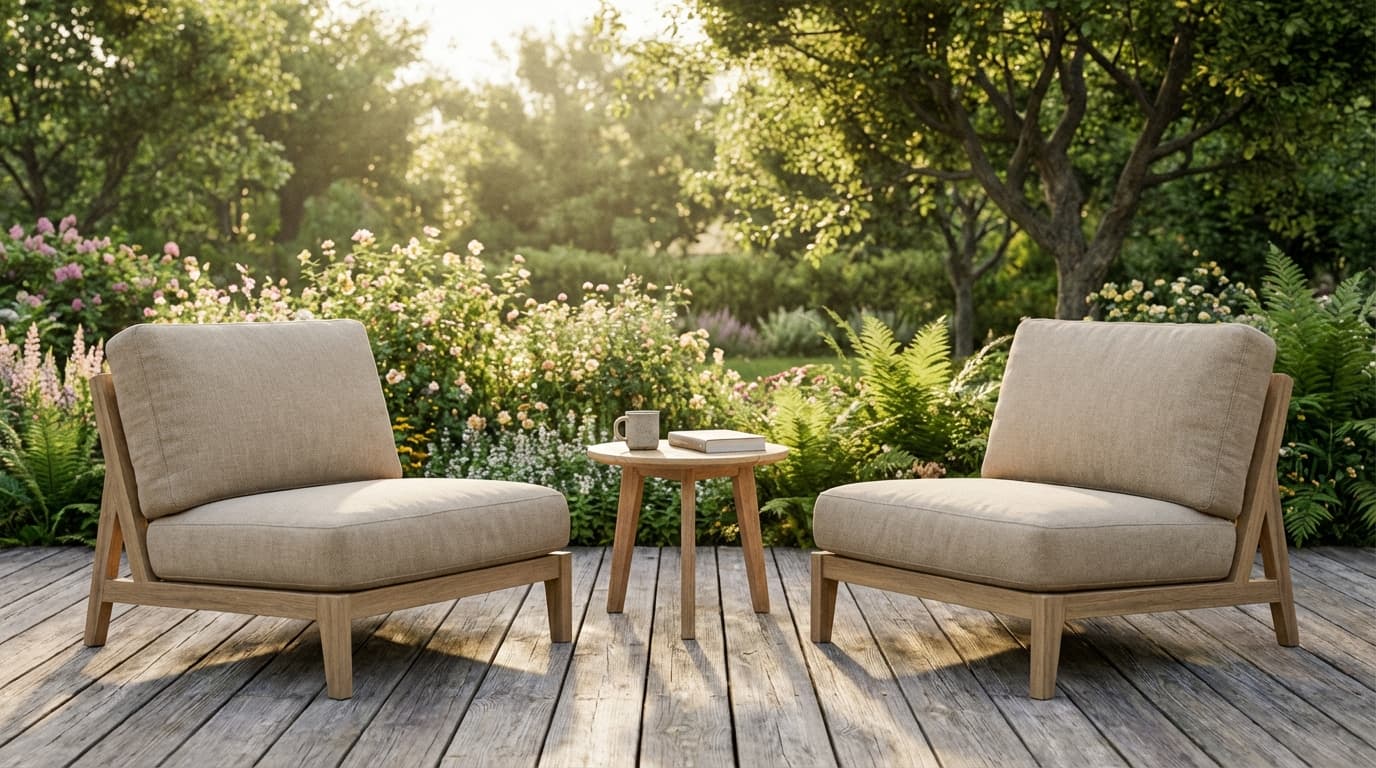
    Set of two modern outdoor lounge chairs with beige cushions on a wooden deck, sunny garden background.
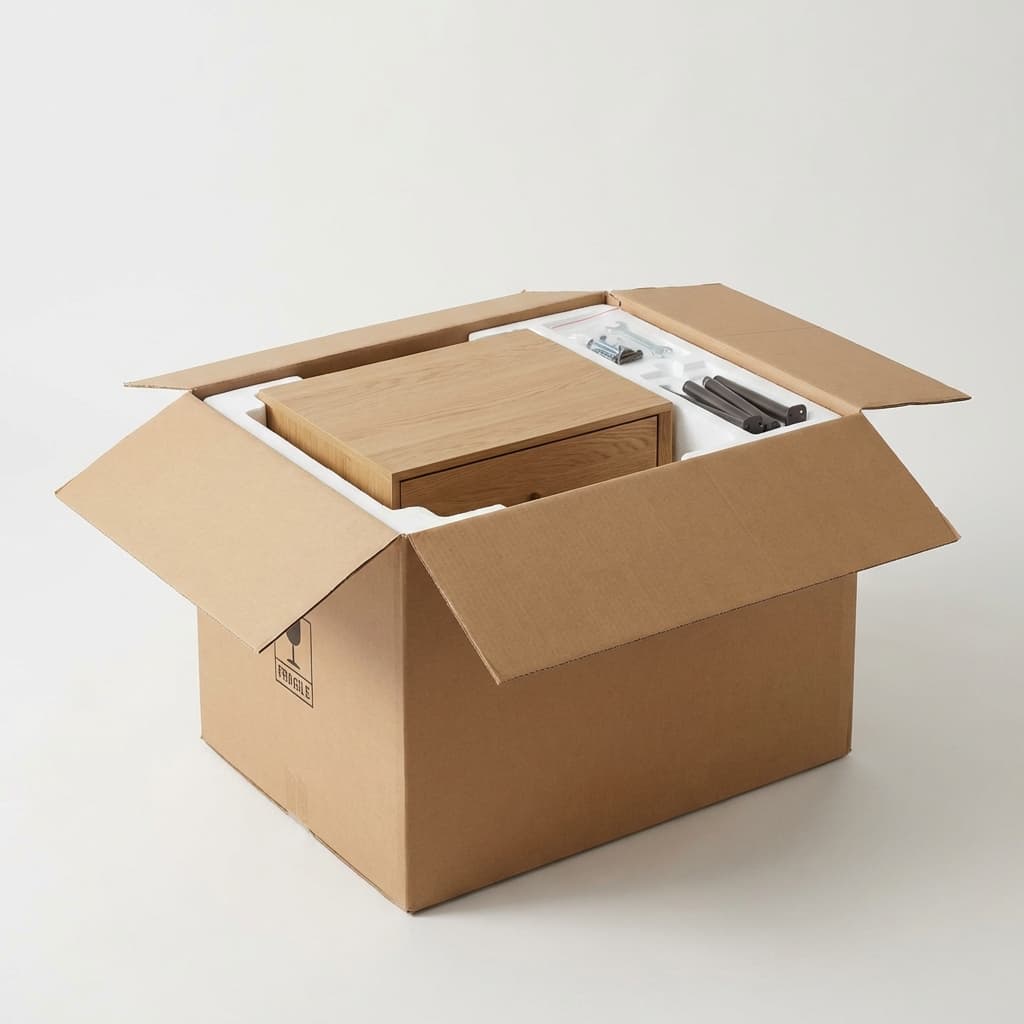
    Unboxing modern nightstand with drawer, open cardboard packaging and protective foam in bright studio.
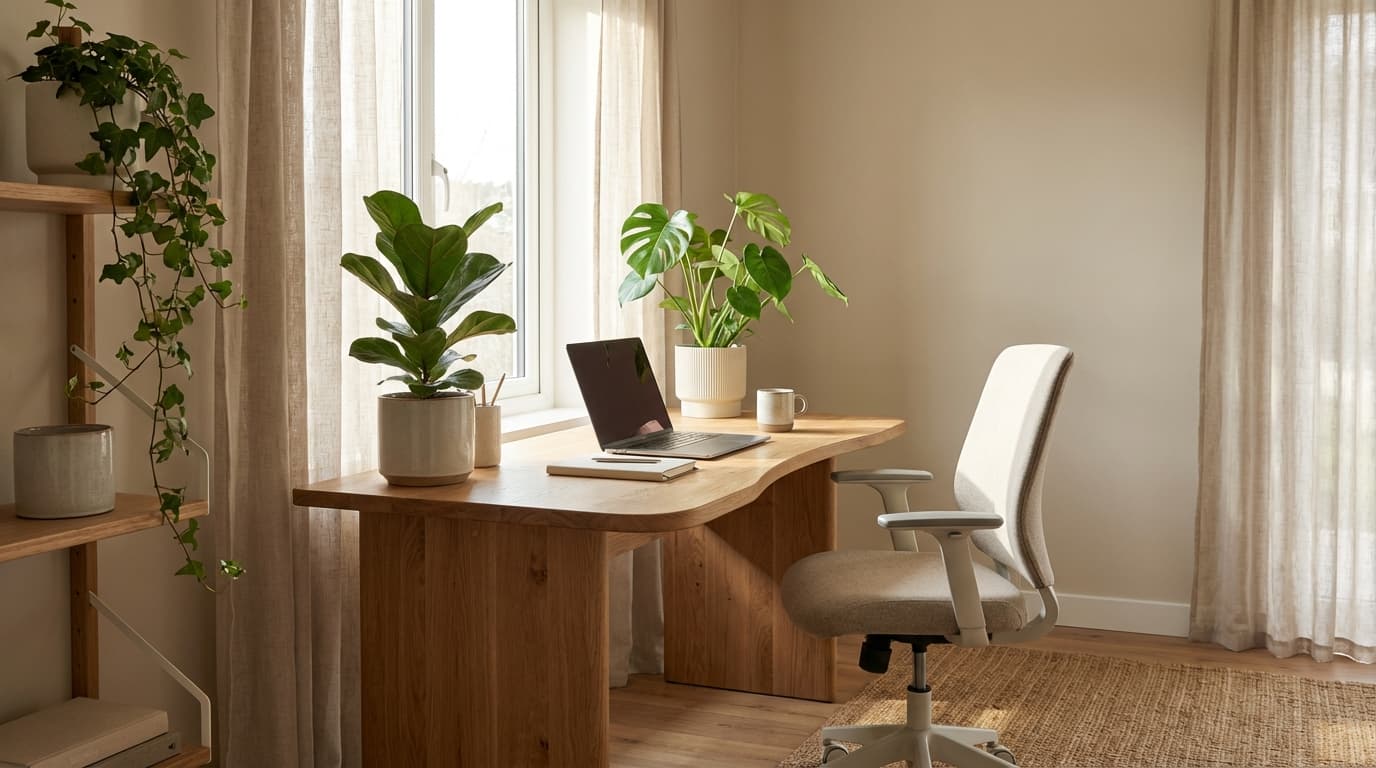
    Sustainable oak home office desk with plants, eco-friendly minimalist workspace design, natural light.
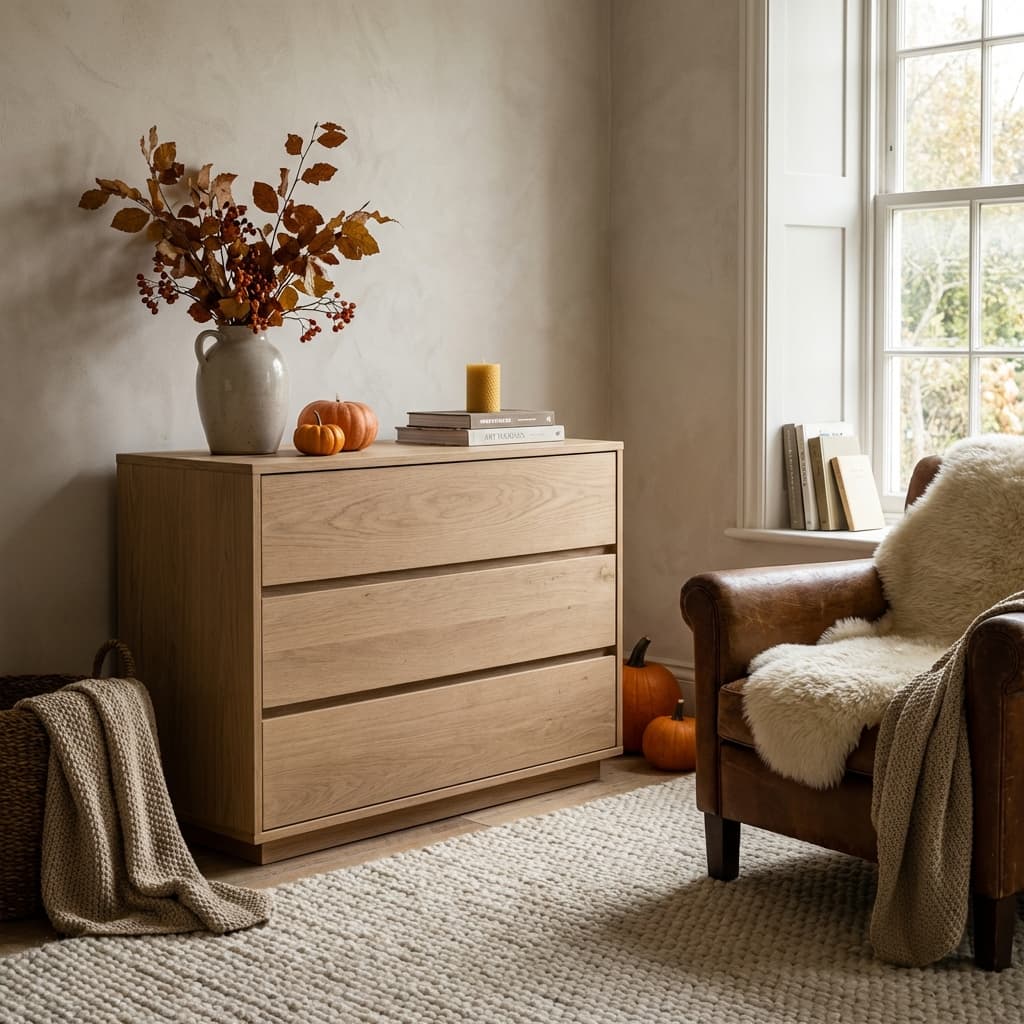
    Matte finish dresser in a seasonal setting with cozy lighting for ecommerce.
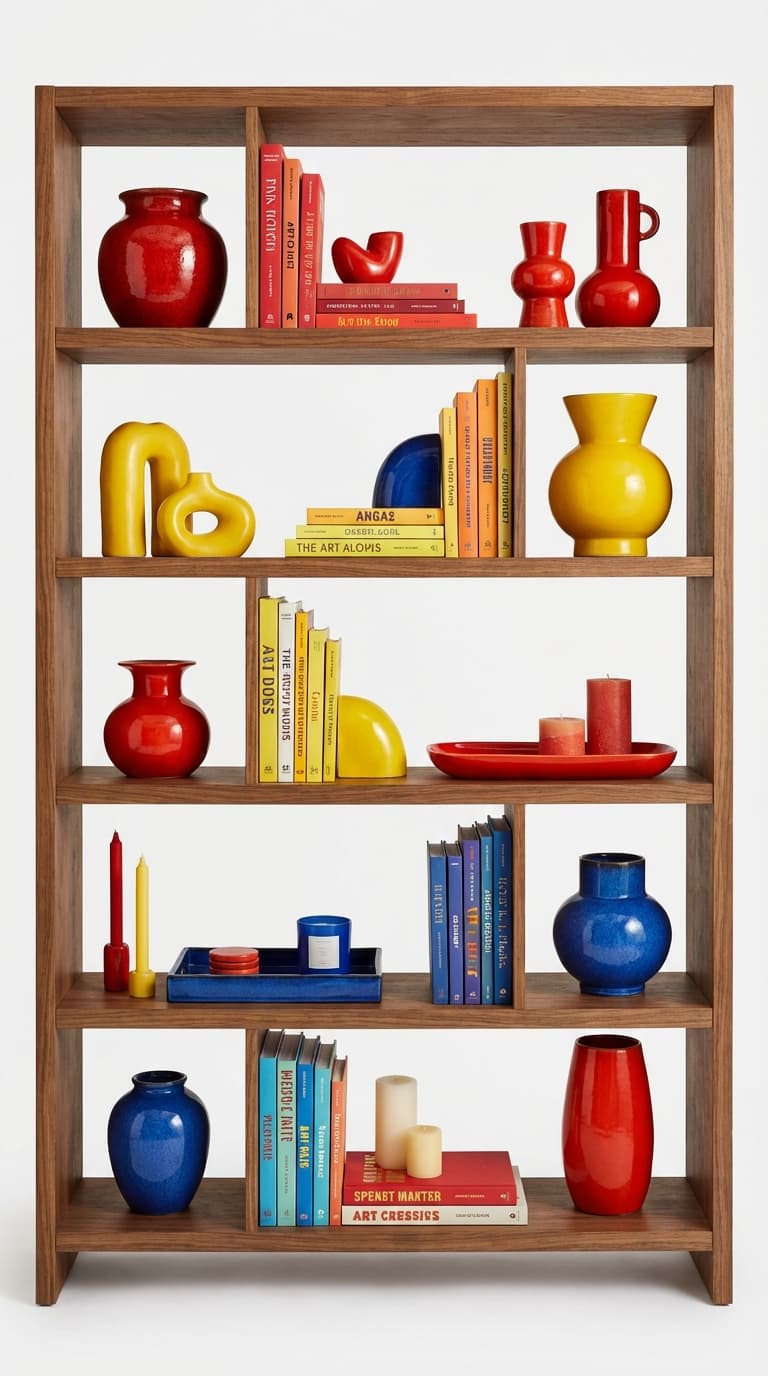
    Styled open bookshelf with colorful pop decor items on white background.
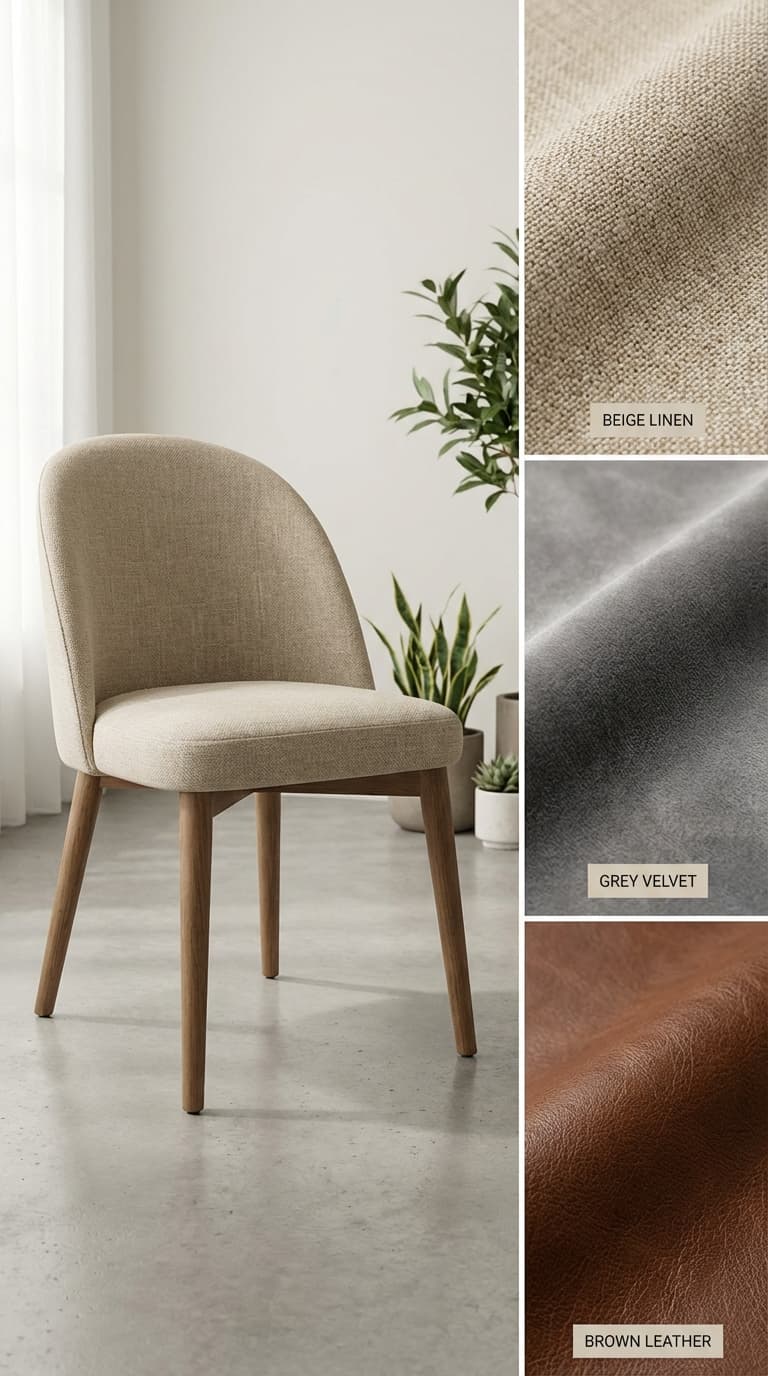
    Upholstered dining chair with fabric swatches in linen, velvet, and leather, high detail furniture textures.

    E-commerce brands that already trust us

    Official logo of Balteus, a ButterflAI customer brand
    Official logo of Papira, a ButterflAI customer brand
    Official logo of Vinkova, a ButterflAI customer brand
    Official logo of Samo, a ButterflAI customer brand
    Official logo of Quelton, a ButterflAI customer brand
    Official logo of Masco beauty, a ButterflAI customer brand
    Official logo of Tostado, a ButterflAI customer brand

    Furniture product photography examples for catalogs and inspiration

    Nine furniture image directions covering white-background products, finish-led detail shots, and styled interior scenes.

    What strong furniture product photography needs to show

    Furniture search results usually combine clean product shots with finish detail and aspirational room scenes that help shoppers imagine the product at home.

    Clean product-only hero shots

    Sofas, chairs, tables, and storage pieces need isolated catalog-ready images that make scale, silhouette, and product shape easy to understand.

    Finish, scale, and material detail

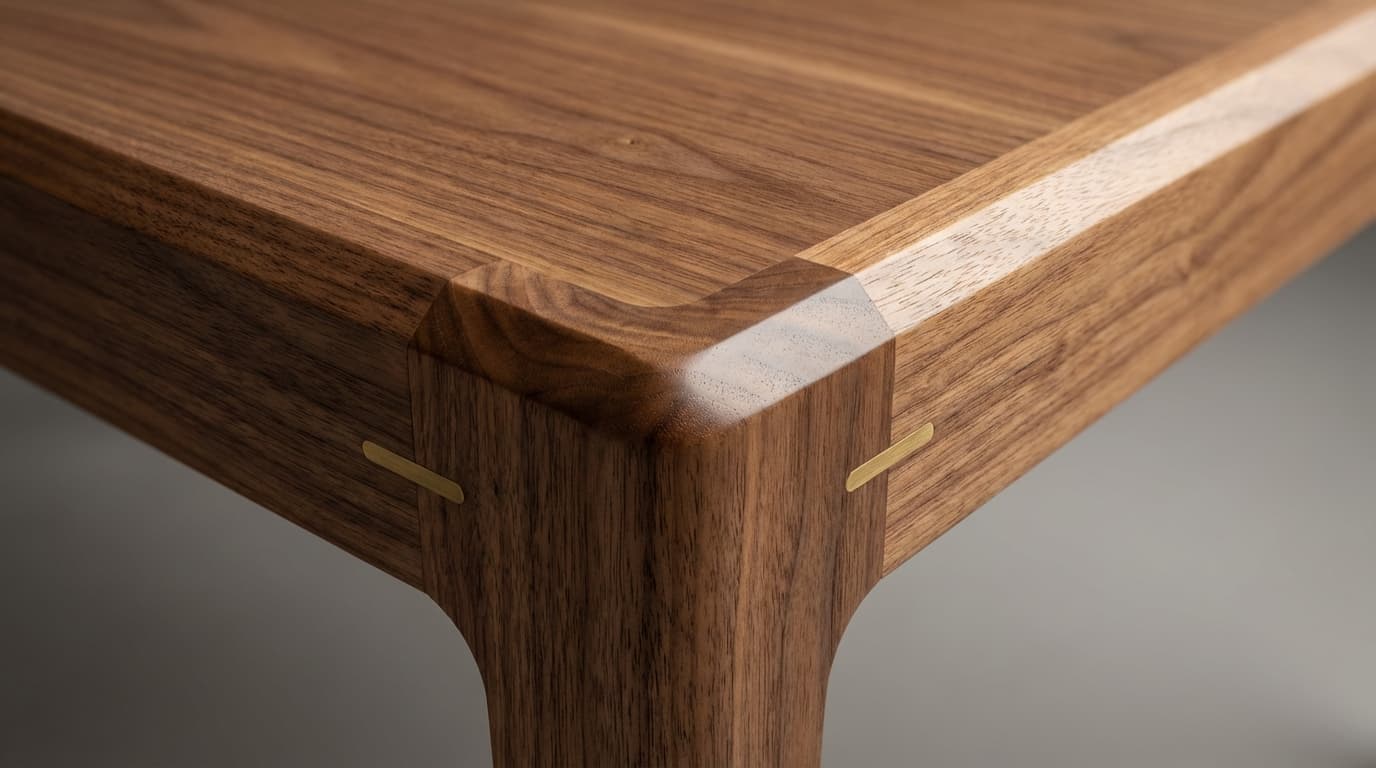
    Close-ups of wood grain, upholstery, hardware, seams, and finishes reduce uncertainty in higher-ticket categories where texture matters.

    Styled room scenes for inspiration

    In-room imagery helps buyers visualize proportion and style fit, especially when the scene supports rather than distracts from the furniture piece.

    How to plan a better furniture photoshoot

    Luxury bar stool with metal footrest, premium furniture design.

    1. Build the product-only hero shot

    Start with the isolated furniture image that keeps dimensions, edges, legs, and overall silhouette accurate for catalog and marketplace use.

    Modern wooden TV stand with sliding doors in a contemporary living room interior.
    Set of two modern outdoor lounge chairs with beige cushions on a wooden deck, sunny garden background.
    Unboxing modern nightstand with drawer, open cardboard packaging and protective foam in bright studio.
    Sustainable oak home office desk with plants, eco-friendly minimalist workspace design, natural light.

    2. Plan scale and finish support shots

    Map the close-ups and side angles that show wood grain, upholstery texture, hardware, finish quality, and product proportions.
    Matte finish dresser in a seasonal setting with cozy lighting for ecommerce.
    Styled open bookshelf with colorful pop decor items on white background.
    Upholstered dining chair with fabric swatches in linen, velvet, and leather, high detail furniture textures.
    Modern modular sofa in neutral fabric, studio hero shot with soft lighting and clean background.

    3. Generate room-scene and campaign sets

    Create interior contexts and promotional variants quickly, then curate the scenes that best support discovery and conversion.

    Furniture photoshoot ideas for ecommerce teams

    Shot formats and staged scenes commonly used across commercial furniture pages and inspiration-led results.

    Catalog

    Isolated sofa or chair on white

    Use a clean product-only shot to anchor the PDP, support marketplace requirements, and make scale easy to compare across the category.

    Detail

    Wood grain, fabric, or hardware close-up

    Highlight the materials that justify price and quality, from upholstery texture to leg finishes, hinges, handles, and seams.

    Room Scene

    Wide in-room styled composition

    Create a full-room view that shows how the furniture sits in context while keeping lighting and layout believable for ecommerce.

    Styling

    Decor-led vignette around the product

    Use a tighter styled corner or vignette to communicate mood and style direction for campaigns, collections, and email creative.

    Popular use cases

    How furniture teams scale visuals with AI workflows.

    Catalog

    Standardize mixed supplier assets

    Unify photography from different sources into one coherent visual system.

    Merchandising

    Show materials and finishes clearly

    Create detailed compositions that communicate wood grain, fabric texture, and color fidelity.

    Growth

    Launch campaign room scenes faster

    Generate thematic interiors for seasonal campaigns without full studio setups.

    Marketplaces

    Prepare compliance-friendly packs

    Deliver clean product-focused visuals that match strict listing guidelines.

    Creative

    Test multiple style directions

    Compare modern, rustic, and premium scene styles to find the best performing creative.

    Operations

    Refresh large furniture catalogs

    Update legacy images in bulk while keeping visual consistency across thousands of products.

    Ready to scale furniture visuals with AI?

    Free trial

    Furniture photo FAQs

    Answers for teams creating furniture imagery at catalog scale.

    Can AI maintain realistic furniture proportions?
    Yes. Controlled templates help preserve product scale and structure for trustworthy ecommerce presentation.
    How do we keep wood and fabric textures accurate?
    Use consistent lighting references and run texture validation on a small sample before scaling batches.
    Can we create both studio and lifestyle variants?
    Yes. Most teams publish clean studio versions plus room-context variants from the same source assets.
    Is this suitable for very large catalogs?
    Absolutely. Batch generation helps furniture teams update many SKUs faster while keeping consistency.
    Can old furniture photos be modernized?
    Yes. Legacy assets can be standardized and upgraded to match your current visual standard.
    What should we measure after rollout?
    Track CTR, engagement on PDP, add-to-cart, and conversion by image style to prove impact.