Apparel product photography and photoshoot ideas for faster fashion launches

    Build flat lays, ghost mannequin views, texture close-ups, and styled campaign scenes without re-running every shoot.

    Free Trial
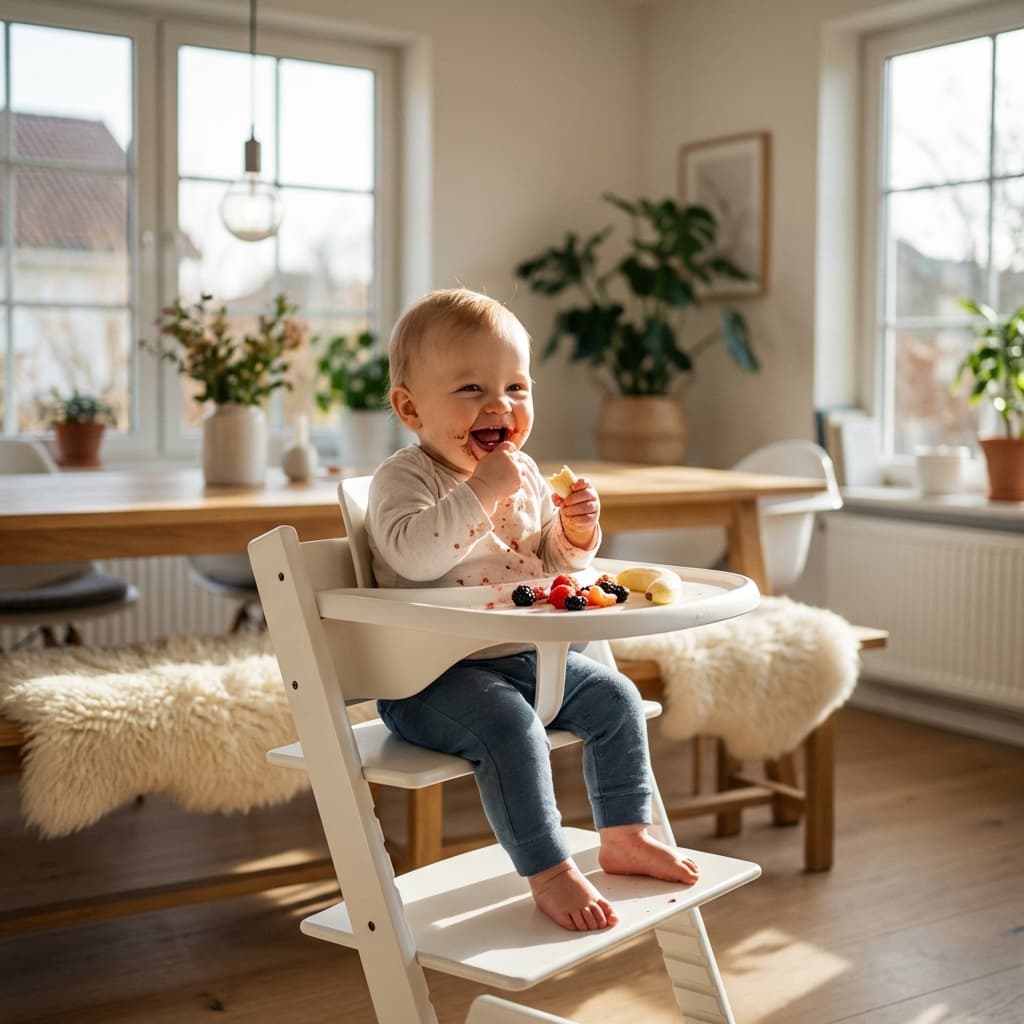
    Modern baby high chair in a sunlit dining room with a happy baby eating fruit.
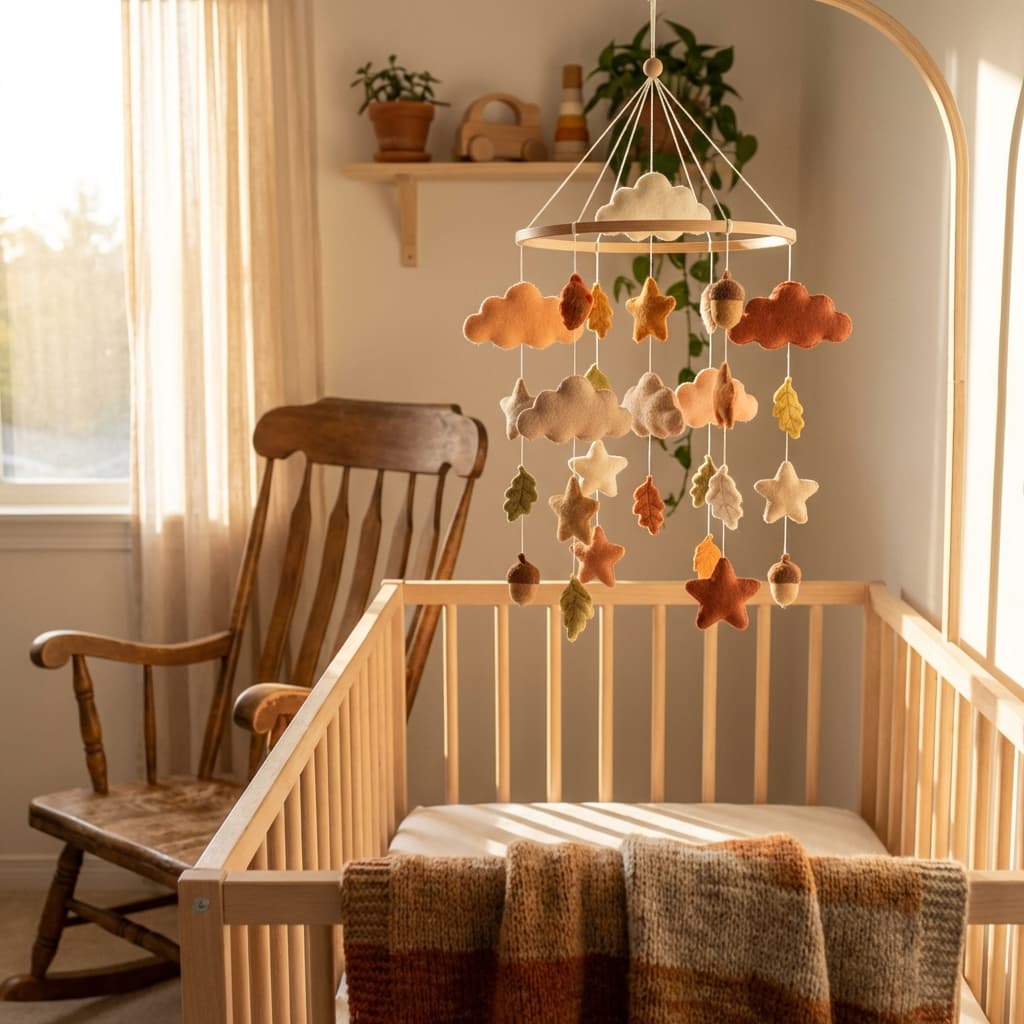
    Baby crib mobile with seasonal autumn theme, felt clouds and stars in warm tones, hanging over crib in cozy nursery.
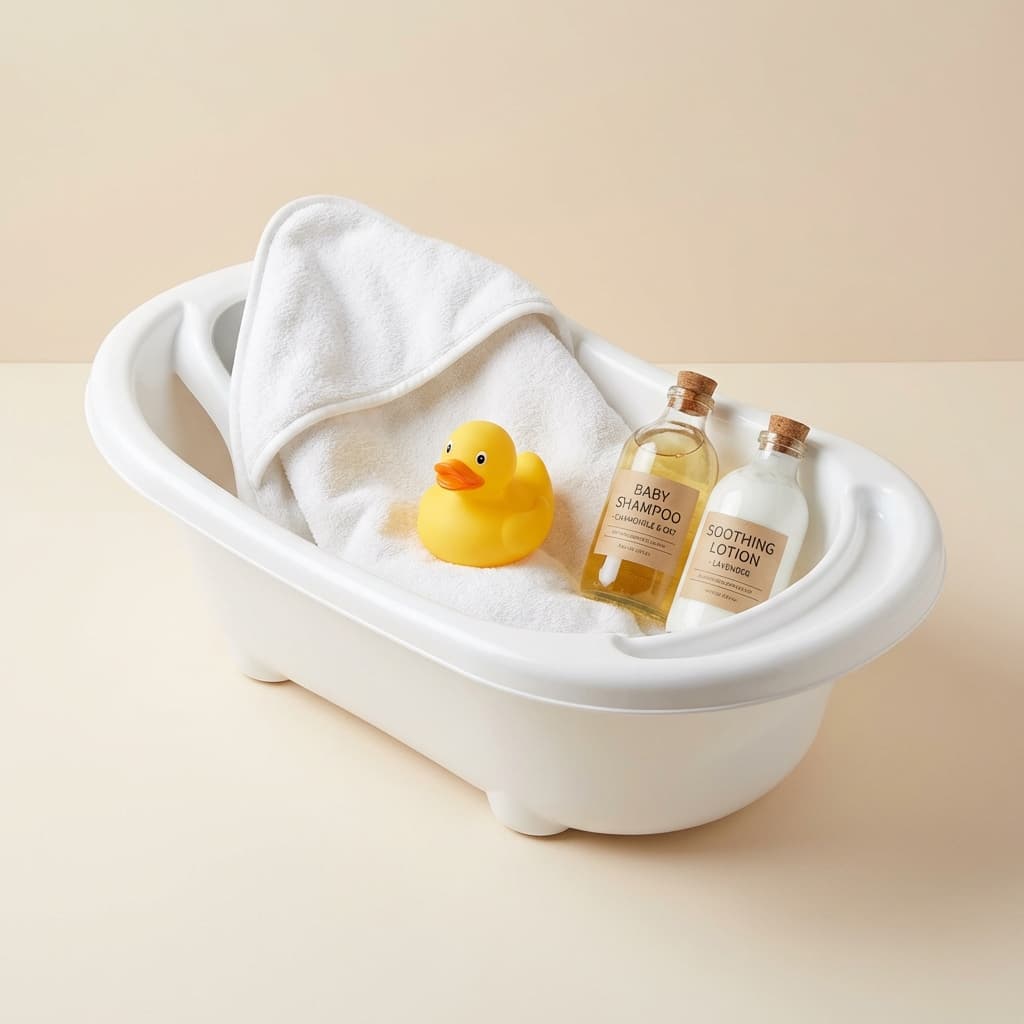
    Baby bath essentials bundle with tub, towel, duck and toiletries. Realistic product set on neutral background.
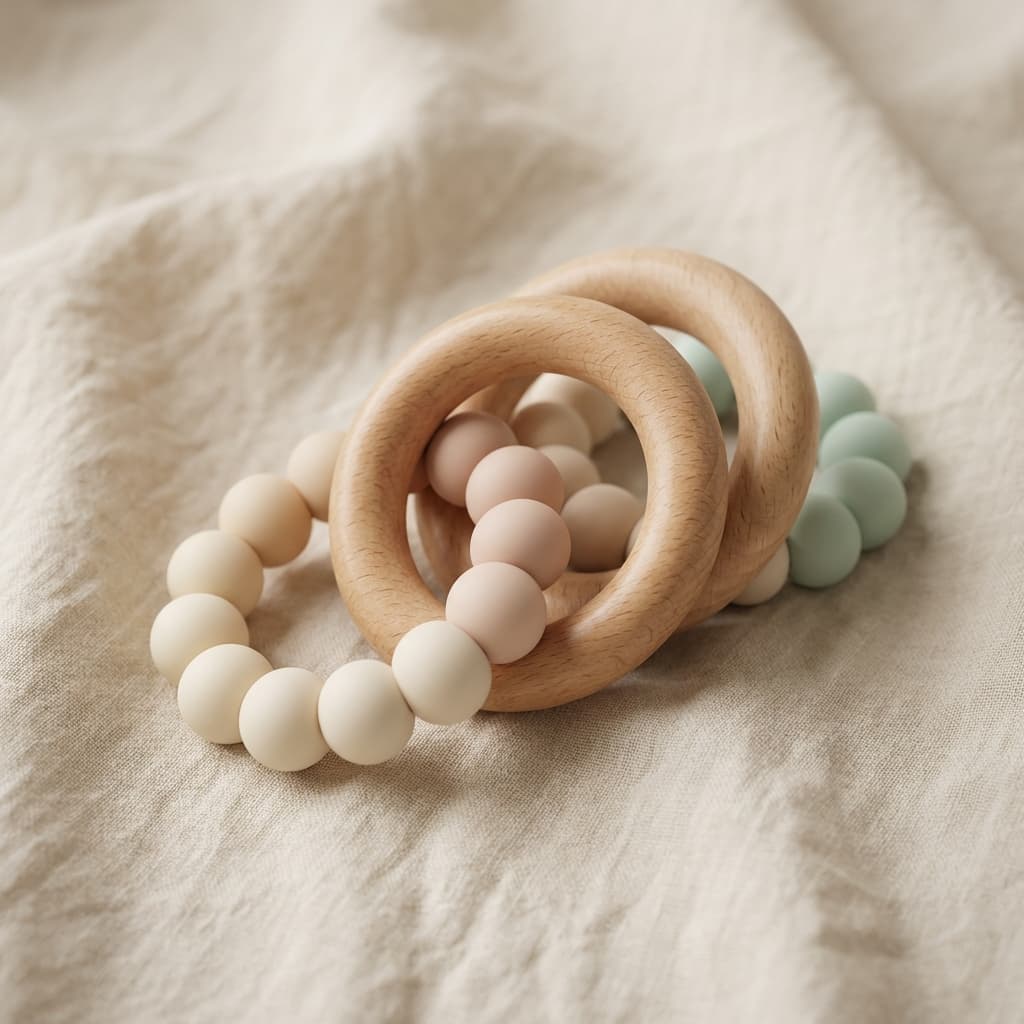
    Luxury baby teething ring set, natural wood and silicone. Premium ecommerce photography, neutral background.
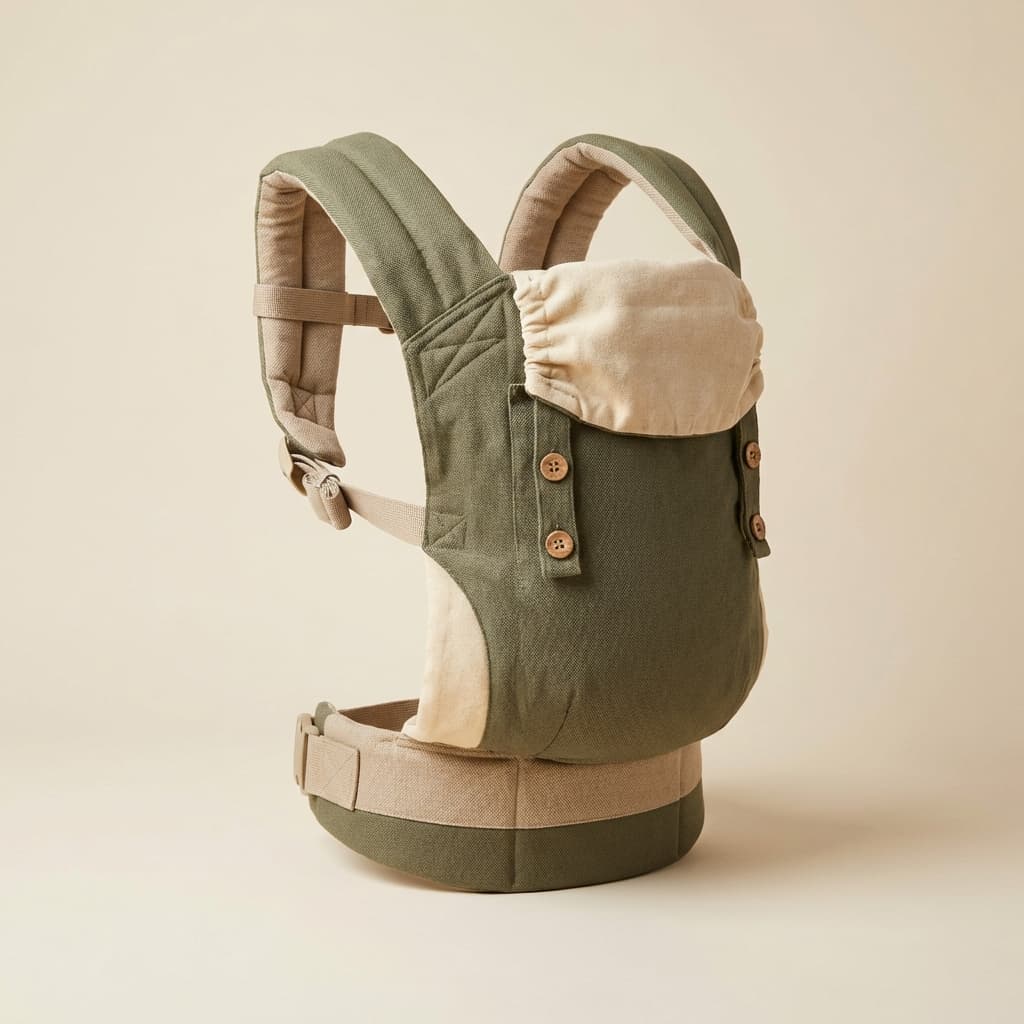
    Earth tone eco baby carrier, neutral background, high quality product shot.
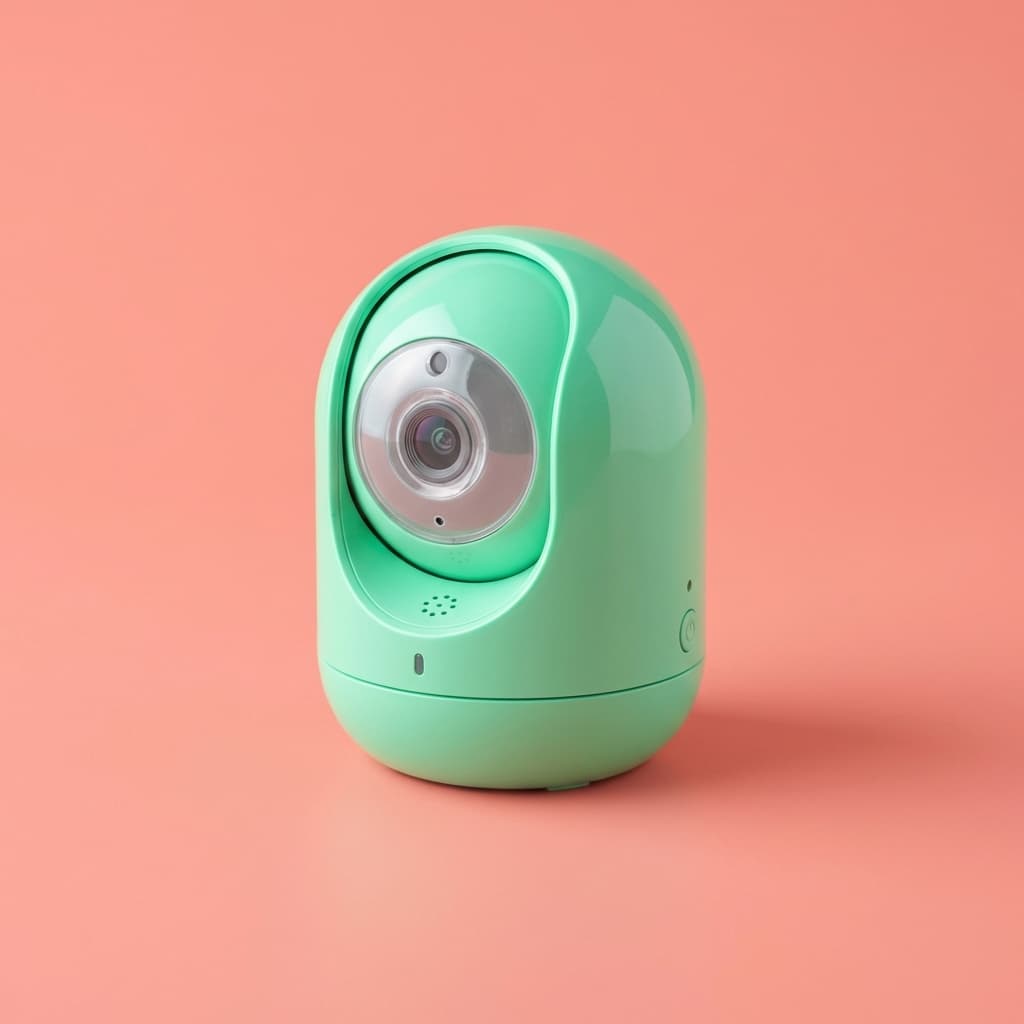
    Mint green baby monitor camera on coral background, color pop style, high resolution for ecommerce.
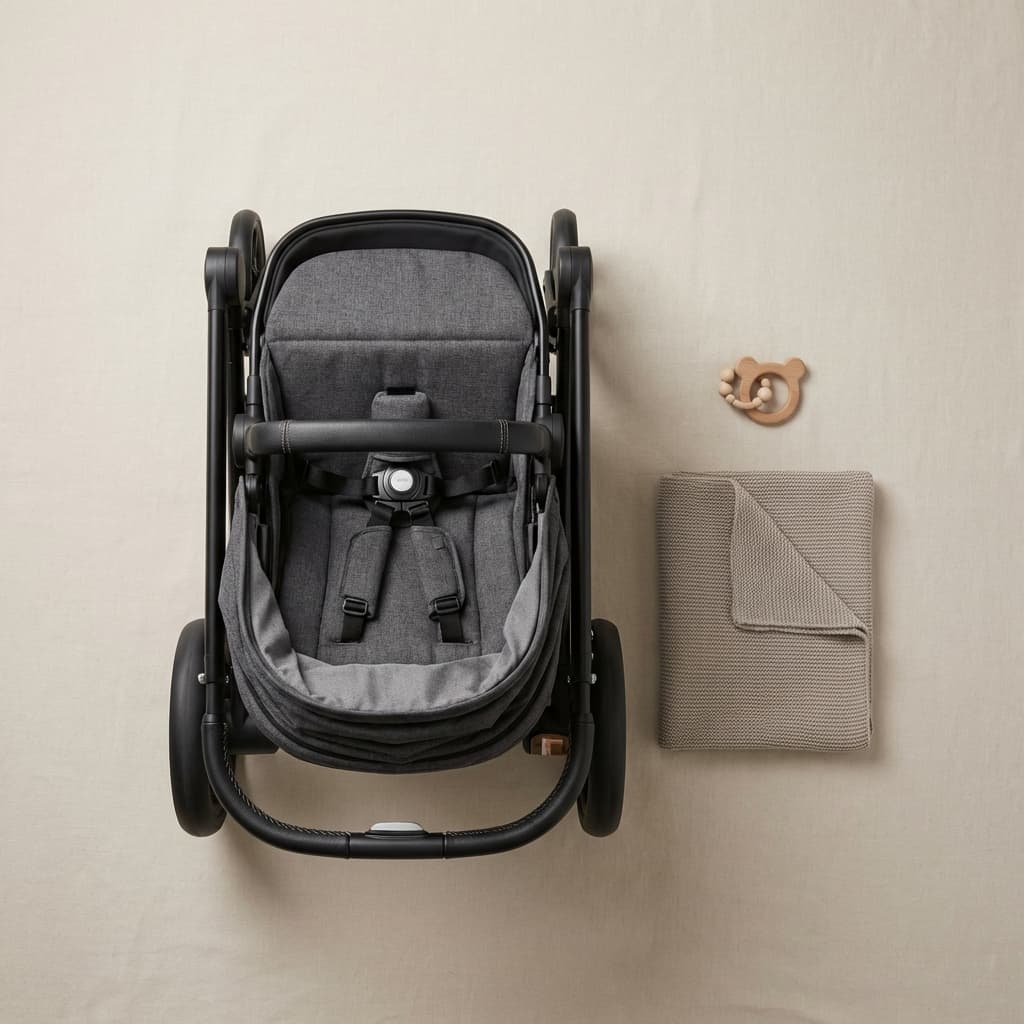
    Photorealistic baby stroller flat lay, neutral background, minimal style for ecommerce.
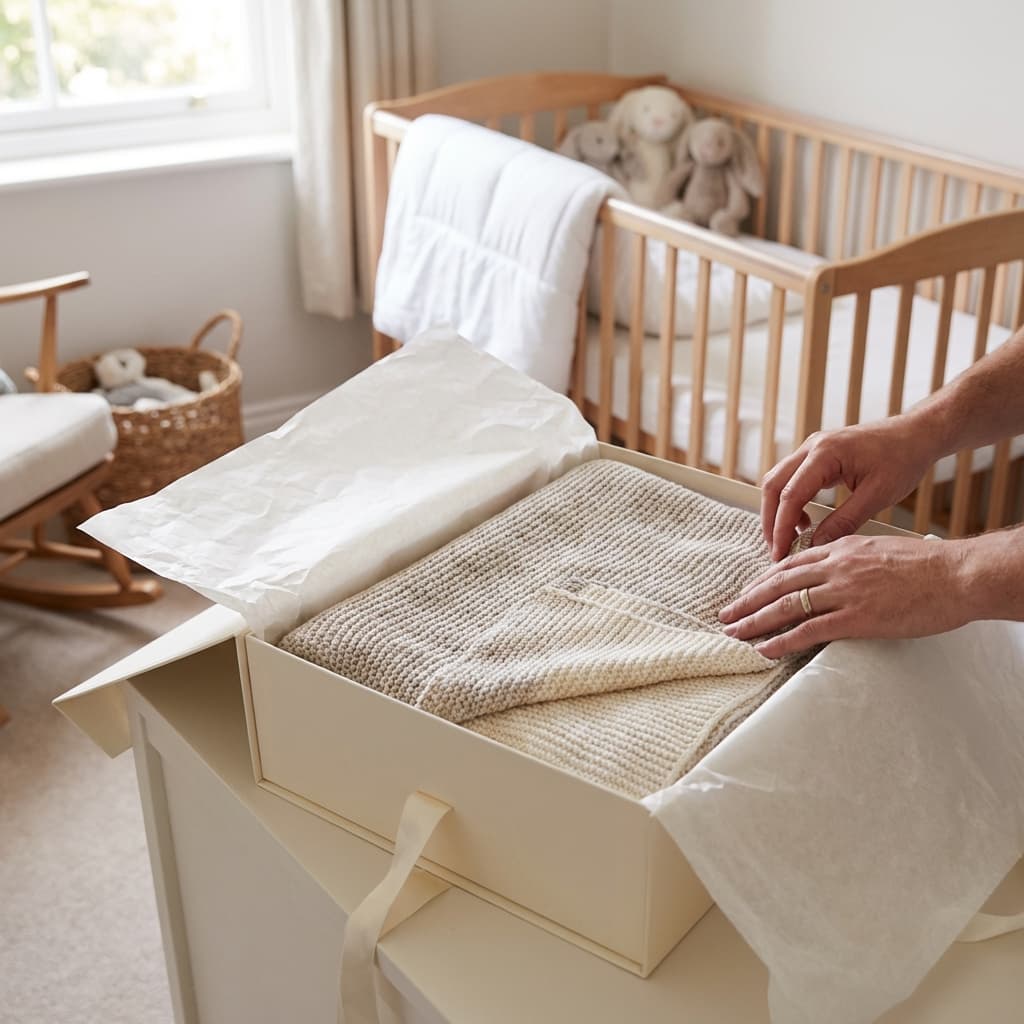
    Unboxing a soft plush baby blanket in premium packaging, cozy nursery setting.

    E-commerce brands that already trust us

    Official logo of Balteus, a ButterflAI customer brand
    Official logo of Papira, a ButterflAI customer brand
    Official logo of Vinkova, a ButterflAI customer brand
    Official logo of Samo, a ButterflAI customer brand
    Official logo of Quelton, a ButterflAI customer brand
    Official logo of Masco beauty, a ButterflAI customer brand
    Official logo of Tostado, a ButterflAI customer brand

    Apparel product photography examples for PDPs and seasonal drops

    Nine fashion image directions covering clean ecommerce views, fit-detail support shots, and lifestyle campaign visuals.

    What strong apparel product photography needs to show

    Fashion search results consistently mix clean ecommerce formats with fit and texture cues that reduce buyer uncertainty.

    Consistent front, back, and angle sets

    Shoppers expect predictable apparel views, whether that means flat lay packs, ghost mannequin, or model-led ecommerce angles.

    Fabric, fit, and stitch details

    Close-ups of hems, seams, denim texture, knit structure, and tailoring help buyers understand quality and shape without touching the product.

    Lifestyle looks by collection

    Campaign-ready on-model or styled-context frames help collections feel directional while still supporting a product-first shopping flow.

    How to plan a better apparel photoshoot

    Modern baby high chair in a sunlit dining room with a happy baby eating fruit.

    1. Choose the ecommerce base view

    Start with the core flat lay or ghost mannequin angle that will anchor the PDP and keep garment shape, drape, and edges accurate.

    Baby crib mobile with seasonal autumn theme, felt clouds and stars in warm tones, hanging over crib in cozy nursery.
    Baby bath essentials bundle with tub, towel, duck and toiletries. Realistic product set on neutral background.
    Luxury baby teething ring set, natural wood and silicone. Premium ecommerce photography, neutral background.
    Earth tone eco baby carrier, neutral background, high quality product shot.

    2. Map out fit and fabric details

    Add the supporting crops you need to show stitching, trims, buttons, texture, and the silhouette cues shoppers use to compare apparel.
    Mint green baby monitor camera on coral background, color pop style, high resolution for ecommerce.
    Photorealistic baby stroller flat lay, neutral background, minimal style for ecommerce.
    Unboxing a soft plush baby blanket in premium packaging, cozy nursery setting.
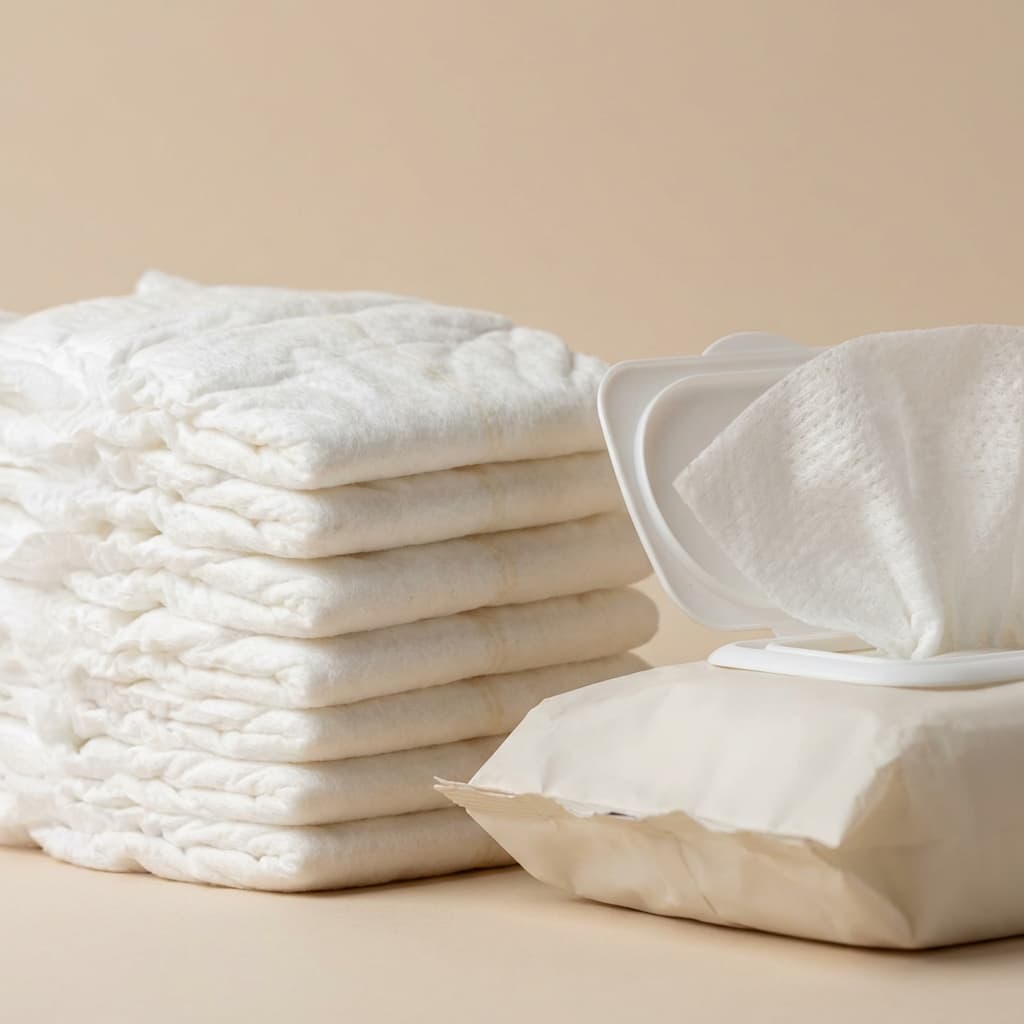
    Photorealistic baby diapers and wipes showing soft material texture, neutral background.

    3. Generate collection-ready variants

    Produce studio, lifestyle, and paid media versions quickly, then publish the strongest apparel visuals across your store and campaigns.

    Apparel photoshoot ideas for ecommerce teams

    Common apparel shot formats and scene types that appear across service pages, guides, and inspiration-heavy results.

    Studio

    Flat lay on a neutral surface

    Use a clean top-down composition when you want a simple, fast-to-scale way to keep size, color, and styling consistent across collections.

    PDP

    Ghost mannequin front and back pack

    Build the standard ecommerce set that shows silhouette clearly and keeps attention on cut, neckline, sleeve shape, and length.

    Detail

    Fabric and trim close-up sequence

    Add tight crops for texture, stitching, buttons, zips, and labels so shoppers can evaluate material quality more confidently.

    Campaign

    Styled lookbook or on-model frame

    Create a directional scene for seasonal drops and paid media while keeping the garment readable and the styling aligned with the collection.

    Popular use cases

    How apparel teams scale visual production with AI.

    Catalog teams

    Standardize mixed supplier photography

    Unify uneven apparel assets so all products follow the same visual rules and framing.

    Growth

    Launch seasonal collections faster

    Ship campaign visuals for drops and promotions without waiting for new shoots.

    Paid media

    Produce ad variants in bulk

    Generate multiple scenes and crops quickly to keep creative testing cadence high.

    Marketplaces

    Create compliance-friendly image sets

    Prepare clean backgrounds and consistent framing for strict listing requirements.

    Merchandising

    Highlight texture and fit details

    Build close-up and context images that make materials and product shape easier to evaluate.

    Operations

    Refresh legacy assets at scale

    Update older fashion images in batches while keeping brand consistency across thousands of SKUs.

    Ready to scale apparel visuals with AI?

    Free trial

    Apparel photo FAQs

    Practical answers for teams creating high-volume fashion imagery.

    Can AI preserve textile texture and stitching detail?
    Yes. With controlled prompts and presets, apparel images can keep material texture, stitching, and edge definition.
    How do we keep colors consistent across collections?
    Define approved lighting and color references first, validate a small batch, then reuse the same settings at scale.
    Is this useful for marketplace and retailer specs?
    Yes. Teams create dedicated compliant sets for white background requirements while keeping branded versions for PDP and ads.
    Can we generate campaign variants quickly?
    Absolutely. You can produce multiple scene directions and crops in minutes to support always-on creative testing.
    Can AI improve old fashion photos?
    Legacy assets can be cleaned and standardized so older products match your current visual quality faster.
    How should we measure impact from new apparel visuals?
    Track listing CTR, PDP engagement, add-to-cart rate, and conversion by visual style family with controlled tests.