Product Video Generator
Generate product videos faster with AI scripts, scenes, and variants. Free tool, no payment required. No sign up required.
Generate a product video
Upload a few product images to create a short video.
What is product video?
A product video is a short visual asset that demonstrates product appearance, movement, context, or key value in motion. It improves understanding beyond static images on product pages.
Decision confidence. Video helps shoppers evaluate details, scale, and product behavior more clearly.
Engagement lift. Motion content usually improves attention and time on page compared with static-only galleries.
Cross-channel utility. The same base video can be adapted for PDP, ads, social, and marketplaces.
E-commerce brands that already trust us





Key features built for commerce teams
Everything you need to standardize, scale and ship quality outputs.
Template library
Choose clean, on-brand layouts that keep visual identity consistent across every clip.
Auto captions
Highlight benefits and specs automatically for fast scanning and mobile-first viewing.
Multi-format export
Generate versions for social, ads, and PDPs sized to each channel.
Batch rendering
Create videos for entire collections at once for launches and catalog scale.
Popular use cases
Where teams use product videos to increase engagement and conversion.
Create ad‑ready video variants
Produce multiple short videos for paid campaigns to test hooks, pacing, and messaging. Use it when you need multiple video formats for PDPs, ads, and social in a short window. Gives performance teams options without costly video shoots.
Add motion to product pages
Generate clean, lightweight videos that highlight benefits and reduce bounce. Ideal for teams that want consistent messaging across channels without heavy editing. Great for PDPs where speed and clarity matter most.
Produce Reels and Shorts
Turn product assets into vertical videos optimized for social platforms. Helpful for testing hooks, pacing, and CTAs across different audiences. Supports rapid iteration for TikTok, Reels, and Shorts.
Showcase new drops faster
Create product videos without waiting for a dedicated video shoot. Great for product launches that need motion assets before a full video shoot. Keeps launch timelines moving when studios are booked. Ideal for lean teams.
Meet video listing requirements
Generate compliant videos that follow marketplace guidelines for duration and content. Reduces rejections and ensures listings stay eligible for placement. Keeps marketplace eligibility during peak seasons.
Scale creative production
Deliver multiple video outputs per client while keeping branding consistent. Useful for agencies managing varied templates and brand kits. Streamlines approvals with brand guardians. Keeps brand teams aligned across formats.
Refresh seasonal content
Update visuals quickly for seasonal promotions without rebuilding from scratch. Lets teams refresh messaging without re-editing full timelines. Helps refresh ads without rebuilding entire edits. Great for flash-sale cycles.
A/B test storytelling
Run multiple narratives and CTA variants to find the best‑performing structure. Supports systematic testing across audiences and placements. Great for structured experiment designs. Lets teams compare lift by audience.
How it works
Three quick steps from input to output to keep media workflows fast and consistent.
Upload assets
Upload key images to build the sequence, pacing, and product story. The quality of your input assets drives the quality of the video. Use high‑resolution images or clips with consistent lighting, and provide a short list of the top benefits you want.

Pick a template
Select a format and layout that fits the channel, campaign goal, and audience. Define the target channel before you generate. For PDPs, you may want slower pacing and more detail; for social, keep it punchy with a strong hook in the first seconds.
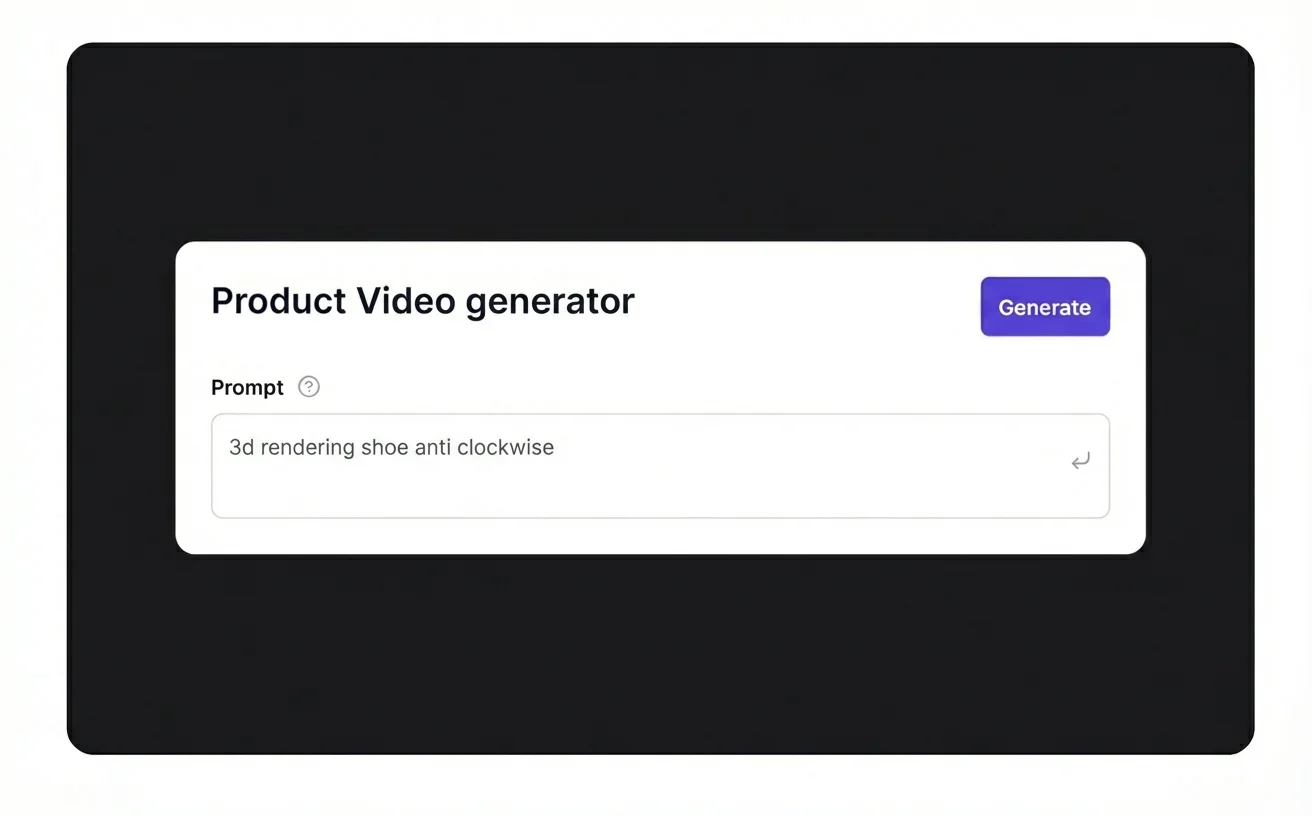
Generate and export
Render, review, and export versions for ads, social, or PDPs with final tweaks. Review each output for pacing, legibility, and brand fit. Check that text overlays are readable on mobile, that the product remains the focus, and that the CTA appears.
Common issues & solutions
FAQs
Quick answers to common questions.
Learn more about ecommerce SEO and catalog optimization
Read guides and tips that expand this tool.
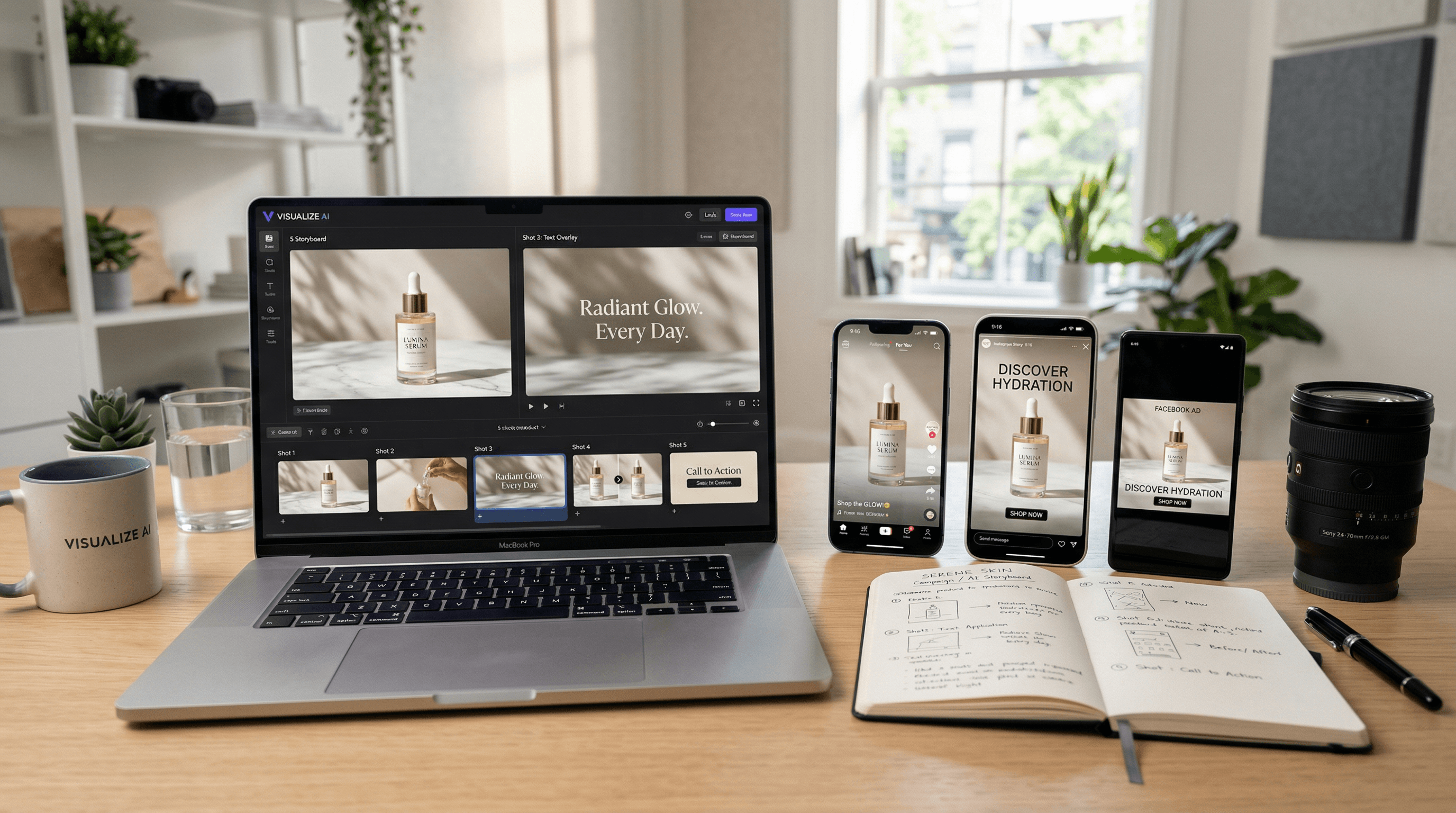
How to Create Product Videos for Ecommerce at Scale with AI
A practical playbook to generate product videos at scale using a 5-shot storyboard, AI generators, and a repeatable QA process.
Read more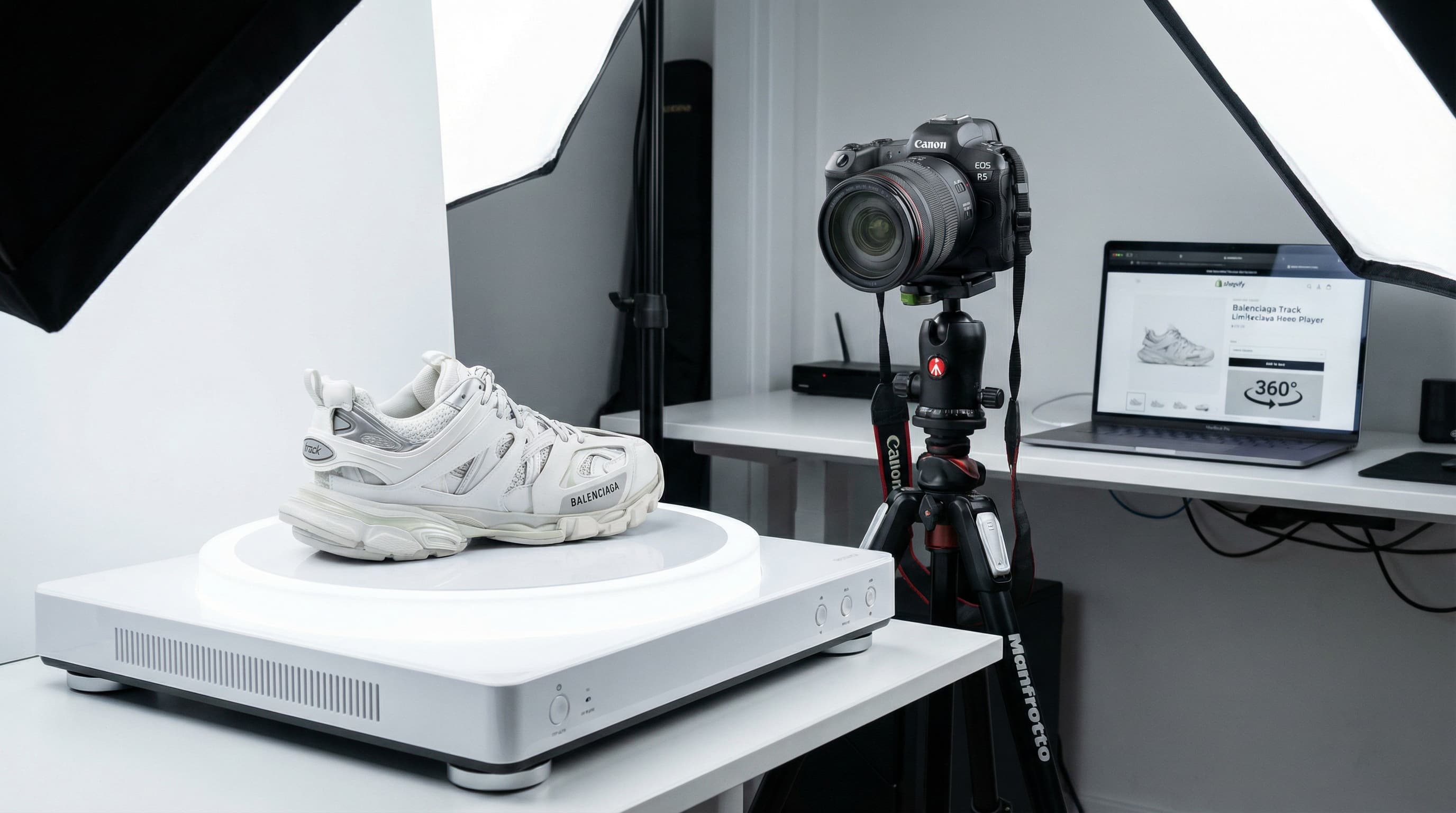
How to Make 360 Product Video: Playbook to Scale Your eCommerce
Operational playbook to produce, optimize, and scale 360º content on your PDP to improve conversion and reduce returns.
Read more
Build a Powerful Brand Image for Multichannel eCommerce: Complete Guide 2025 | ButterflAI
Discover how to create a cohesive brand image across all eCommerce channels. Strategies, examples and tools to strengthen your online presence.
Read more
AI SEO: Best Practices and Top 5 Tools to Optimize Your Rankings in 2025 | ButterflAI
Discover the best AI practices for SEO and the 5 most effective tools to optimize your web positioning. Complete guide with proven strategies and real success cases.
Read more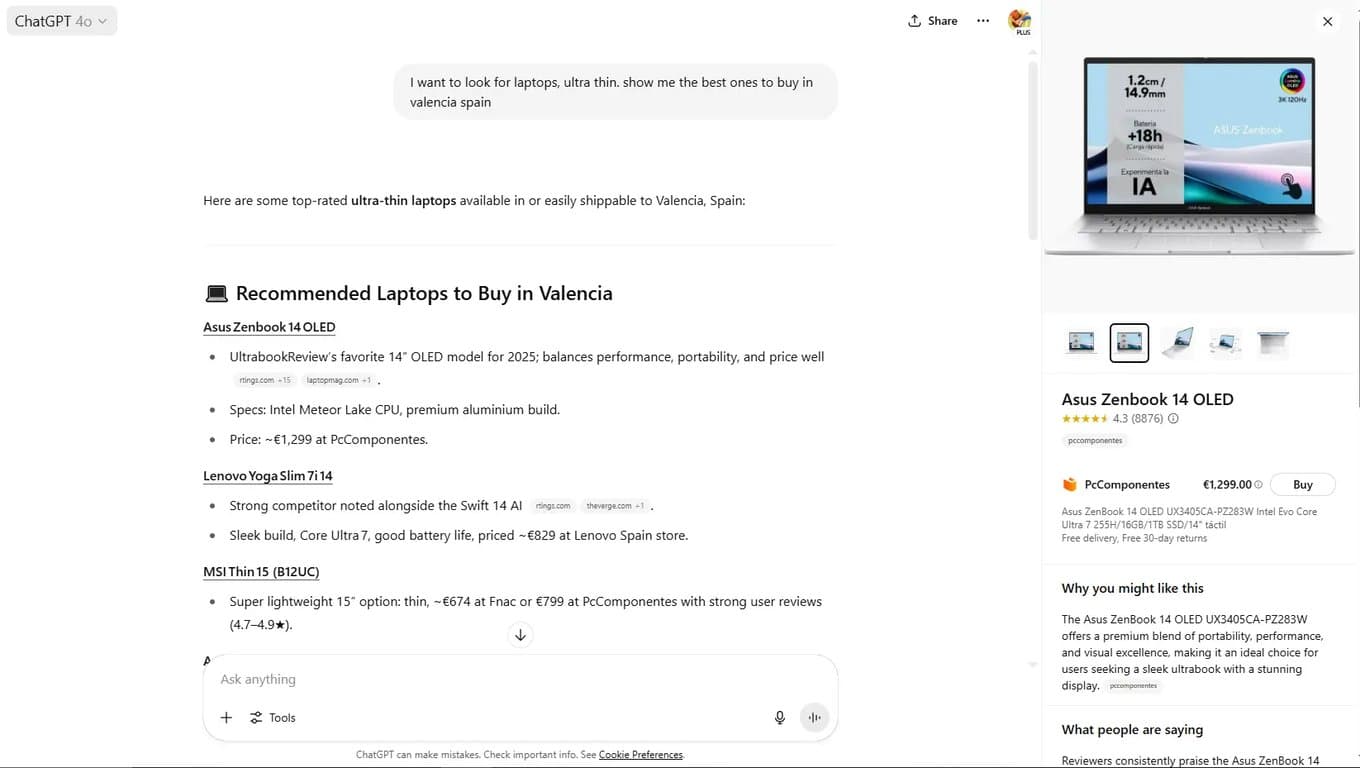
ChatGPT Shopping and the AI Revolution in eCommerce | Complete Guide 2025 | ButterflAI
Discover how ChatGPT Shopping is transforming the eCommerce landscape. Strategies, market impact and how to adapt your business to the new AI era.
Read moreDiscover more tools
Keep exploring more ways to upgrade your catalog.
AI Background Generator
Create brand-aligned backgrounds for product photos without manual design work.
AI Outfit Generator for Fashion Ecommerce Teams
Create coordinated outfit variants for ecommerce visuals, merchandising, and campaign production without planning a new photoshoot for every look.
AI Model Generator
Create diverse model imagery for product campaigns, PDPs, and performance ads.
Product Title Generator
Generate product titles that balance keywords, readability, and marketplace limits.
Free AI Product Description Generator
Generate SEO-friendly product descriptions that turn product data into unique, conversion-ready copy.
Free AI Meta Title Generator
Use our free AI meta title generator to draft title tags that surface the main keyword early, stay readable in the SERP, and give teams stronger options to review before publishing.
