
Marketplace-ready hero shots
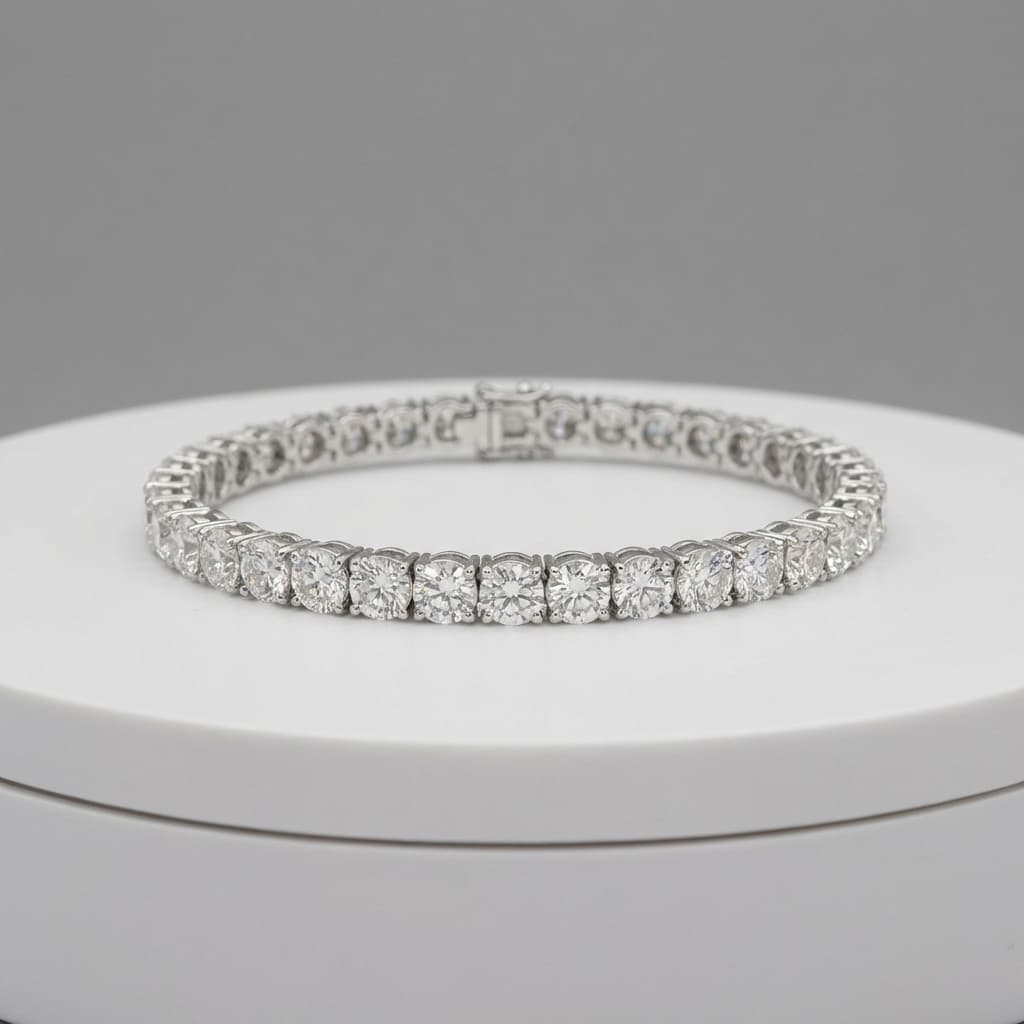
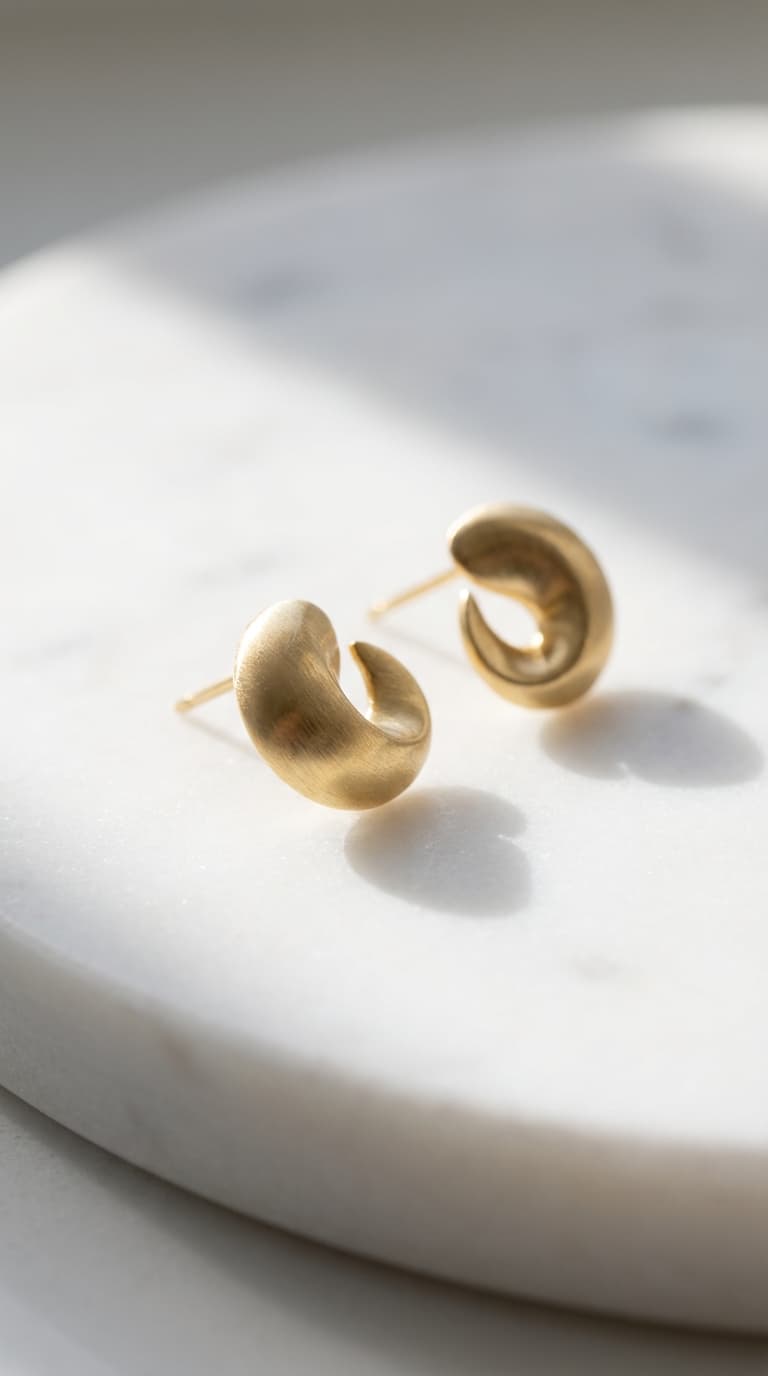
Clean white or neutral backgrounds help rings, necklaces, bracelets, and earrings look listing-safe while keeping the product fully visible.
Plan white-background jewelry shots, gemstone close-ups, and premium lifestyle sets without slowing down catalog updates or campaign launches.
Free Trial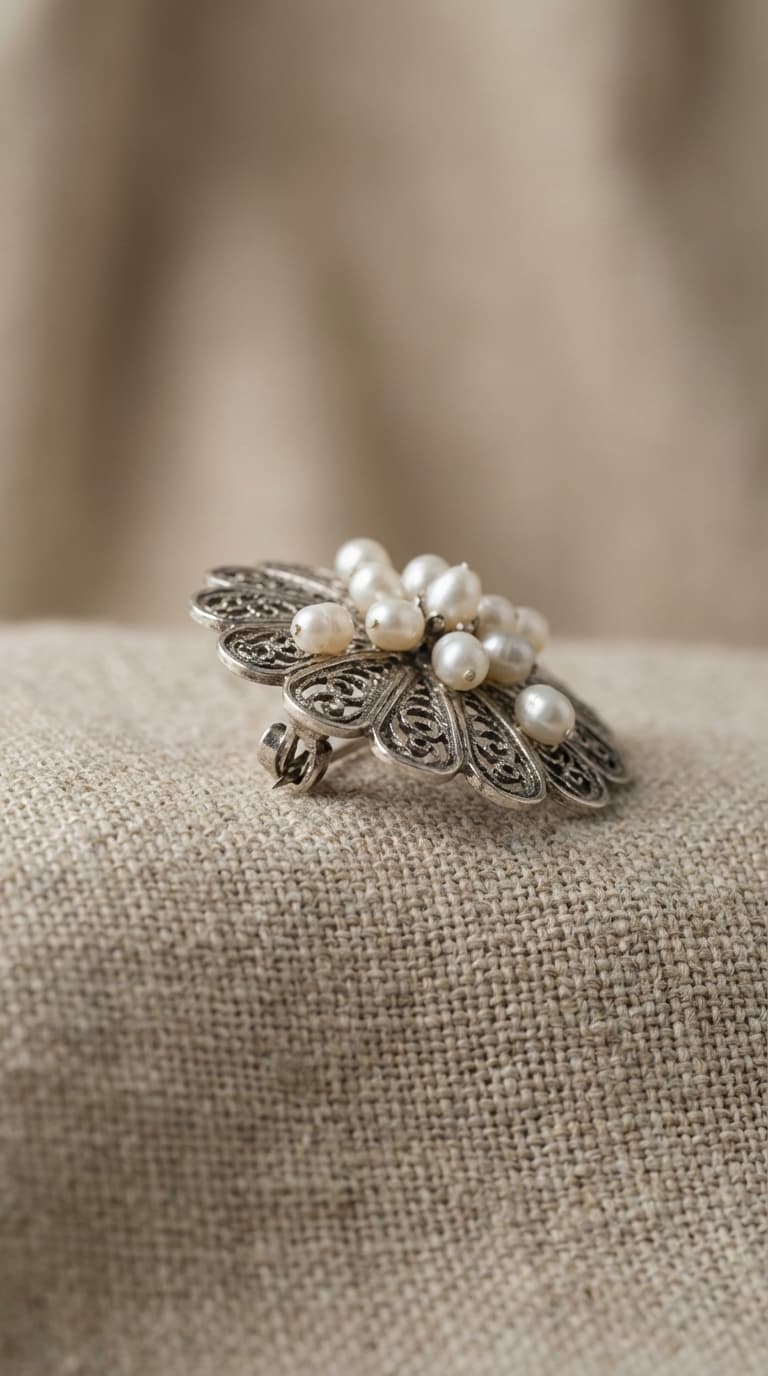
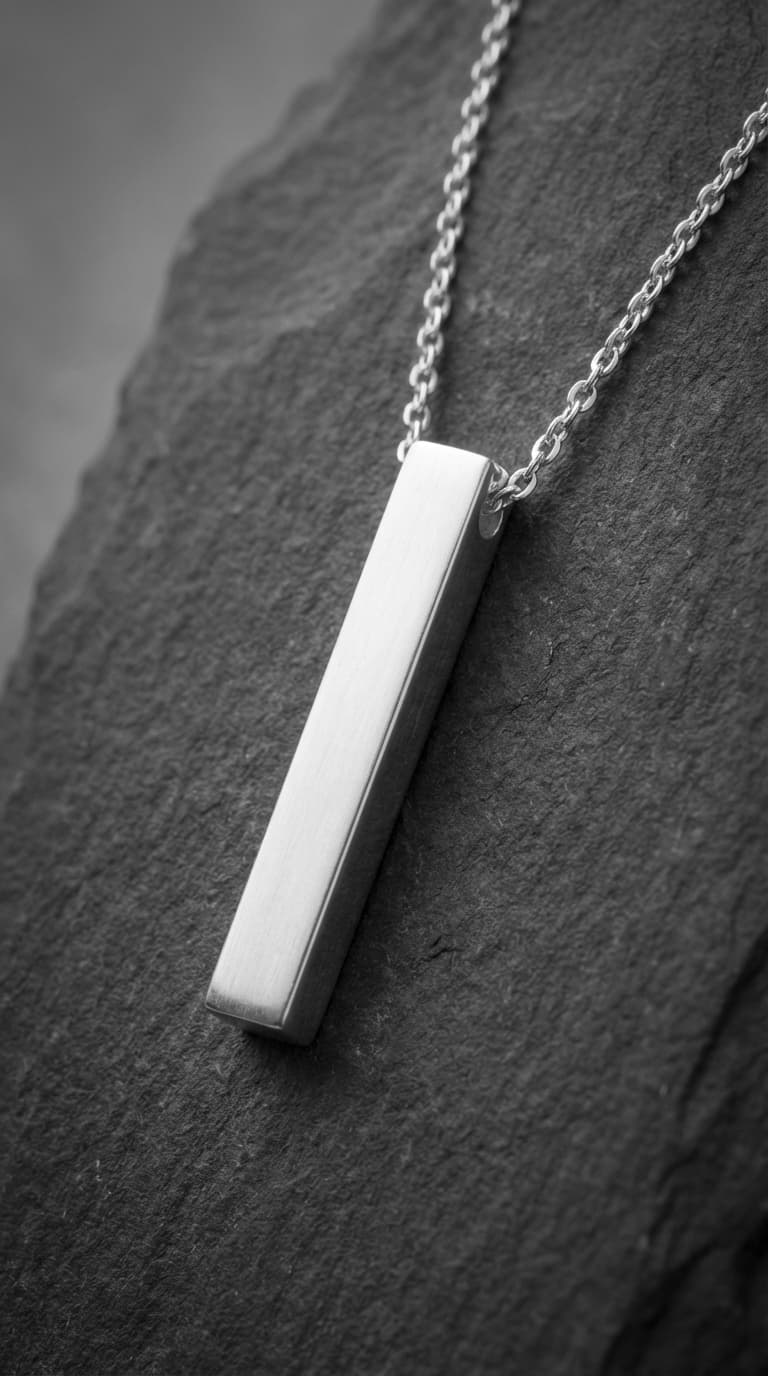
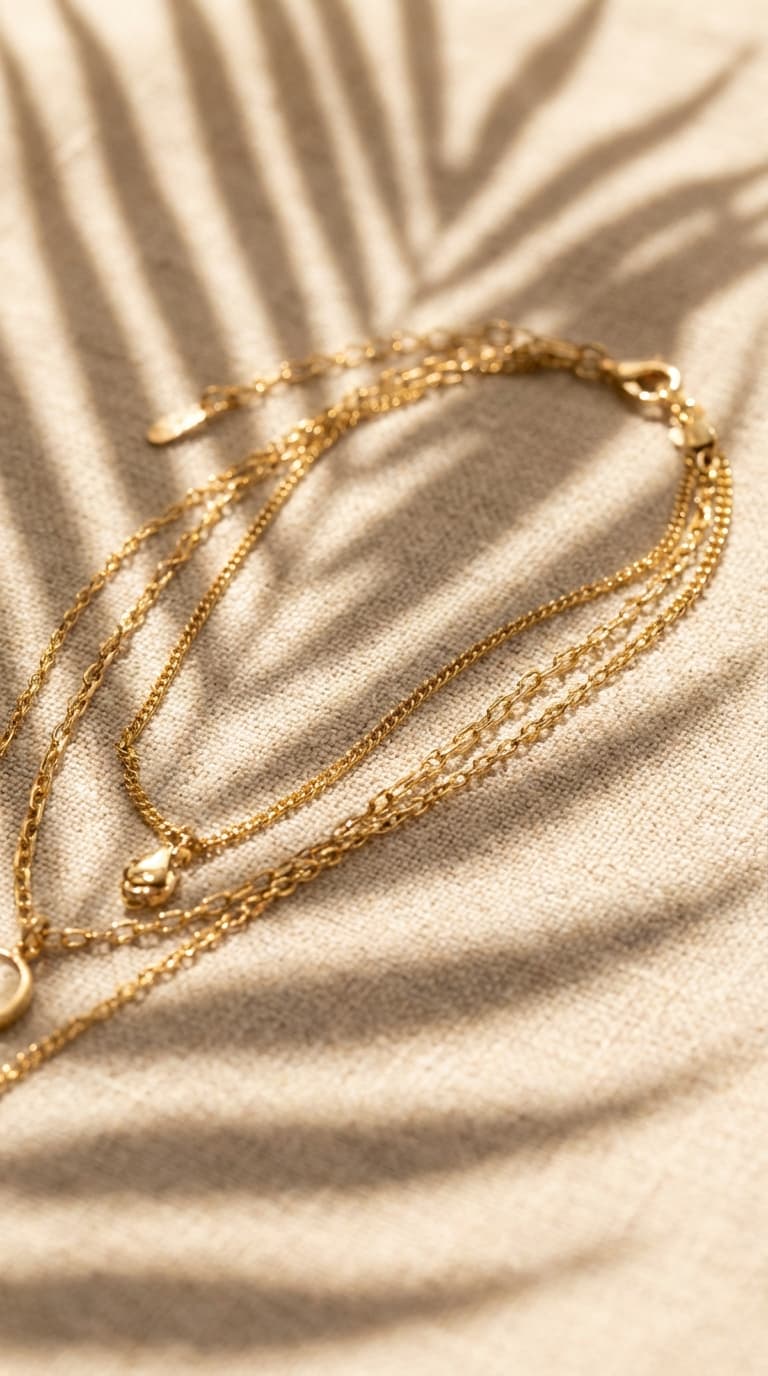
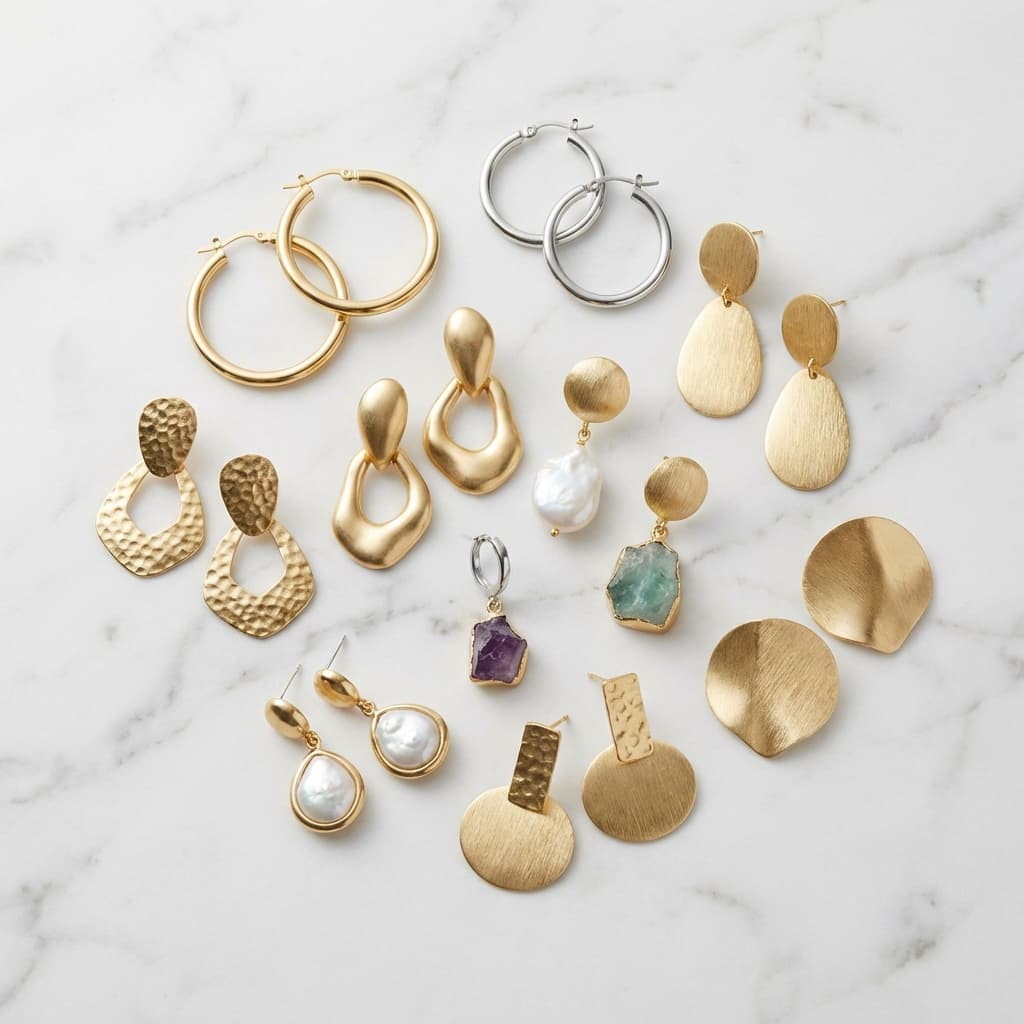
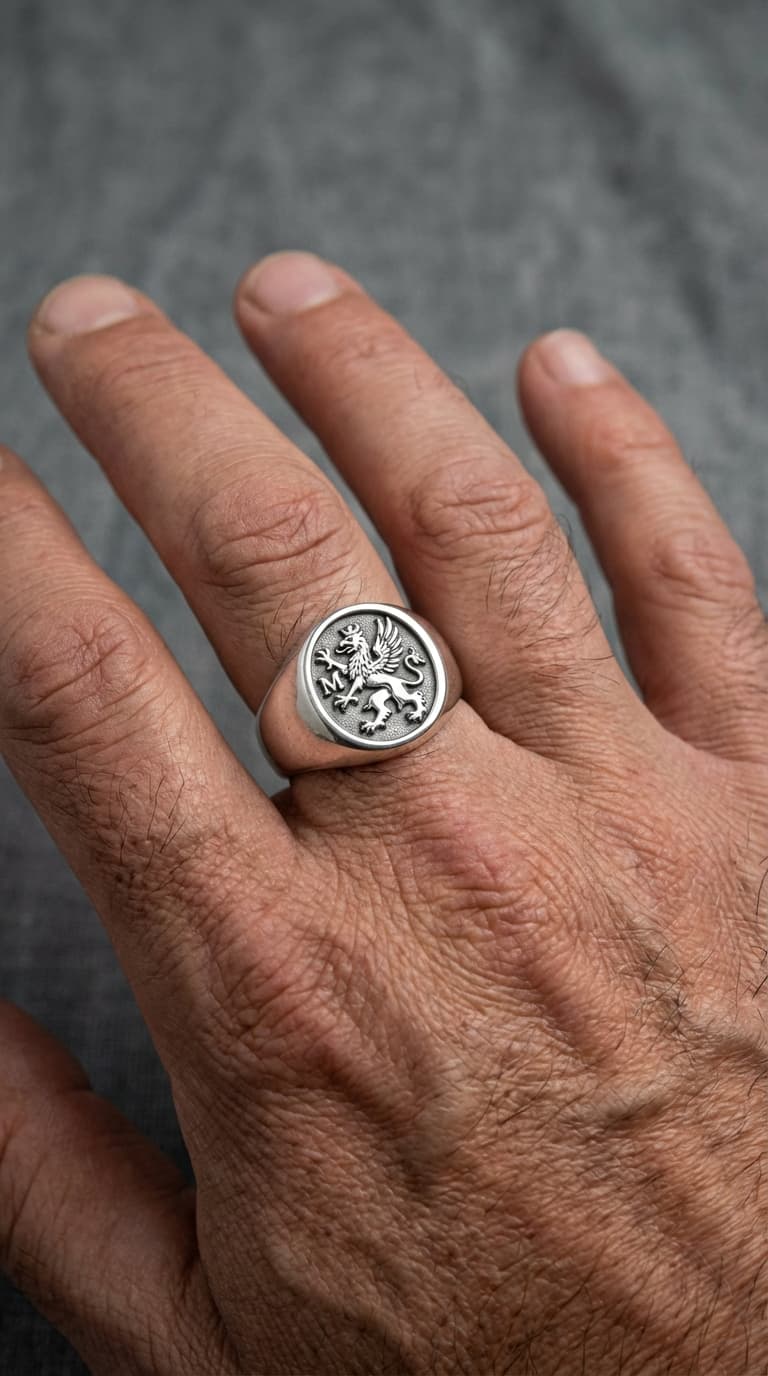






Nine jewelry image directions covering marketplace-ready hero shots, gemstone detail macros, and styled collection visuals.
Search results repeatedly favor pages that combine compliance-ready hero shots, close-up detail, and premium styling.
Clean white or neutral backgrounds help rings, necklaces, bracelets, and earrings look listing-safe while keeping the product fully visible.
High-intent shoppers expect close-ups that show stone cuts, engravings, clasps, chain links, and reflective finishes without losing realism.
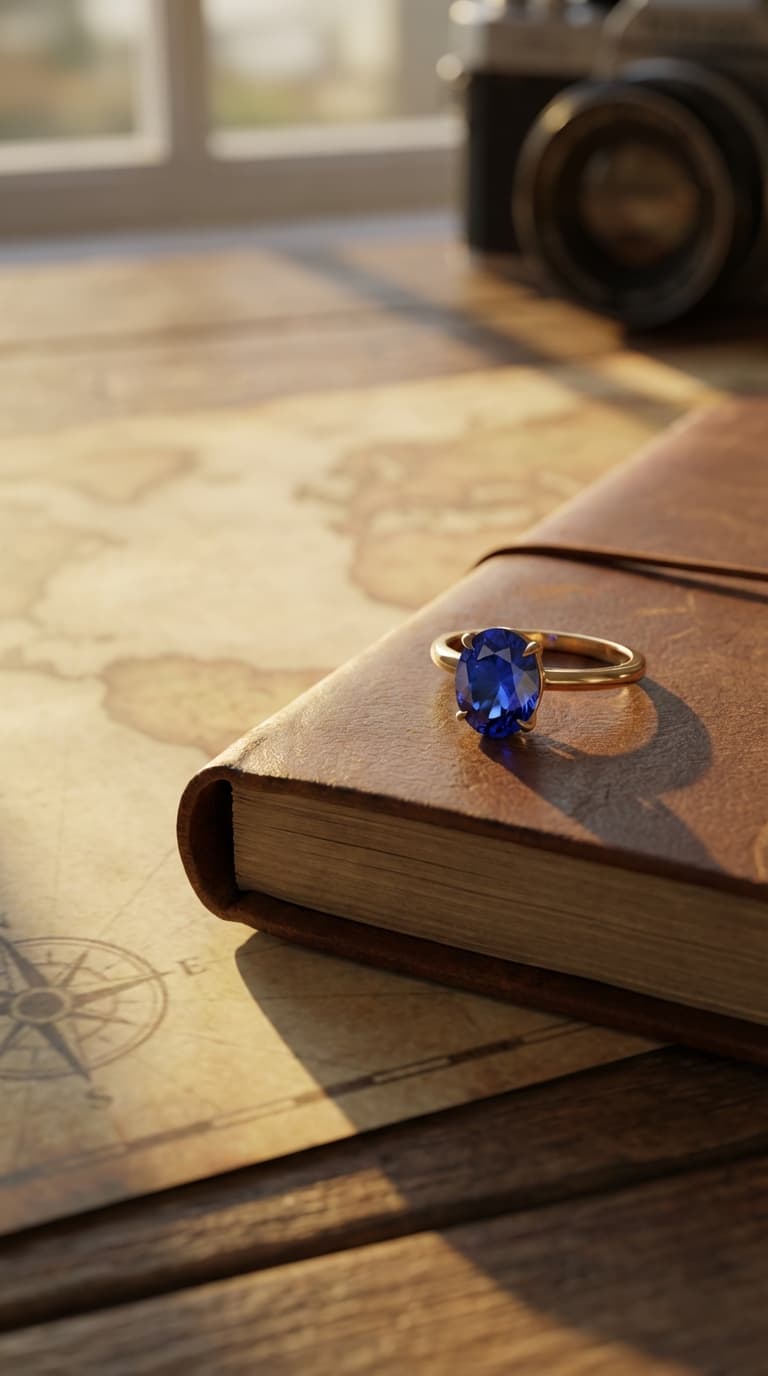
Editorial scenes, gifting setups, and premium shadows help jewelry brands add emotion and perceived value beyond the basic packshot.
Create a white or neutral-background base image that preserves metal edges, chain detail, gemstone contours, and product proportions.
Define the close-ups, shadow style, and lifestyle mood you need, from gemstone macros to gifting or editorial setups.
Produce hero, macro, and campaign-ready variants quickly, review the strongest options, and publish a consistent jewelry image pack.
Shot types and setups that commonly appear across high-intent jewelry pages and service-led results.
Build a dependable first-image set with centered framing, polished reflections, and consistent shadow depth for listings and marketplaces.
Capture the cut, sparkle, prongs, clasps, and engraving details that often decide whether high-consideration buyers keep exploring.
Use a slightly angled composition and soft luxury shadow to make each piece feel dimensional while keeping the product itself dominant.
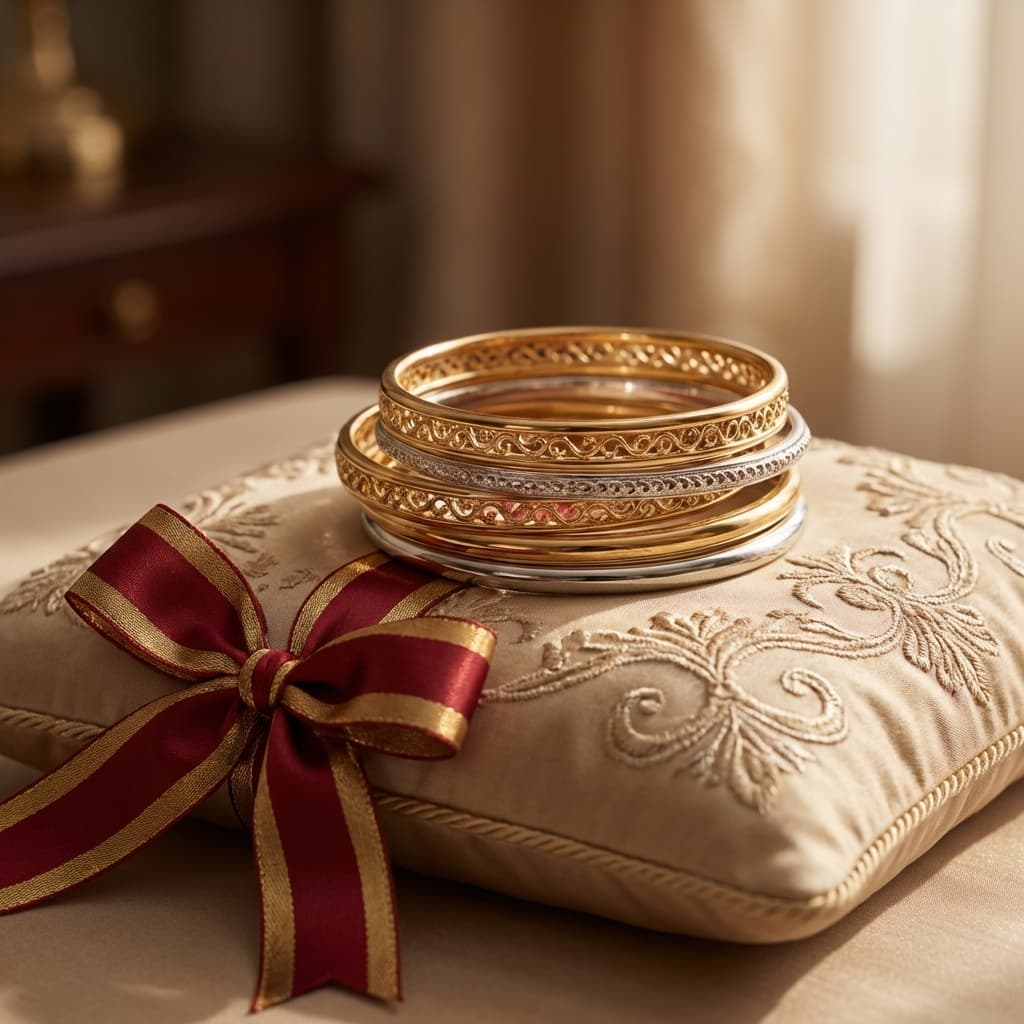
Create a branded scene around velvet, trays, or seasonal props to support gifting campaigns and collection launches without a full reshoot.
How jewelry teams use AI image generation to scale visual production and keep quality high.
Unify inconsistent photos from different suppliers so every ring, necklace, and bracelet follows the same visual rules for lighting, framing, and background style.
Generate campaign-ready visuals for holiday drops, gifting collections, and limited editions without waiting for a full production cycle.
Create clean, marketplace-friendly jewelry images with consistent white backgrounds and accurate product visibility for faster listing approvals.
Highlight texture, engraving, clasp details, and gemstone cuts with controlled close-up compositions tailored to high-intent shoppers.
Generate multiple scene directions for each collection and quickly test which mood boards drive stronger engagement and conversion.
Refresh legacy assets in bulk while preserving brand consistency, reducing manual editing time, and accelerating go-to-market timelines.
Reinforce visual consistency, catalog structure and SEO coverage with this recommended path.
Detailed answers about creating high-quality jewelry images with AI workflows.