Ecommerce tools
Outfit Generator
Generate outfit combinations instantly with AI for fashion creative and planning. Free tool, no payment required.
Generate outfit variations
Upload a model photo and define the new look.
What is product outfit styling?
Product outfit styling is the curation of coordinated garment combinations to present complete looks instead of isolated items. It helps shoppers visualize usage and increases basket potential.
Merchandising storytelling. Styled looks connect pieces into a clear buyable narrative.
Cross-sell potential. Outfit context naturally introduces companion products and increases average order value.
Creative consistency. Styling systems keep visual identity coherent across campaigns and categories.
E-commerce brands that already trust us
Key features built for commerce teams
Everything you need to standardize, scale and ship quality outputs.
Look composition controls
Define garment type, color, and style direction to produce targeted outfit combinations.
Pose and framing preservation
Keep model position and shot composition stable across all generated variants.
Realistic fabric rendering
Maintain natural folds and texture cues for believable wardrobe changes.
Batch look generation
Produce many outfit options for lookbooks, ads, and seasonal collections in one flow.
Popular use cases
Where teams use outfit generation to accelerate fashion merchandising and content.
Cover more outfit combinations
Generate additional looks quickly so listings and lookbooks show broader style coverage.
Refresh creative by season
Adapt looks for seasonal storytelling without rebooking talent and studio time.
Test visual styles in ads
Run creative tests with multiple outfit variants to find top-performing combinations.
Preview pre-production concepts
Validate styling direction earlier and reduce downstream iteration in final production.
How it works
Three quick steps from input to output to keep media workflows fast and consistent.
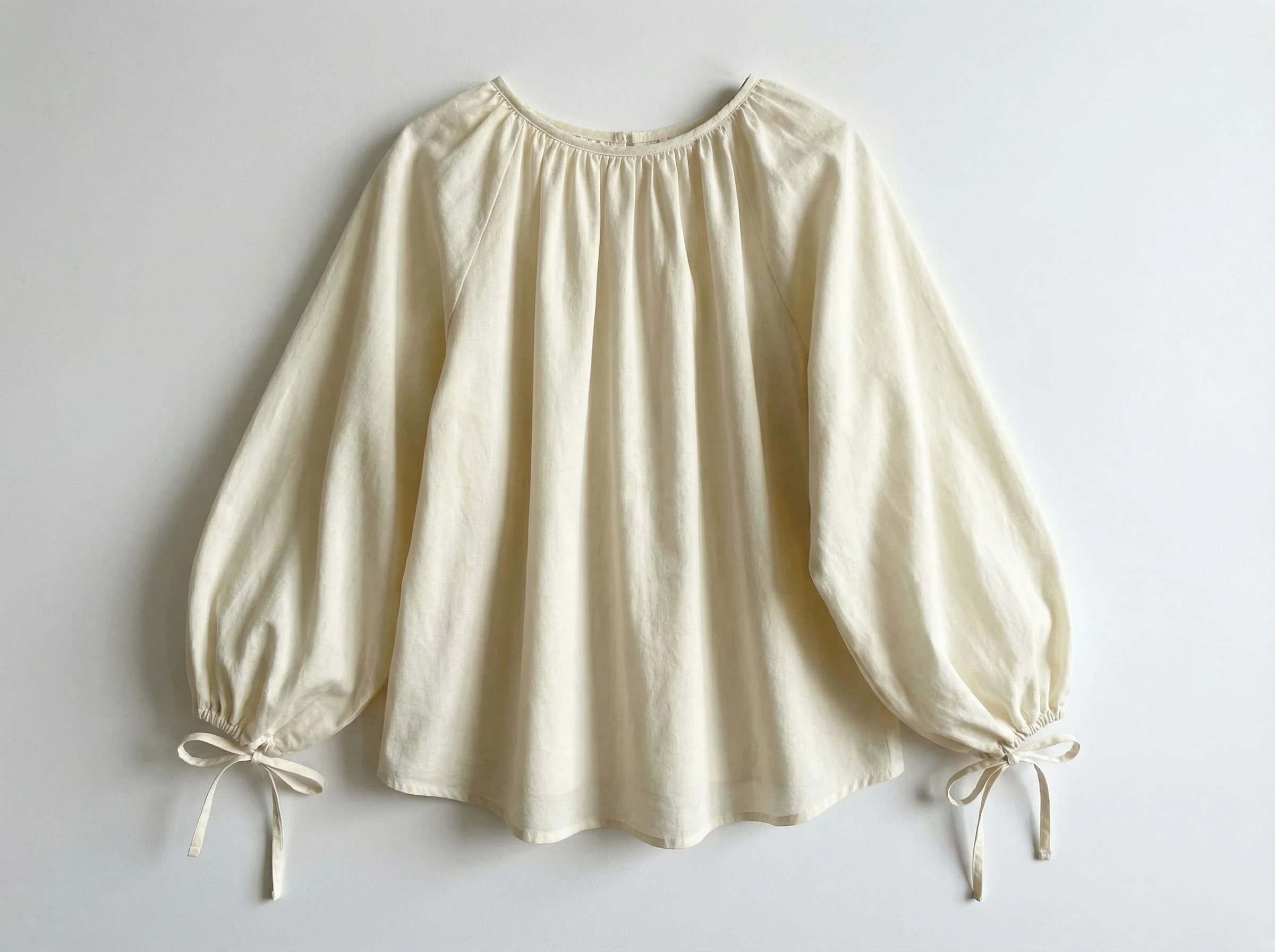
Choose your first garment (e.g. blouse)
Upload a starting garment such as a blouse, top, or jacket. You can add as many garments as you want to build complete outfit combinations instead of working with a single piece.

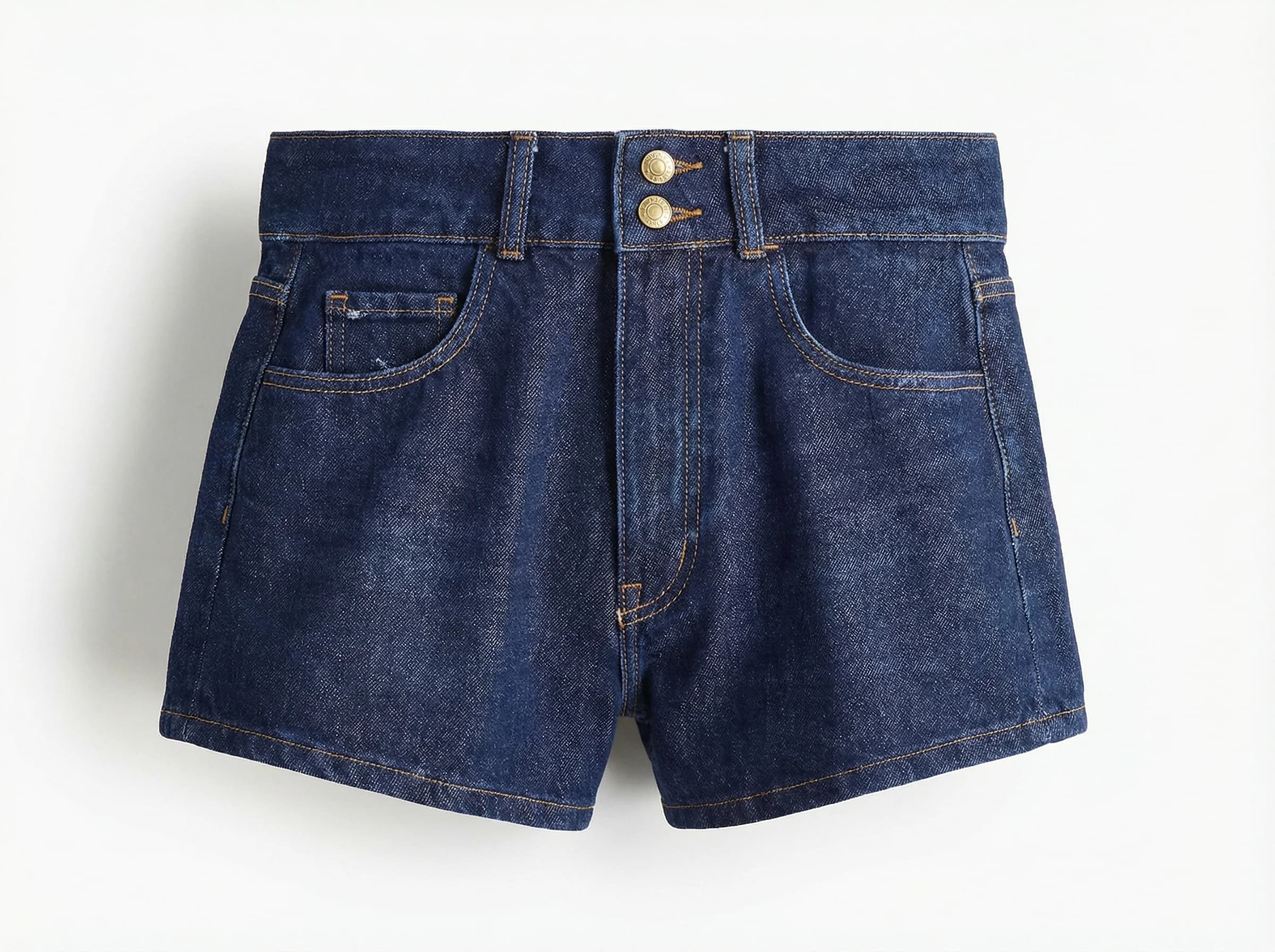
Add more garments (e.g. pants) and style direction
Add extra pieces like pants, skirts, or outer layers to complete the look. Combine your selected garments with fit, color, and styling instructions to keep strong visual consistency across outputs.

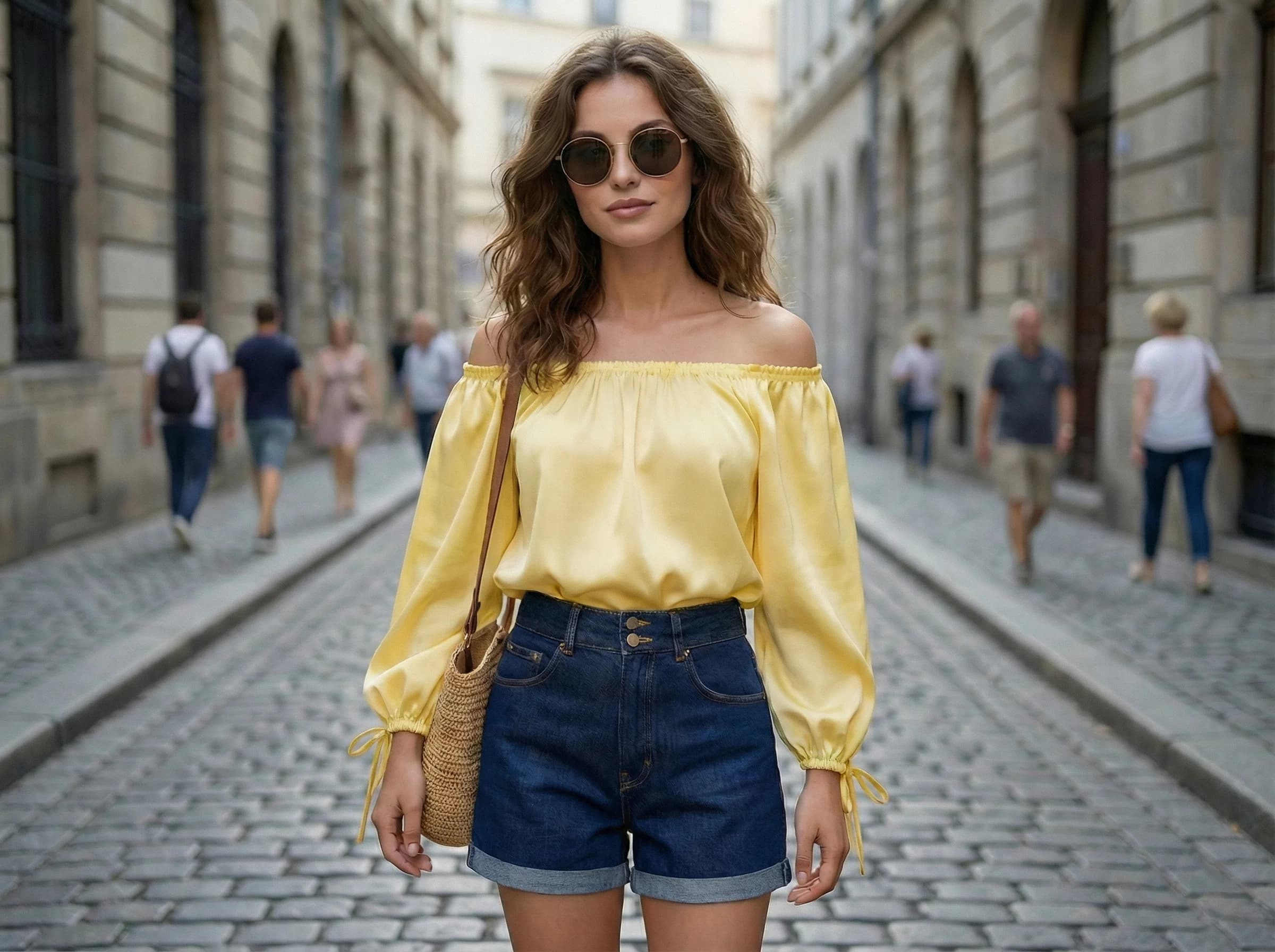
Generate the model in a custom scene with your garments
Create the final output with the model wearing your selected garments inside a custom scenario. Review variants, pick the strongest results, and export for PDP galleries, lookbooks, paid social, and seasonal campaigns.

Common issues & solutions
FAQs
Quick answers to common questions.
Recommended Shopify resources
Explore related guides to improve optimization, catalog structure and technical SEO control.
Media quality and image consistency
Keep Shopify media sharp, consistent, and conversion-ready by standardizing image ratios, alt text, and variant mapping across your entire store.
Explore guideCatalog structure and product taxonomy
Build a Shopify catalog that scales with clear product types, collections, and merchandising rules so shoppers can find what they need fast and reliably.
Explore guideBulk editing workflows in Shopify
Bulk work fails when CSVs are messy and updates are unverified. Focus on data hygiene, safe rollouts, and the Shopify bulk editor with ButterflAI review queues.
Explore guideLearn more about ecommerce SEO and catalog optimization
Read guides and tips that expand this tool.

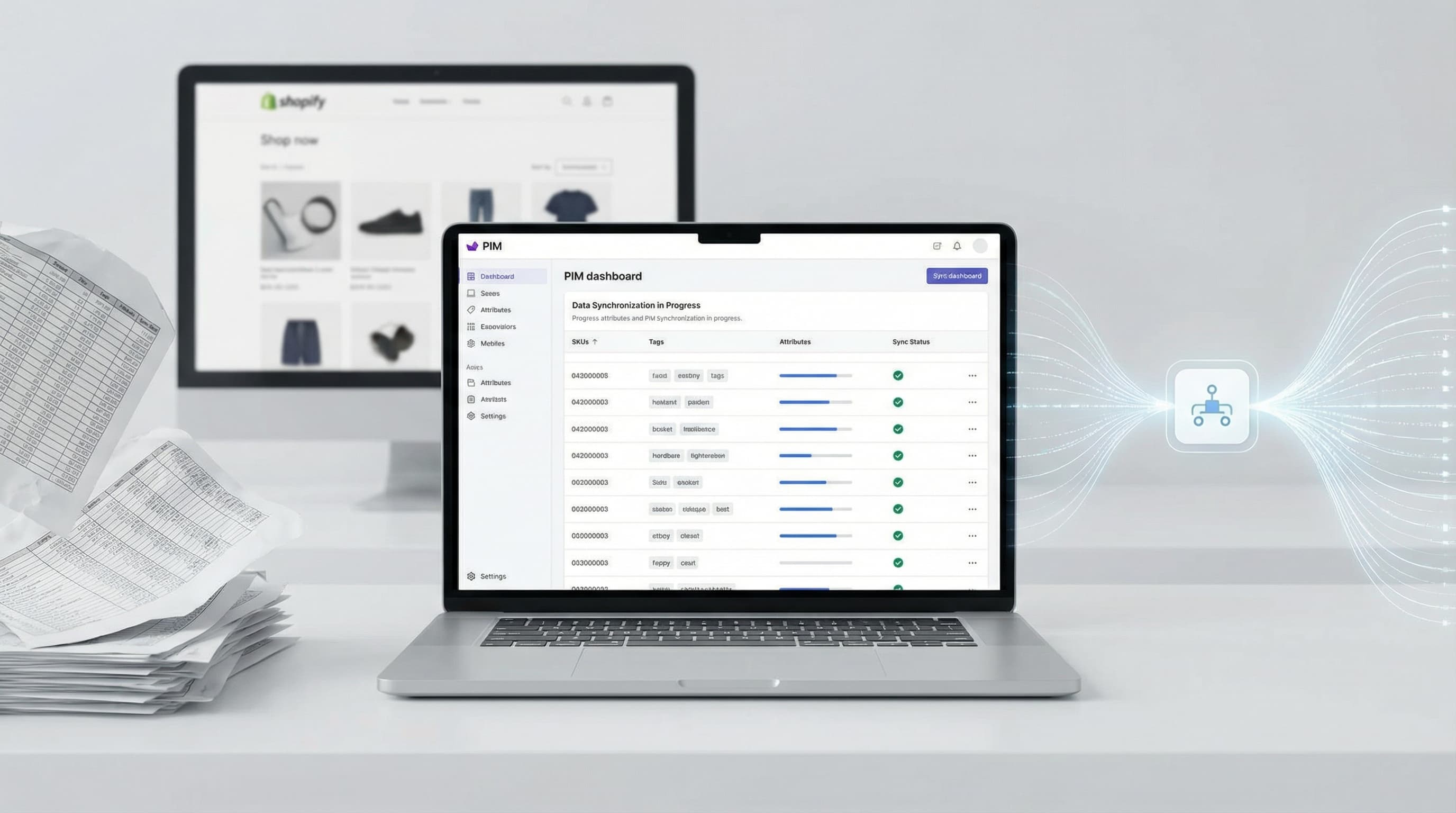
How to Implement an eCommerce PIM to Scale Your Shopify Catalog
Master your product data model, centralize attributes, and eliminate CSV chaos with an effective eCommerce PIM strategy.
Read more
Product Datasheet Template for eCommerce: Guide and Data Model
Practical guide to structuring your catalog data, optimizing Shopify mapping, and preparing your store for AI scaling.
Read more
AI eCommerce Product Photography: Scale Your Catalog in 2025
Discover how to optimize eCommerce product photography with AI. A practical guide to reducing shooting costs, improving editing, and scaling your visual catalog.
Read more
Build a Powerful Brand Image for Multichannel eCommerce: Complete Guide 2025 | ButterflAI
Discover how to create a cohesive brand image across all eCommerce channels. Strategies, examples and tools to strengthen your online presence.
Read more
Create Product Catalog: Complete Guide 2025 | ButterflAI
Learn how to create a professional product catalog. Discover the best tools, costs, and strategies for WhatsApp and online sales.
Read more
ChatGPT Shopping and the AI Revolution in eCommerce | Complete Guide 2025 | ButterflAI
Discover how ChatGPT Shopping is transforming the eCommerce landscape. Strategies, market impact and how to adapt your business to the new AI era.
Read moreDiscover more tools
Keep exploring more ways to upgrade your catalog.
AI Model Generator
Create diverse model imagery for product campaigns, PDPs, and performance ads.
Product Title Generator
Generate product titles that balance keywords, readability, and marketplace limits.
Product Description Generator
Write product descriptions that combine benefits, keywords, and clear purchase triggers.
Meta Title Generator
Create concise meta titles that combine keyword relevance, clarity, and click intent.
Meta Description Generator
Create concise meta descriptions that blend keyword relevance, benefits, and clear action.
Shopify Product Metafields Generator
Create consistent product metafields for filtering, merchandising, and channel sync.