
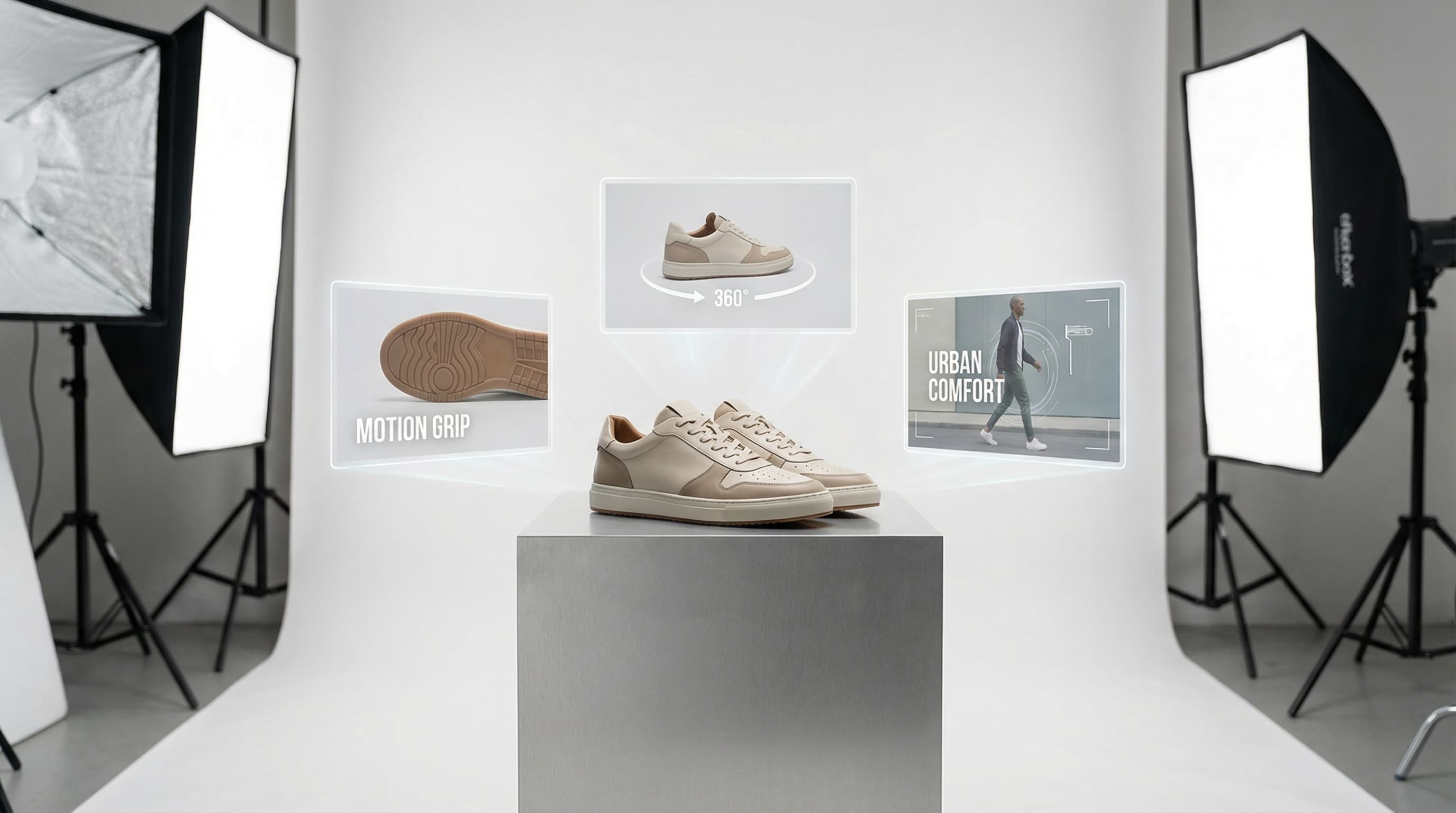
How to Generate Product Videos in Shopify to Scale Your eCommerce
Learn how to generate product videos in Shopify at scale using AI. Automate your listings, improve SEO, and boost engagement with ButterflAI.
Learn how to generate image alt text in Shopify automatically. Improve image SEO, accessibility, and rankings at scale with AI-driven descriptions.

Manually writing alt tags hinders growth. ButterflAI allows you to generate image alt text in Shopify automatically using AI. This ensures every product image is accessible and optimized for search engines, saving hours of data entry while improving SEO performance.
The primary challenge when trying to generate image alt text in Shopify is volume. eCommerce managers often face thousands of product images that lack descriptive tags or rely on camera-generated filenames like DSC_0045.jpg. This creates two significant issues: poor performance in Google Images and barriers for users relying on screen readers.
Manually writing these descriptions in the Shopify admin panel is slow and prone to human error. Copy-pasting the product title into the alt text field—a common shortcut—results in keyword stuffing and duplicate content, which search engines may penalize. Without a scalable way to handle image SEO, valuable organic traffic is lost.
ButterflAI addresses the scale issue by integrating computer vision AI directly into your Shopify workflow. Instead of relying on generic templates or manual entry, our system analyzes the visual content of every image to understand colors, shapes, textures, and contexts.
This capability allows you to generate image alt text in Shopify that is unique, descriptive, and SEO-friendly. By automating this specific task, ButterflAI ensures that every product variant—whether it’s a detailed close-up or a lifestyle shot—receives accurate metadata. This automation bridges the gap between raw catalog data and the semantic understanding required by search engines.
To streamline your image optimization process using ButterflAI, follow these actionable steps:
See how AI-driven analysis transforms a digital asset's metadata for better image SEO and accessibility.
| Before | After |
|---|---|
Product Premium Leather Backpack | Product Premium Leather Backpack |
Alt Text
| Alt Text Vintage brown leather backpack with brass buckles and front pocket, standing on a wooden surface, studio lighting. |
Impact The search engine sees a filename with no context. Screen readers read out a confusing string of characters. The image fails to rank for specific terms like "vintage," "brown," or "laptop compartment." | Impact The description is rich in semantic detail. It accurately describes the visual content to visually impaired users and signals relevance to Google for long-tail queries. |
While AI automation is powerful, it is important to understand where human oversight is beneficial:
ButterflAI’s automated workflows are particularly valuable in the following scenarios:
Ensure your image strategy is fully optimized with this quick quality assurance list:
Alt text is kept under 125 characters.
Keywords are integrated naturally without "stuffing."
Descriptions do not start with "Image of..." or "Picture of..."
Every product variant has a unique description.
Decorative images are excluded or tagged appropriately.
**Core Web Vitals** are monitored to ensure images do not impact load times.
Quick answers to common questions.
Related guides
Keep exploring the best ways to optimize Shopify catalogs with guides that match this topic.
Learn how to generate product videos in Shopify at scale using AI. Automate your listings, improve SEO, and boost engagement with ButterflAI.

Discover how to audit videos in Shopify at scale. Improve SEO, speed, and conversion with ButterflAI's intelligent automation.

Learn how to bulk edit product images in Shopify with AI. Automate resizing, optimization, and catalog consistency efficiently.