

How to Compress Videos in Shopify to Boost Speed
Learn how to compress videos in Shopify with AI. Improve SEO and page speed with ButterflAI. Optimize your media catalog today.
Learn how to compress product images in Shopify to boost page speed and SEO. Discover manual methods and automated AI solutions for bulk optimization.
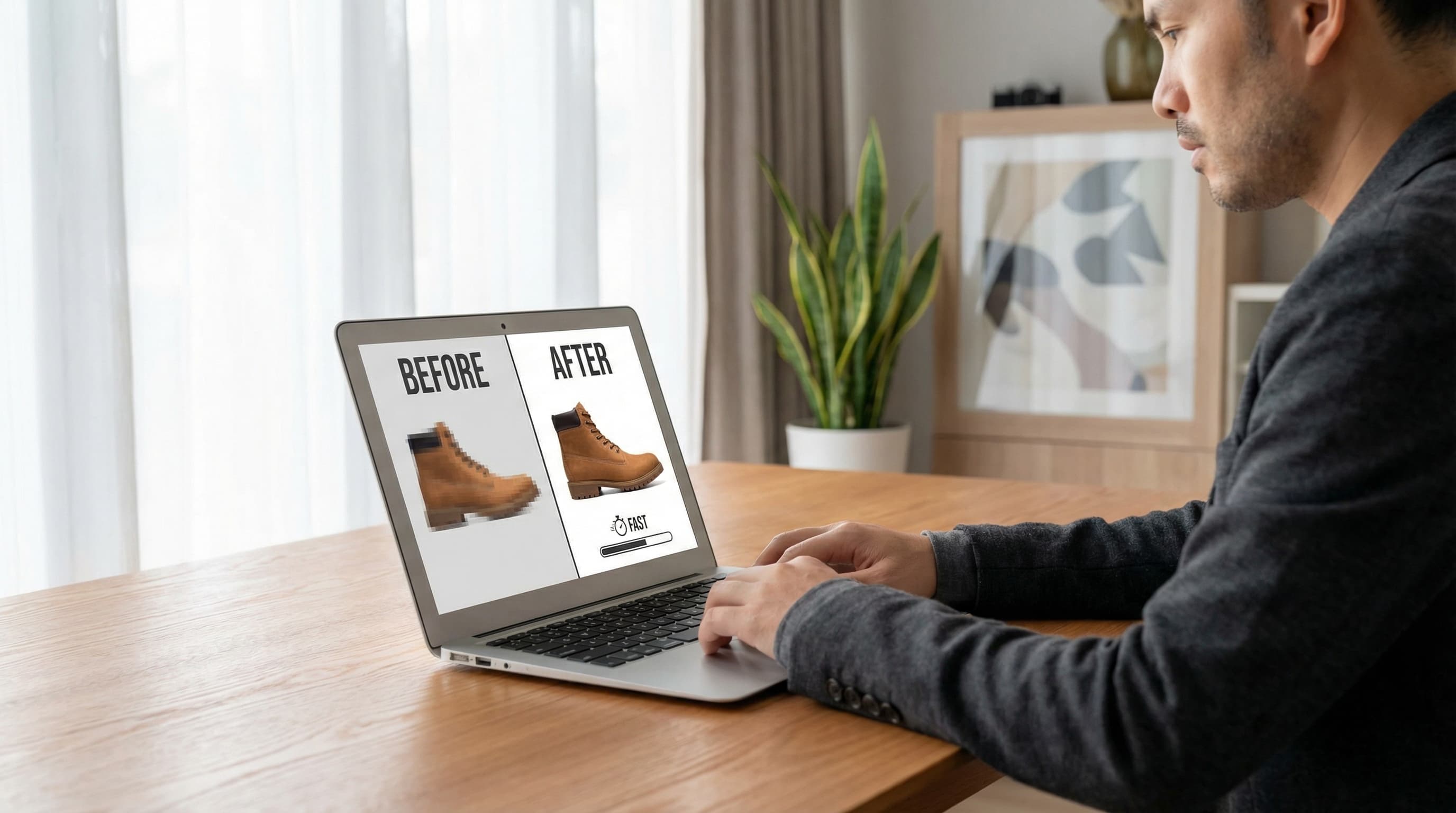
High-quality visuals sell products, but heavy files kill site speed. This guide explains how to compress product images in Shopify effectively. We cover manual techniques and automated AI workflows to reduce file sizes, improve load times, and boost SEO rankings without sacrificing quality.
Visuals are the lifeblood of eCommerce, but they are also the heaviest assets on your site. A major problem for scaling Shopify stores is the accumulation of unoptimized high-resolution photography.
When you upload a 5MB raw image directly to Shopify, the platform creates various sizes, but the base optimization is often insufficient for top-tier Core Web Vitals performance. Heavy images delay the Largest Contentful Paint (LCP), causing slow load times specifically on mobile networks.
Manually downloading, resizing, and re-uploading thousands of SKUs is tedious and prone to error. This manual bottleneck prevents marketing teams from launching campaigns quickly and hurts SEO scores.
The most effective way to compress product images in Shopify at scale is through intelligent automation. ButterflAI acts as a background agent that monitors your store's media assets.
Instead of simple resizing, it uses computer vision to apply smart compression. It analyzes the image to distinguish between essential textures (like fabric weave) and background noise. It then reduces the file size by removing invisible data and converting legacy formats (PNG/JPEG) into modern WebP files.
This process happens automatically via bulk operations or real-time triggers, ensuring your catalog is always optimized without manual intervention.
product and file APIs to identify assets larger than 200KB or in older formats.Use **WebP** format for the best quality-to-size ratio.
Keep file sizes under **200KB** for product photos.
Ensure dimensions do not exceed **2048px** width.
Remove EXIF metadata (camera details, GPS).
Use descriptive filenames (e.g., `blue-silk-shirt.webp`) before uploading.
Add accurate **Alt Text** for accessibility and SEO.
Quick answers to common questions.
Related guides
Keep exploring the best ways to optimize Shopify catalogs with guides that match this topic.
Learn how to compress videos in Shopify with AI. Improve SEO and page speed with ButterflAI. Optimize your media catalog today.

Learn how to bulk edit product images in Shopify with AI. Automate resizing, optimization, and catalog consistency efficiently.

Learn how to optimize product images in Shopify automatically with AI. Improve your Core Web Vitals, load speed, and image SEO without manual processes.