
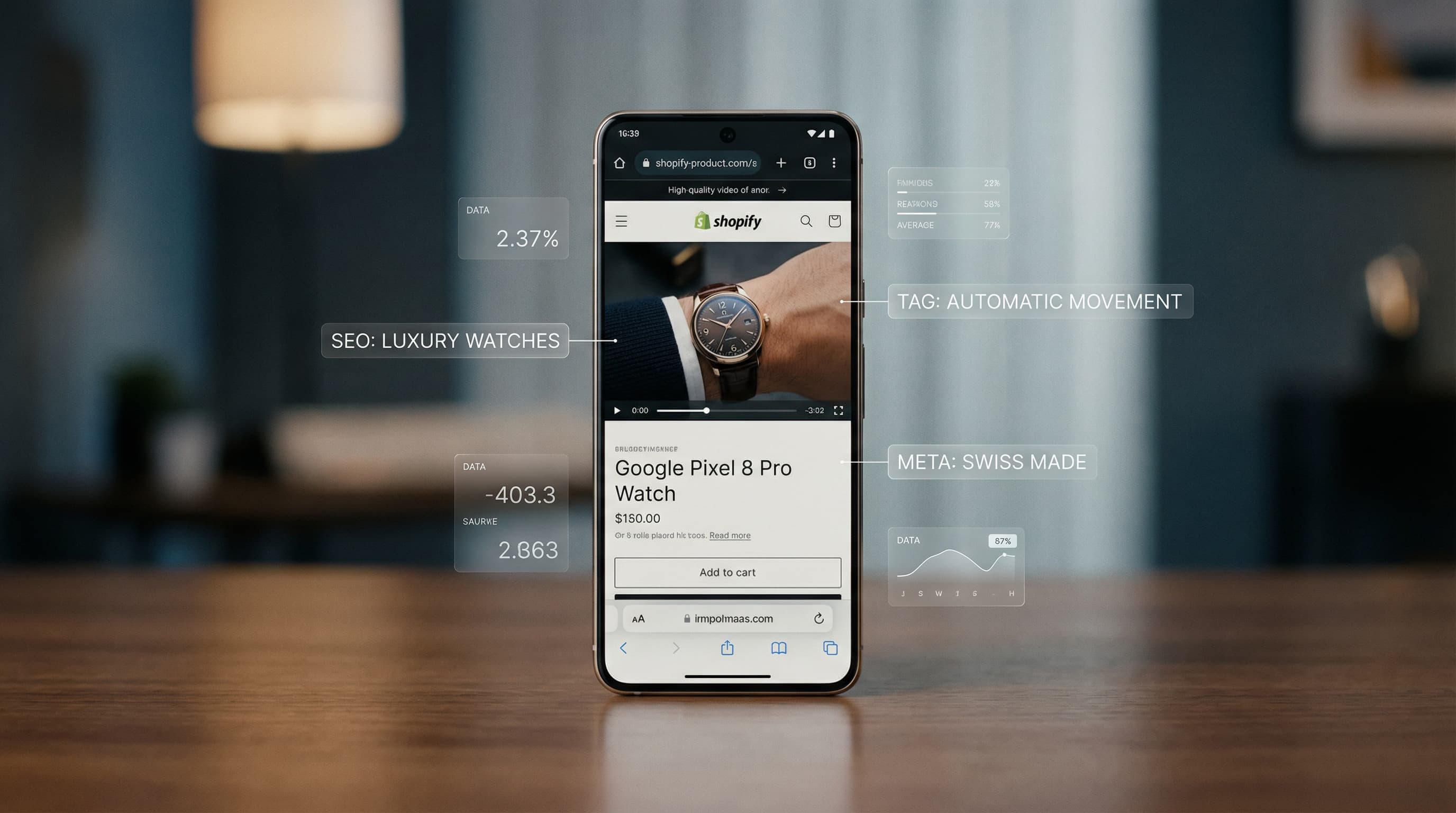
How to Optimize Videos in Shopify for SEO & Sales
Learn how to optimize videos in Shopify to improve SEO and load speed. AI automation to manage your product media at massive scale.
Learn how to optimize product images in Shopify automatically with AI. Improve your Core Web Vitals, load speed, and image SEO without manual processes.

Image optimization is a determining factor for your store's speed and SEO. Discover how ButterflAI uses artificial intelligence to automate the visual processing of your Shopify catalog, improving user experience and conversions massively.
Managing a visual catalog in Shopify seems simple when you have ten products, but it becomes a logistical nightmare when you scale to hundreds or thousands. The problem is not just uploading the photo; it is everything Shopify does not natively do for you.
First, Image SEO is often the forgotten element. Shopify does not intelligently generate Alt Text based on visual content. This means thousands of products end up with images lacking descriptions or with generic filenames like IMG_5678.jpg, which are invisible to Google and detrimental to accessibility.
Second, Page Speed and Core Web Vitals. Although Shopify optimizes delivery through its CDN, uploading excessively heavy files or incorrect dimensions penalizes Largest Contentful Paint (LCP). Scaling the manual resizing and compression of every product variant consumes hours of design or marketing team time that should be focused on strategy, not repetitive "click and save" tasks.
Finally, there is lack of consistency. Without real automation, every new product upload can have a different quality standard, affecting brand aesthetics and user trust. Manual scaling in Shopify is simply not viable for brands looking to dominate the market with dynamic catalogs.
ButterflAI was created to eliminate the friction between having a large catalog and maintaining a fast, optimized store. Our solution is not just a compression tool; it is an AI agent designed to manage the visual lifecycle of your products directly in Shopify.
By connecting ButterflAI to your store, you enable an intelligence layer that analyzes every image in your catalog. The AI not only reduces file weight to improve web speed but also "understands" what is in the image. This allows for the mass generation of descriptive, keyword-rich Alt Text, ensuring every image contributes to your positioning in Google Images.
The competitive advantage of using ButterflAI lies in the automation of quality. You can define global rules so that all your images follow a standard: from format (WebP) to file naming and SEO tagging. All this happens asynchronously, allowing you to process thousands of images in the time it used to take to edit ten. ButterflAI acts as an expert member of your eCommerce team, working in the background to keep your store fast and accessible.
Optimizing your visual catalog with ButterflAI is a direct process designed to integrate into your daily workflow. Follow these steps to transform your store:
Below, we show how ButterflAI's intervention transforms the technical quality and SEO of a standard asset.
| Before | After |
|---|---|
Filename:
| Filename:
|
Alt Text: (Empty) | Alt Text: "Women's black leather biker style jacket with silver zippers, front view on white background." |
File Size: 2.4 MB | File Size: 185 KB |
Dimensions: 4000x6000 px | Dimensions: 1200x1800 px (Optimized for web viewing) |
SEO Impact: Null. Google does not understand the content. Slow load speed affects LCP. | SEO Impact: High. Indexing in Google Images for "leather biker jacket". Immediate improvement in product page load speed and Core Web Vitals score. |
Although ButterflAI's AI is extremely advanced, there are scenarios where a hybrid approach is required:
The versatility of ButterflAI allows for solving specific problems at different stages of an eCommerce business:
Ensure your store meets these minimum optimization standards:
The preferred file format is WebP for the general catalog.
All product images have a unique descriptive Alt Text.
The filename contains the primary keyword separated by hyphens.
The product file size does not exceed 200 KB.
Image dimensions are consistent across all variants (e.g., all 1:1 or 3:4).
Unnecessary whitespace (padding) has been removed.
Lifestyle images are compressed to avoid affecting scroll smoothness.
The Shopify image sitemap is updated and submitted to Google Search Console.
Unnecessary EXIF metadata that adds weight to the file has been stripped.
There are no broken image links in product descriptions.
Quick answers to common questions.
Related guides
Keep exploring the best ways to optimize Shopify catalogs with guides that match this topic.
Learn how to optimize videos in Shopify to improve SEO and load speed. AI automation to manage your product media at massive scale.

Learn how to bulk edit product images in Shopify with AI. Automate resizing, optimization, and catalog consistency efficiently.

Learn how to compress product images in Shopify to boost page speed and SEO. Discover manual methods and automated AI solutions for bulk optimization.