

How to Bulk Edit Product Images in Shopify
Learn how to bulk edit product images in Shopify with AI. Automate resizing, optimization, and catalog consistency efficiently.
Learn how to remove background from images in Shopify in bulk using AI. Improve your visual SEO and product page conversion automatically.
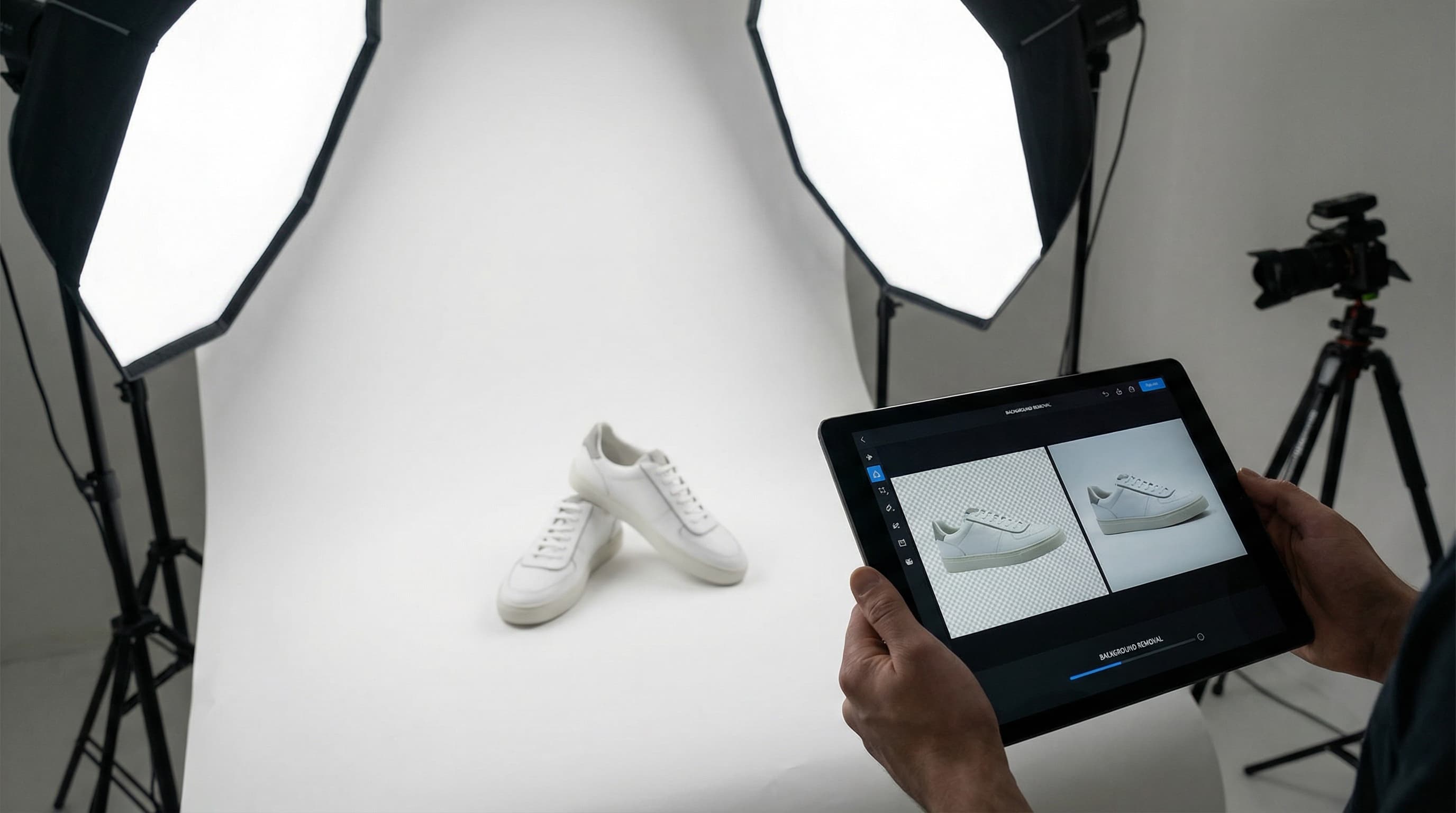
Optimize your eCommerce aesthetics by removing backgrounds professionally and in bulk. Discover how ButterflAI's artificial intelligence allows you to transform thousands of product photos into sales-ready visual assets for Shopify, improving your SEO and customer trust.
When an online store begins to scale, product volume becomes an insurmountable logistical challenge. Manually editing the background of every product photograph not only consumes hundreds of design hours but also introduces critical visual inconsistencies that directly affect the brand's perception of professionalism.
In Shopify, native image management has limitations regarding advanced editing. If you receive files from different suppliers or conduct your own photo sessions in uncontrolled conditions, you often end up with a visually cluttered catalog: backgrounds with different shadows, varied wall colors, and distracting elements that draw attention away from the main product.
Attempting to solve this manually using traditional tools like Photoshop is unfeasible for catalogs exceeding 50 products. Furthermore, free online tools often drastically reduce image quality or lack direct integration with the platform, forcing you to download and upload files one by one. This manual process breaks the workflow, generates errors in variant assignment, and delays collection launches by weeks. For eCommerce Managers, this translates to a high opportunity cost and an operational workload that adds no strategic value.
ButterflAI addresses this issue by positioning itself as an AI agent that manages and optimizes your visual content autonomously. Instead of being a simple external editor, our technology integrates deeply with your store to automatically detect the main subject and remove the background precisely, respecting even the most complex edges.
What truly differentiates ButterflAI is its capacity for bulk processing with a level of coherence impossible to achieve manually. You can select entire collections and apply unified design rules: "pure white background" to comply with marketplace regulations or "transparent background" for custom design integrations.
This solution allows brands to maintain a "premium" aesthetic without needing a design team dedicated to repetitive tasks. Additionally, it optimizes Shopify SEO by facilitating Google Images to correctly index your products on neutral backgrounds, something search algorithms prioritize for "Shopping" results and visual searches. With ButterflAI, image editing stops being an obstacle and becomes an automated competitive advantage.
Transforming your catalog's aesthetic does not require advanced technical knowledge. Thanks to our integration, you can execute massive workflows by following these steps:
| Before | After |
|---|---|
The same running shoe isolated on a pure white background (#FFFFFF). The edges are perfectly defined, even in the lace and mesh areas. All distractions have been removed, and the lighting feels balanced. The product is the absolute protagonist, meeting the standards of any international marketplace and significantly improving the click A running shoe photographed in a warehouse on a cardboard box. Harsh shadows are visible, the floor is dirty, and other products are piled up in the background. The lighting is yellowish, and the image conveys an unprofessional brand image. Furthermore, this type of image is routinely rejected by Google Shopping due to excessive visual noise and clutter. | The same running shoe isolated on a pure white background (#FFFFFF). The edges are perfectly defined, even in the lace and mesh areas. All distractions have been removed, and the lighting feels balanced. The product is the absolute protagonist, meeting the standards of any international marketplace and significantly improving the click through rate (CTR) on collection pages. |
Although ButterflAI's AI is extremely advanced, there are specific scenarios where automatic removal may require manual supervision to ensure perfection:
The ability to clean backgrounds at scale opens up new strategic opportunities for various types of businesses on Shopify:
To ensure that your product listings not only look good but also sell and rank well, follow this checklist:
Pure white background (#FFFFFF) or transparent for clean integration.
Safety margin (padding) of 5-10% around the product to prevent it from looking "cramped".
Optimized image format (WebP) to improve loading speed and Core Web Vitals.
Minimum resolution of 1200px to allow high-quality zoom for the customer.
Descriptive file names separated by hyphens (e.g., grey-wool-coat.jpg).
ALT text configured with secondary product keywords.
Consistency in the shooting angle so the collection grid looks harmonious.
Removal of watermarks or supplier logos that distract from the product.
ButterflAI is designed to fit into any technical workflow, allowing two main avenues for asset management:
Quick answers to common questions.
Related guides
Keep exploring the best ways to optimize Shopify catalogs with guides that match this topic.
Learn how to bulk edit product images in Shopify with AI. Automate resizing, optimization, and catalog consistency efficiently.

Learn how to compress product images in Shopify to boost page speed and SEO. Discover manual methods and automated AI solutions for bulk optimization.

Learn how to optimize product images in Shopify automatically with AI. Improve your Core Web Vitals, load speed, and image SEO without manual processes.