
💰 Key insight: Companies that implement Google Shopping correctly see an average 76% increase in digital advertising revenue within the first 6 months, according to Google Economic Impact Report data.
How to Appear on Google Shopping: Step-by-Step Guide 2025 | ButterflAI
Learn how to appear on Google Shopping and boost your e-commerce sales with this step-by-step guide full of tips and advanced strategies.
What is Google Shopping and How Does It Work?
Google Shopping is a comparison engine that appears in Google Search results and the 'Shopping' tab. You send your product feed to Google Merchant Center, link it with Google Ads and your items show up when users search for relevant terms. According to Statista, 85% of retail ad clicks on Google come from Shopping campaigns.
For growth-minded eCommerce brands, Google Shopping provides traffic with exceptionally high purchase intent. Internal Google studies show that Shopping ads deliver 30% higher conversion rates compared to plain text search ads. Because each listing displays an image, price, and ratings, shoppers can make informed decisions faster—reducing friction and boosting sales.
Google Shopping's ecosystem works as a three-tier funnel: discovery (users see your product in results), consideration (they compare prices and features), and conversion (they click to purchase). Unlike other advertising channels, users here already have clear commercial intent, which explains why cost per acquisition (CPA) is typically 20-40% lower than Display or Social Media campaigns.
Why Google Shopping is Essential for Your eCommerce in 2025
The eCommerce landscape has changed dramatically. With over 3.5 billion daily product searches on Google, not appearing in Shopping means missing a massive visibility opportunity. Product searches have grown 70% year-over-year, and Google Shopping captures the majority of this commercial traffic.
Google Shopping Competitive Advantages
Unique benefits you don't get from other marketing channels:
- Premium visibility: Your products appear before organic results
- Qualified traffic: Users with immediate purchase intent
- Cost-efficiency: Average CPC 30% lower than traditional Google Ads
- Massive reach: Access to Google's entire audience (4+ billion users)
- Rich data: Detailed insights on purchase behavior and trends
Prerequisites: Set Up Your Account and Product Feed
Before launching campaigns, it's crucial to establish a solid foundation. 73% of product rejections in Google Shopping are due to incorrect configurations that can be avoided by following these essential steps. Proper preparation will save you weeks of later corrections.
📦 Merchant Center Account (Required)
Create and verify your domain in Merchant Center to prove store ownership.
⚖️ Product Policy Compliance (Critical)
Review Google's policies; counterfeit goods, weapons, etc. are prohibited.
🗂️ Structured Feed (Technical)
Upload a CSV/TSV or XML feed with title, description, price, GTIN and image attributes.
🔒 URL Verification & Claim (One-off)
Add meta-tag or HTML file to verify your domain.
Step-by-Step Guide to Selling on Google Shopping
Create Merchant Center
Sign up with your Google account and fill in business details.
Important details: Make sure to use the same Google account you plan to link with Google Ads. Complete all tax and contact information from the start, as later changes can delay approval up to 7 days. Verify your website has clearly visible privacy policy, terms of service, and return policy pages.
⏱️ 10-15 minutes
Upload Your Product Feed
Use Google Sheets or SFTP to upload your feed with required attributes.
The feed is the heart of your Google Shopping presence. Each product needs minimum 12 mandatory attributes: ID, title, description, link, image, availability, price, brand, GTIN, MPN, condition, and Google category. Poorly structured feeds are the #1 cause of rejections. Use Google's official templates to avoid format errors.
Tip:
- Refresh the feed daily to keep prices and stock up to date.
- Use consistent file naming (e.g., product_feed_YYYYMMDD.xml)
- Include product variants as separate items
- Optimize file size: maximum 4GB per feed
Optimize Key Attributes
Place the main keyword at the start of the title and use high-quality images (800×800 px+).
⏱️ 30 minutes per 100 products
Link with Google Ads
Connect your account and create a Standard Shopping or Performance Max campaign.
Monitor & Adjust Bids
Review ROAS and adjust bids by device and location.
⏱️ 15 minutes weekly
Optimize Your Feed to Stand Out
💡 Pro Tips::
- Add correct GTIN to improve relevance.
- Include secondary keywords in the description (500-1 000 characters).
- Use Merchant Center promotions to highlight discounts.
- Keep competitive pricing: update every 4-6 hours if necessary.
Optimization Checklist
Tick every box before launching campaigns:
- Title < 150 characters with main keyword first
- Benefit-driven description with keywords
- Background-free or white-background images
- Correct Google product category
Advanced Strategies and Recommendations
Once you master the basics, these advanced strategies can multiply your ROI up to 3x. They're based on analysis of accounts managing over €50M annually in Google Shopping and have consistently proven to outperform industry average metrics.
🎯 ROAS Segmentation (Pro)
Create separate campaigns by margin to optimize bids.
⚡ Performance Max (New)
Leverage Google's automation to show ads across Search, Display and YouTube.
🔁 Dynamic Remarketing (ROI+)
Re-engage visitors with the exact product they viewed on your site.
Common Mistakes and How to Avoid Them
Incomplete Feed: Missing Required Attributes
- Problem:
- Solution: Use the 'Diagnostics' section in Merchant Center and fix errors.
Bid Strategy Blindspots
- Problem:
- Solution: Segment by margin and use target ROAS bidding.
Related Posts
Related resources
Go deeper with guides and tools connected to this topic.
Latest posts
Ecommerce SEO
How to Scale FAQ Schema Markup on Product Pages
Discover a governance-first workflow to create high-intent product FAQs from real customer data, deploy safely, and measure SERP CTR impact.
Feb 20, 2026
Read More

Ecommerce SEO
How to Choose and Audit a Shopify SEO App Without Breaking Your Technical SEO
Technical guide to choosing the best SEO app for Shopify, evaluating impact on Core Web Vitals, indexation, and catalog scalability without technical errors.
Feb 7, 2026
Read More
Ecommerce SEO
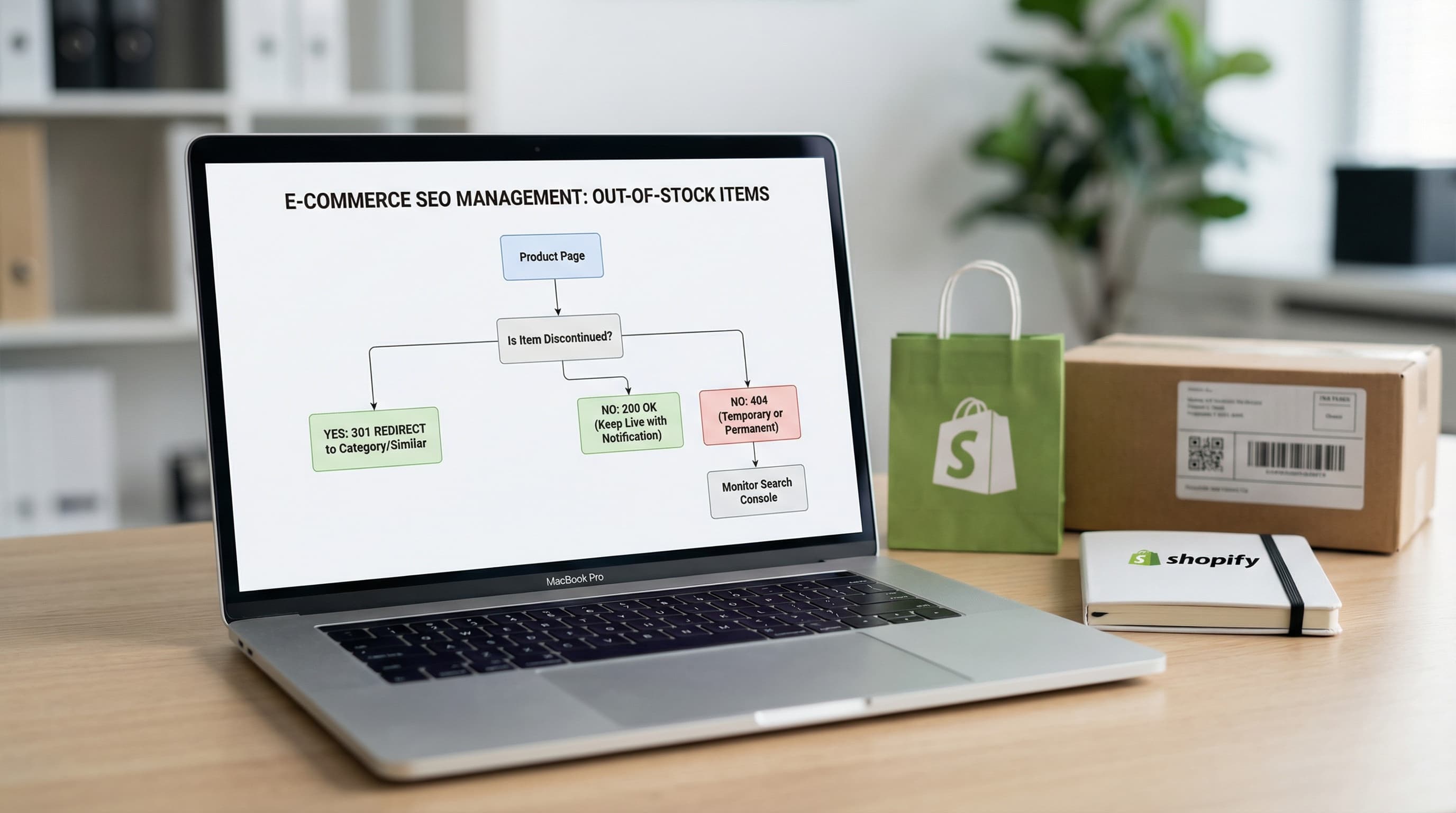
SEO Management for Out-of-Stock Products on Shopify: Guide & 301 Redirects
Learn how to manage discontinued products to avoid Soft 404 errors and maintain your authority with strategic 301 redirects.
Feb 2, 2026
Read More