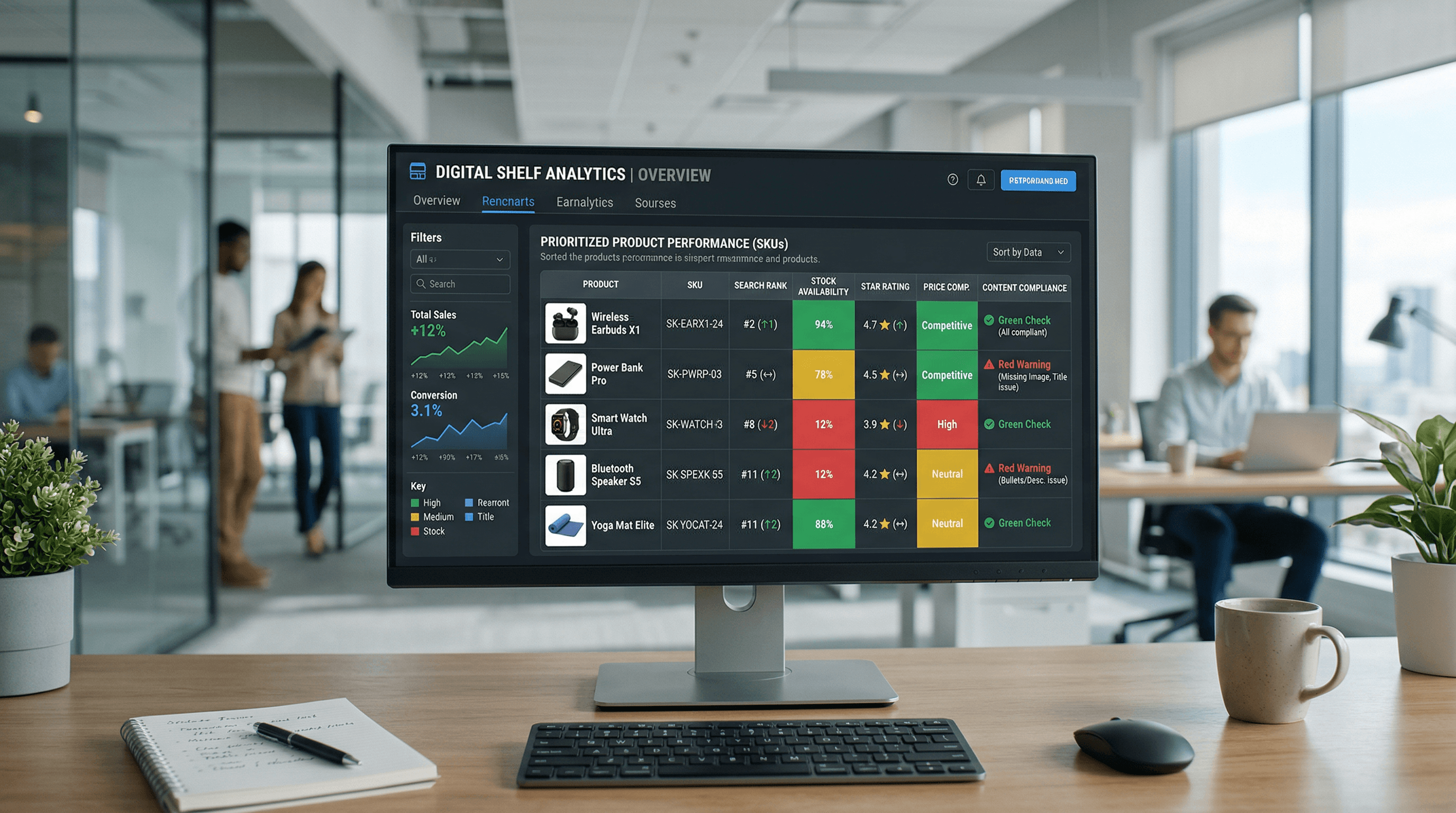
Ecommerce Operations
Digital Shelf Analytics: An Ops-First Playbook
Turn digital shelf signals like retail search ranking, product content compliance, and out-of-stock monitoring into a high-impact weekly sprint.
Feb 27, 2026
Read More
Operational playbook to produce, optimize, and scale 360º content on your PDP to improve conversion and reduce returns.
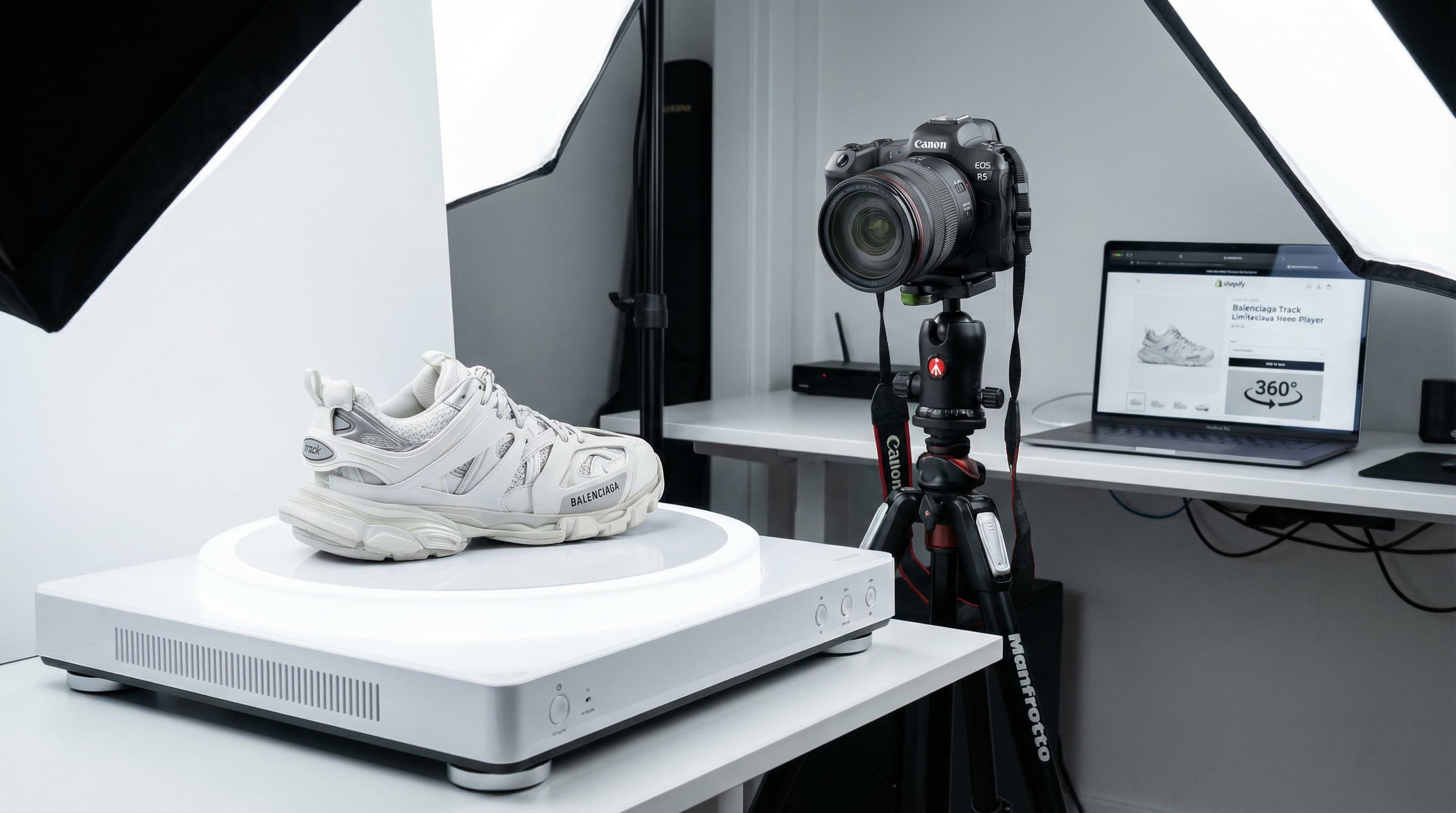
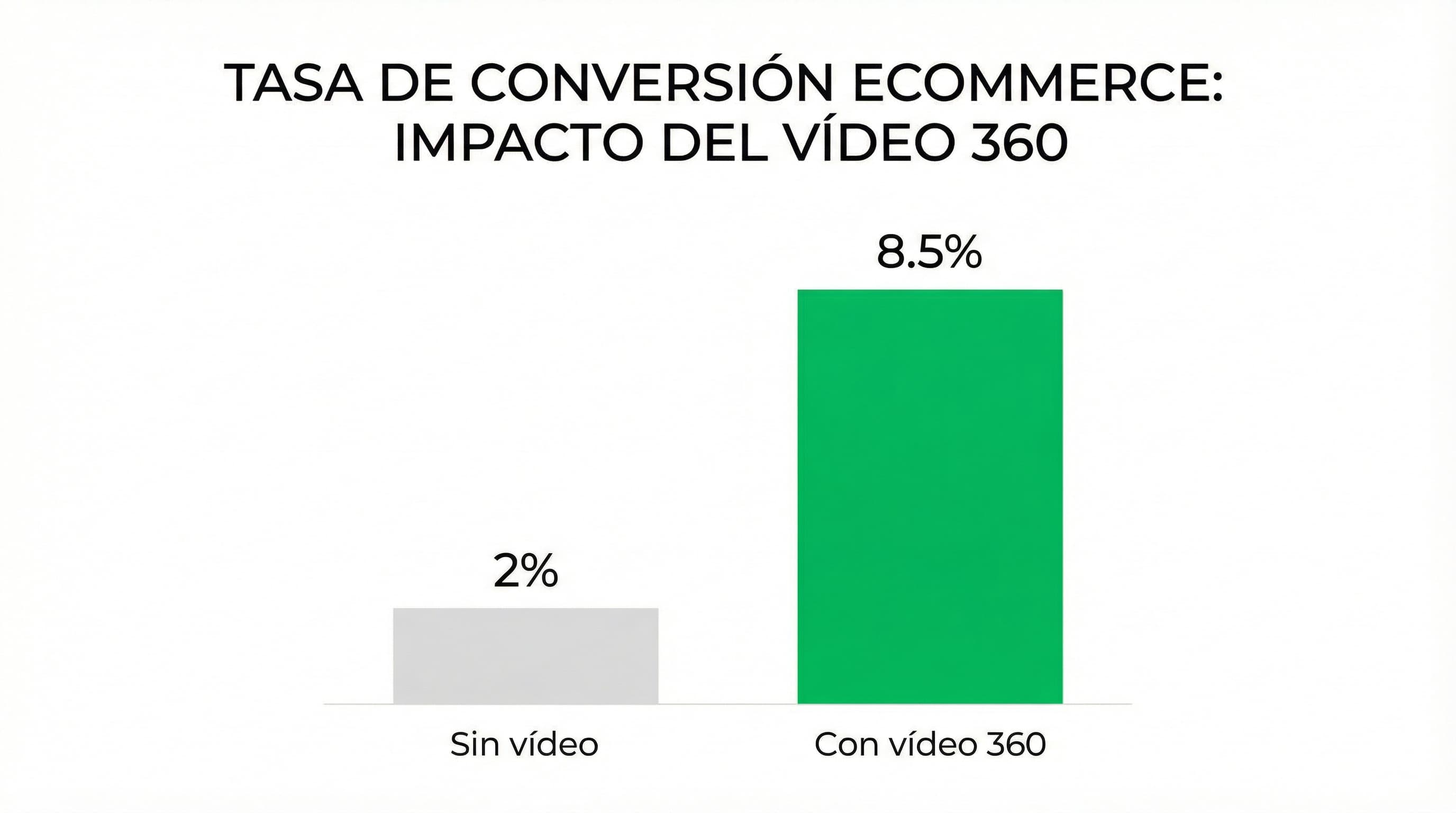
360º product video reduces uncertainty and accelerates the purchasing decision by allowing the item to be inspected from all angles. Applied selectively, it improves the conversion rate on the product detail page (PDP), reduces returns related to expectations, and increases engagement without adding friction to the checkout. For evidence on the effect of video on purchasing behavior, consult industry resources like Wyzowl and the Shopify guide.
Context: Production costs are better amortized on higher-value products. How to approach it: Prioritize SKUs with a high average ticket and calculate the break-even point between production cost and expected sales increase. Define a clear economic threshold by category and consider using renders to reduce cost per unit. Example: A premium appliance where a modest CVR increase offsets production spend. Typical error: Generating 360s for all SKUs without prior segmentation.
Context: Products requiring detailed inspection or fit assessment benefit most. How to approach it: Prioritize footwear, furniture, eyewear, and electronics with critical visual details. If converting the asset from a render, validate color and texture fidelity with physical samples before deploying. Example: A shoe with various finishes where material affects the sizing decision. Typical error: Relying only on still photos and assuming the customer understands the fit.
Context: Correct measurement avoids inefficient investments. How to approach it: Configure A/B experiments at the PDP level and measure the page conversion rate, returns due to "appearance," and average time on page. Normalize by traffic source and seasonal period; evaluate an observation window of 4 to 8 weeks. Example: Comparing A/B cohorts over a month to see the CVR delta and return rate. Typical error: Measuring only views instead of commercial impact.
360 product video reduces uncertainty on the PDP and improves conversion by showing shape and proportions from all angles. Here is a practical playbook with three scalable methodologies and requirements for lighting, background, and scale to maintain brand consistency.
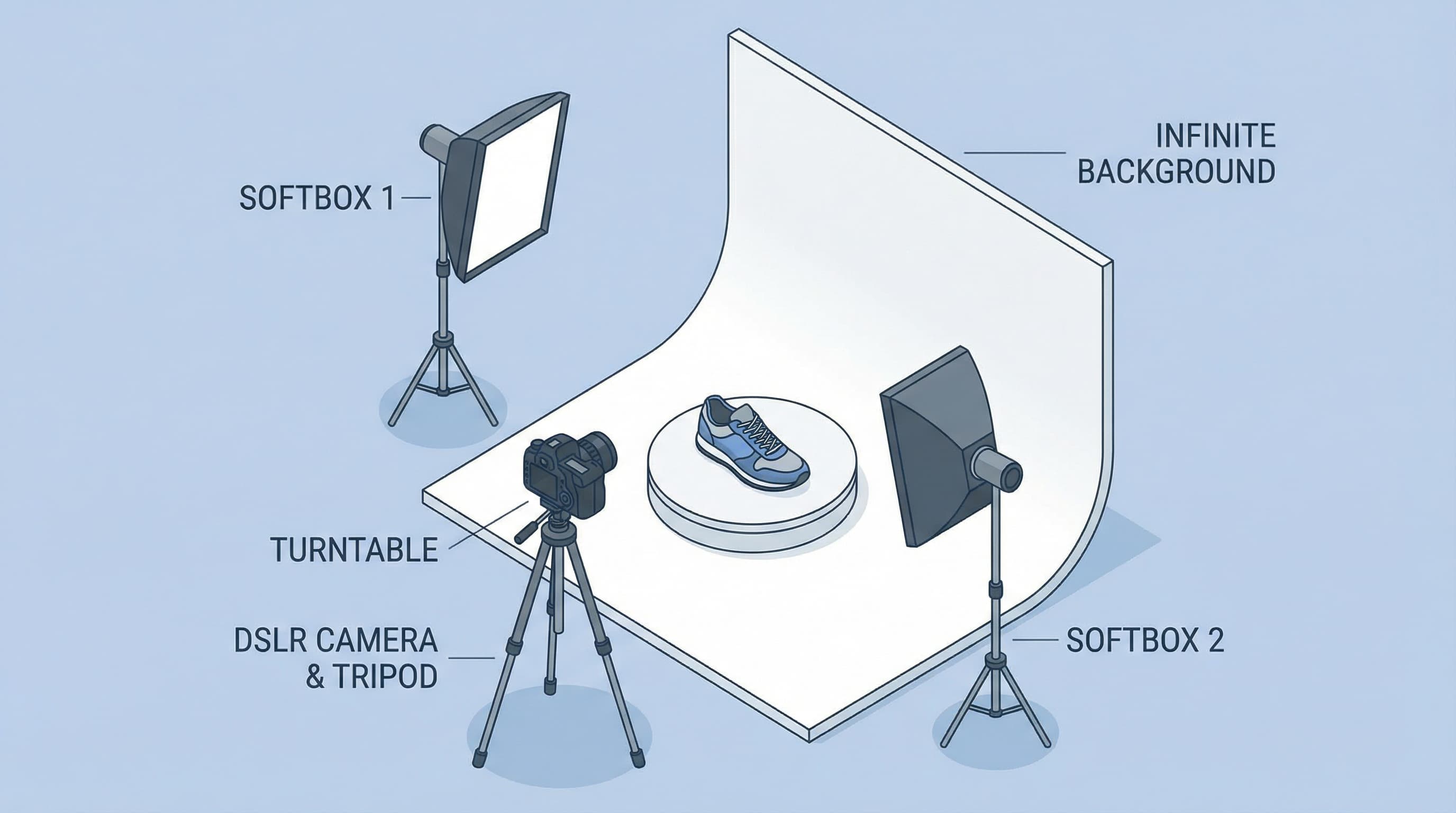
Brief context: The turntable allows capturing the product spinning on a single axis with minimal post-production. How to approach it: Mount the product on a stepper-controlled rotating platform. Fix the camera on a tripod with manual focus and use diffusers for soft light. Shoot in RAW or high quality and capture at regular intervals, for example, every 10 degrees. Export the sequence to video or an interactive viewer. Example: 36 photos at 10-degree intervals compiled into a sequence for a fluid spin. Typical error: Using a slow shutter speed without sufficient lighting, generating motion blur and jumps between frames.
Brief context: Converting a photo sequence into video adds fluidity and frame-by-frame exposure control. How to approach it: Use an intervalometer or manual control with homogeneous continuous lighting. Keep the camera fixed and rotate only the product. Batch process images to match levels and white balance before exporting at 24 or 30 fps depending on required detail. Example: 72 photos processed at 30 fps for a 2.4-second spin. Typical error: Subtle changes in white balance between photos causing flicker in the video.
Brief context: 3D rendering generates scalable assets without physical logistics. How to approach it: Create or request a 3D model of the product and render rotation strips using HDRI lighting to simulate a studio. HDRI is an image containing light information to illuminate 3D scenes, adding realism to reflections and shadows. Example: Renders at 5 degrees per frame exported in WebP for better compression. Typical error: Low-resolution textures showing pixelation when zooming.
Brief context: Visual coherence between listings is key for brand perception. How to approach it: Use diffuse light to minimize glare and harsh shadows. Define a standard neutral background and a fixed focal length per category to maintain visual proportions. Include a reference ruler in centimeters to ensure consistent scale. An interactive viewer is a web tool that allows the user to rotate the asset on the PDP, improving the shopping experience. Example: Continuous 5600K light, 18% gray background, and 50mm focal length for clothing, 85mm for jewelry. Typical error: Varying background tones or focal lengths between sessions, breaking visual coherence.
Sources of reference and reading: practical guide by Visuals Clipping and product photography architecture by Elena Vels.
A pre-production checklist avoids rework in massive sessions and ensures the 360º product video delivers the necessary information to improve conversion and reduce returns. Below is an operational playbook with tasks, visual script, and delivery criteria for catalog and production teams.
Shows the product rotating or navigable to communicate shape, texture, and scale, resolving key buyer doubts on the PDP.
Why this step matters: Having prior specifications avoids inconsistencies between sessions and reduces editing time.
How to approach it: Document master and delivery resolutions, formats accepted by store and CMS, standardized naming by SKU, and version conventions. Define if delivered as a frame sequence, sprite, or optimized video, and fix frame rate and frames per rotation. Include a metadata template with fields for SKU, variant, language, and usage rights.
Brief example: Master format webm 1080p 30 fps, 24 frames per 360, name SKU_360_v1.webm.
Typical error: Not agreeing on naming conventions and losing file traceability between production and catalog.
Why this step matters: A visual script avoids reshoots and prioritizes shots that answer purchasing questions.
How to approach it: Create a numbered list of shots per SKU: start full spin, material close-ups, tags, functional angles, and variants with accessories. Add notes on lighting, background, and color references. Prioritize the main shot used as a poster and fallback if the 360 doesn't load.
Brief example: Shot 01: full spin 24 frames. Shot 05: close-up interior stitching material.
Typical error: Filming too many non-priority shots and increasing editing costs.
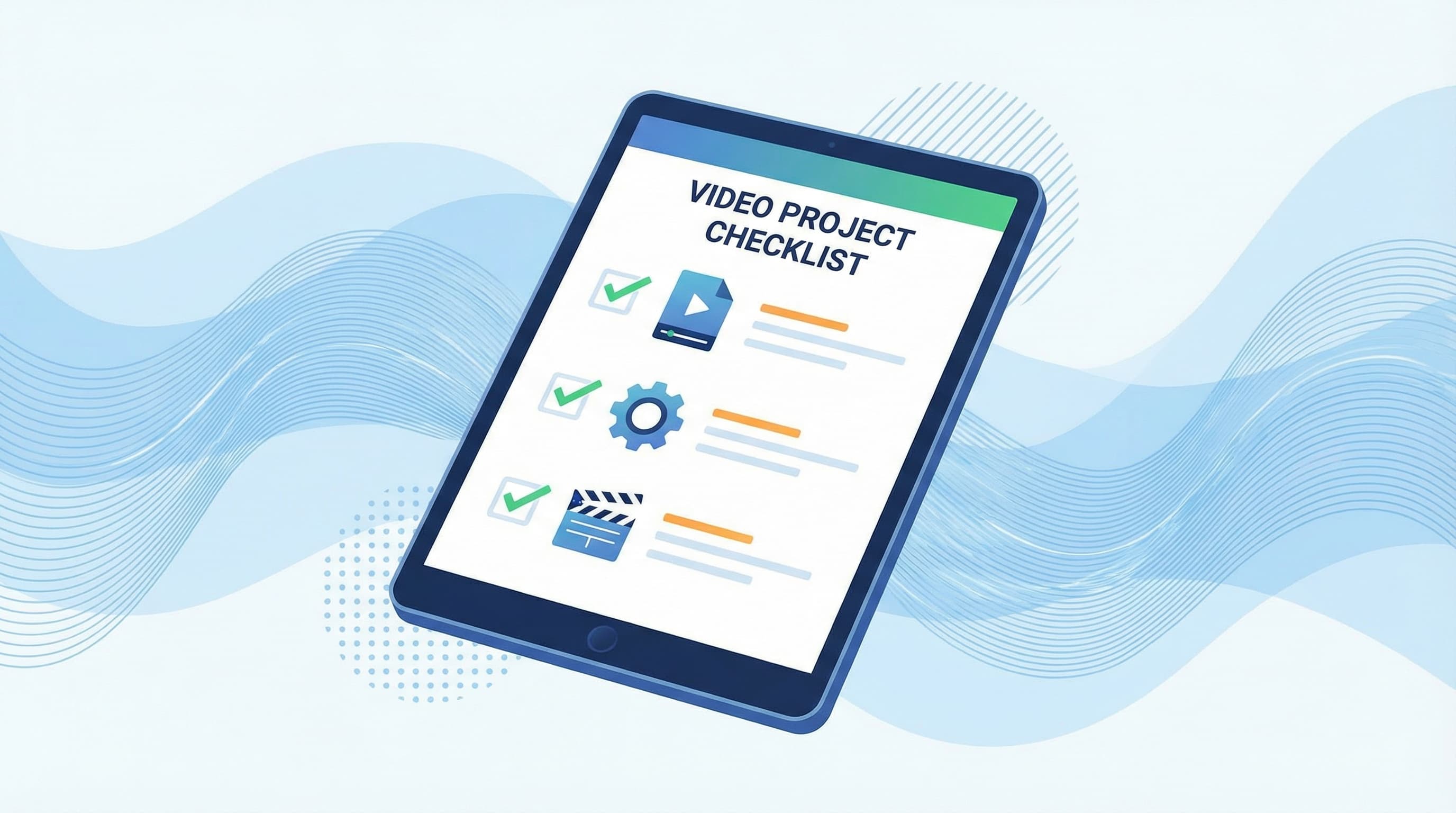
Why this step matters: QA ensures the asset meets PDP requirements, performance, and accessibility.
How to approach it: Verify seamless loop, fluid playback, file weight, and optimized poster. Upload metadata ready to automate CMS loading. Shopify metafields are extra product fields allowing multimedia linking, facilitating automated loading in Shopify and catalog management. Consult the performance guide for 3D and video in stores by DevCommerce to adjust formats and weight.
Brief example: QA passes if weight is under 3 MB, perfect loop, poster 1600x900.
Typical error: Uploading heavy videos without a poster, causing negative impact on PDP speed.
For 360 video to improve conversion without penalizing WPO, you must control duration, resolution, fps, formats, and compression from production to delivery. This section offers practical specifications and replicable technical decisions for uploading 360 video to product pages and serving it adaptively.
Time impacts attention and file weight. Prioritize short, repeatable clips showing the full product spin. Design the script for a smooth loop and avoid introducing long audio tracks that increase download size. Brief example: 360 spin of 4 to 8 seconds with 0.5s fade in/out. Typical error: Uploading long videos that don't play quickly on mobile and affect LCP (Largest Contentful Paint).
Resolution and fps determine visual quality and file size. Export adaptive versions: low for thumbnails, medium for PDP, and high for zoom. Keep fps constant: 24 to 30 fps is usually sufficient for a rotating product; 60 fps only if there is tactile interaction requiring high fluidity. Brief example: 720p for mobile, 1080p for PDP, and 2k only if the PDP allows progressive zoom. Typical error: Serving only the 4k version to all devices.
Choosing the container and codec affects compatibility and size. Deliver MP4 with H264 codec for maximum support and WebM (VP9 or AV1) for compatible browsers. Configure detection on CDN or server-side to serve the optimal format and an MP4 fallback. Consult media optimization guides on web.dev and MDN regarding formats. Brief example: Fallback MP4 H264 and WebM VP9 served when the browser supports it. Typical error: Not having a fallback and losing playback on older browsers.
Compression reduces weight without losing product readability. Use variable bitrate, two-pass encoding, and pipeline tools. Generate profiles by screen size and serve from CDN with long cache. Prioritize the visual key: maintaining sharpness on relevant angles and textures. Brief example: Two-pass H264 for PDP and WebM for compatible browsers. Typical error: Not versioning by device and generating excessive payload.
Technical note: Shopify metafields facilitate adaptive delivery from the frontend by storing specific video routes and options.
360 video provides product context on the PDP and improves conversion provided it doesn't degrade speed. Here is a practical technical guide to integrating 360 videos in Shopify, comparing the native gallery with custom liquid solutions, and ensuring lazy load and good mobile behavior.
Context: The native gallery allows uploading media from the admin and leveraging Shopify's CDN without touching code. The custom liquid approach gives control over the player, interactions, and lazy load. How to approach it: For fast deployments, use the native gallery with a static poster and an optimized mp4 version. For interactive experiences or advanced controls, create a custom snippet that loads scripts and players only on demand. Example: Add media in admin with reduced poster and optimized 720p mp4; activate playback only on click. Typical error: Uploading a heavy video and relying on auto-play without a poster.
Context: Avoiding initial downloads reduces LCP and improves loading experience.
How to approach it: Implement IntersectionObserver to start download when the container enters the screen. Always show a poster until the user interacts and preload only the first segment if silent autoplay is needed. Prefer mp4 H264 or WebM and a minimal player that doesn't add heavy libraries.
Example: Load a poster and replace it with the mp4 upon detecting visibility with a minimal listener.
Typical error: Autoplay with sound forcing immediate download and worsening mobile experience.
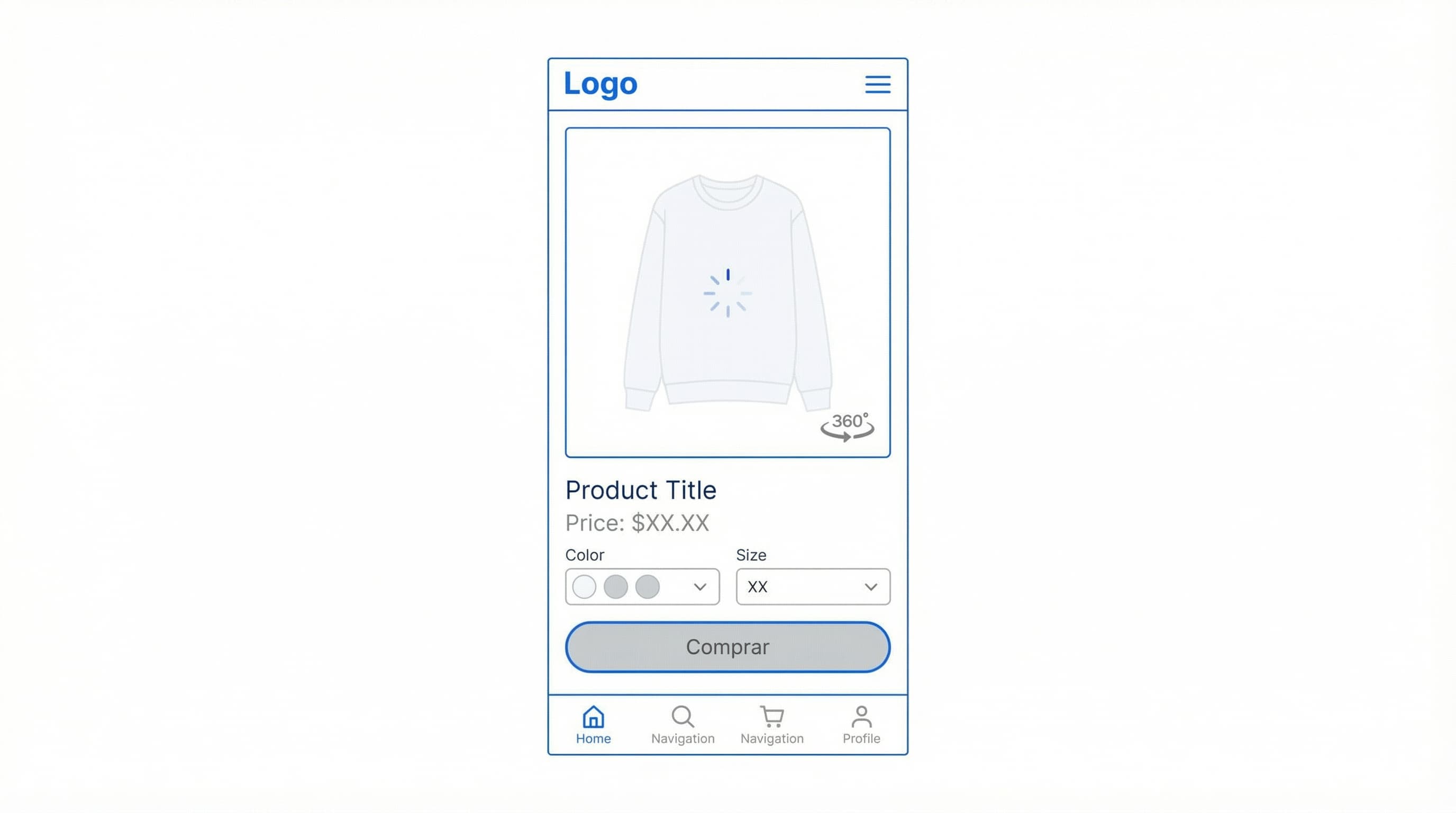
Context: Mobile needs reduced bitrates and data consumption control to avoid penalizing conversion. How to approach it: Deliver a lower bitrate variant for mobile user agents and use A/B experiments to measure impact on conversion and WPO metrics with analytics. Use metafields to store custom media URLs and centralize assets in the catalog. Example: Split test comparing listing with poster versus listing with player activated on scroll. Typical error: Not segmenting by device nor measuring LCP and conversion. Consult the technical documentation at Shopify Dev for integrations and performance.
Quality control and measurement validate that 360 video improves conversion and reduces returns. This playbook explains how to check mass deployments and configure GA4 to test the hypothesis.
Context: Prevent file or load failures from harming the experience. How to approach it: Automate checks by SKU verifying file existence, load times, compatible formats, and playback on desktop and mobile. Add fallback tests when the browser doesn't support WebGL or the format. Example: Script that scans the feed and flags products without video path or weight over 10 MB. Typical error: Validating only the URL without checking actual playback.
Context: Measure engagement to link interaction with conversion. GA4 is the analytics platform for events; GTM allows sending these events without touching the frontend.
How to approach it: Define custom events: video_impression, video_play, video_progress_25, video_progress_50, video_progress_75, video_complete, and video_exit. Implement sending from GTM using dataLayer or player listeners and map to events in GA4. For a technical guide from GTM to GA4, consult Analytics Mania.
Example: Send video_play with SKU identifier and time watched.
Typical error: Measuring only play and not intermediate progress which correlates better with actual purchase.
Context: Verify causality between 360 video and KPIs. How to approach it: A/B test on the PDP controlling traffic by cohorts. Measure add-to-cart, conversion rate, and 30-day return rate. Ensure lazy loading of video and control of CLS and TTFB. Iterate by category and device. Example: Variant A (main image) vs Variant B (main image + 360 video). Typical error: Launching globally without tests or performance control.
360 video production generates hundreds of files and metadata that must synchronize perfectly with your Shopify catalog to impact conversion without breaking operations.
ButterflAI detects inconsistencies in your product listings and helps ensure that metafields, descriptions, and visual assets like 360 video are correctly implemented and optimized for SEO and conversion at scale.
Go deeper with guides and tools connected to this topic.
Quick answers to common questions.
Turn digital shelf signals like retail search ranking, product content compliance, and out-of-stock monitoring into a high-impact weekly sprint.
Feb 27, 2026
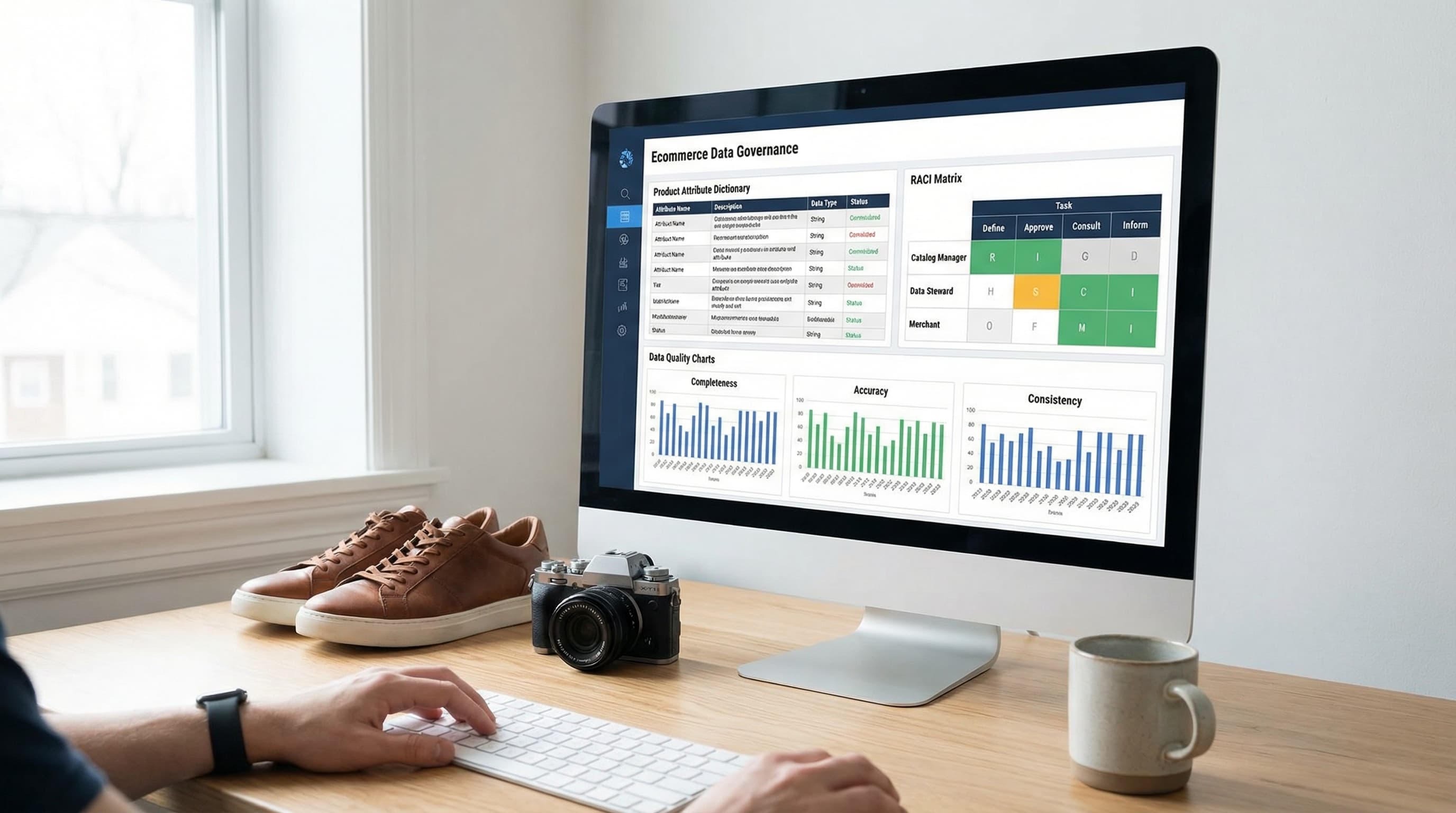
A practical data governance framework template to stop feed rejections, fix filter chaos, and organize your ecommerce product data in 30 days.
Feb 22, 2026
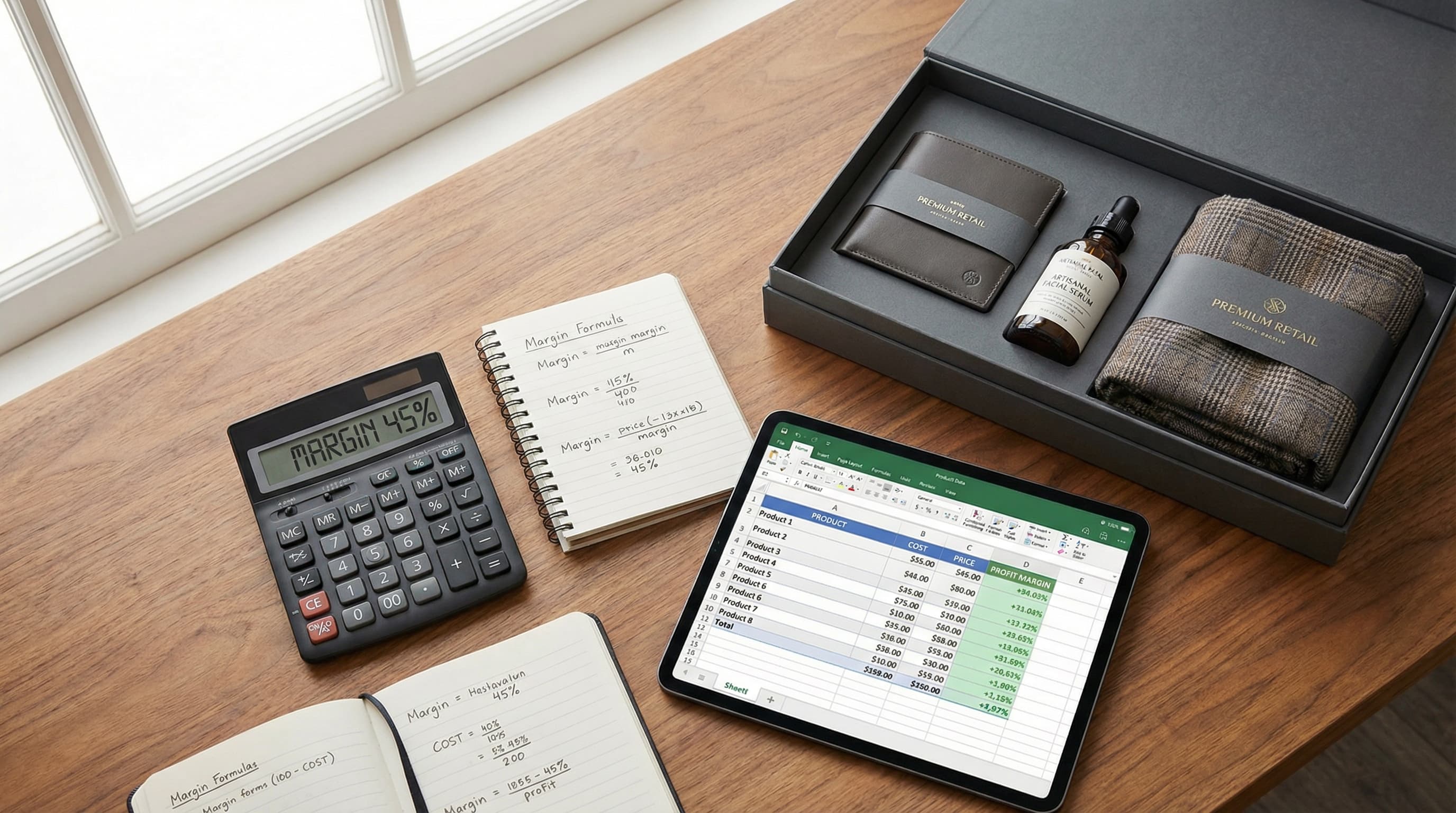
Master the math and data operations behind product bundling to increase AOV without eroding your margins or creating catalog chaos.
Feb 9, 2026
