Product Content
How to Create Product Videos for Ecommerce at Scale with AI
A practical playbook to generate product videos at scale using a 5-shot storyboard, AI generators, and a repeatable QA process.
Mar 3, 2026
Read More
Master your product naming with a scalable framework that improves CTR, avoids duplicates, and ranks in Google Shopping.
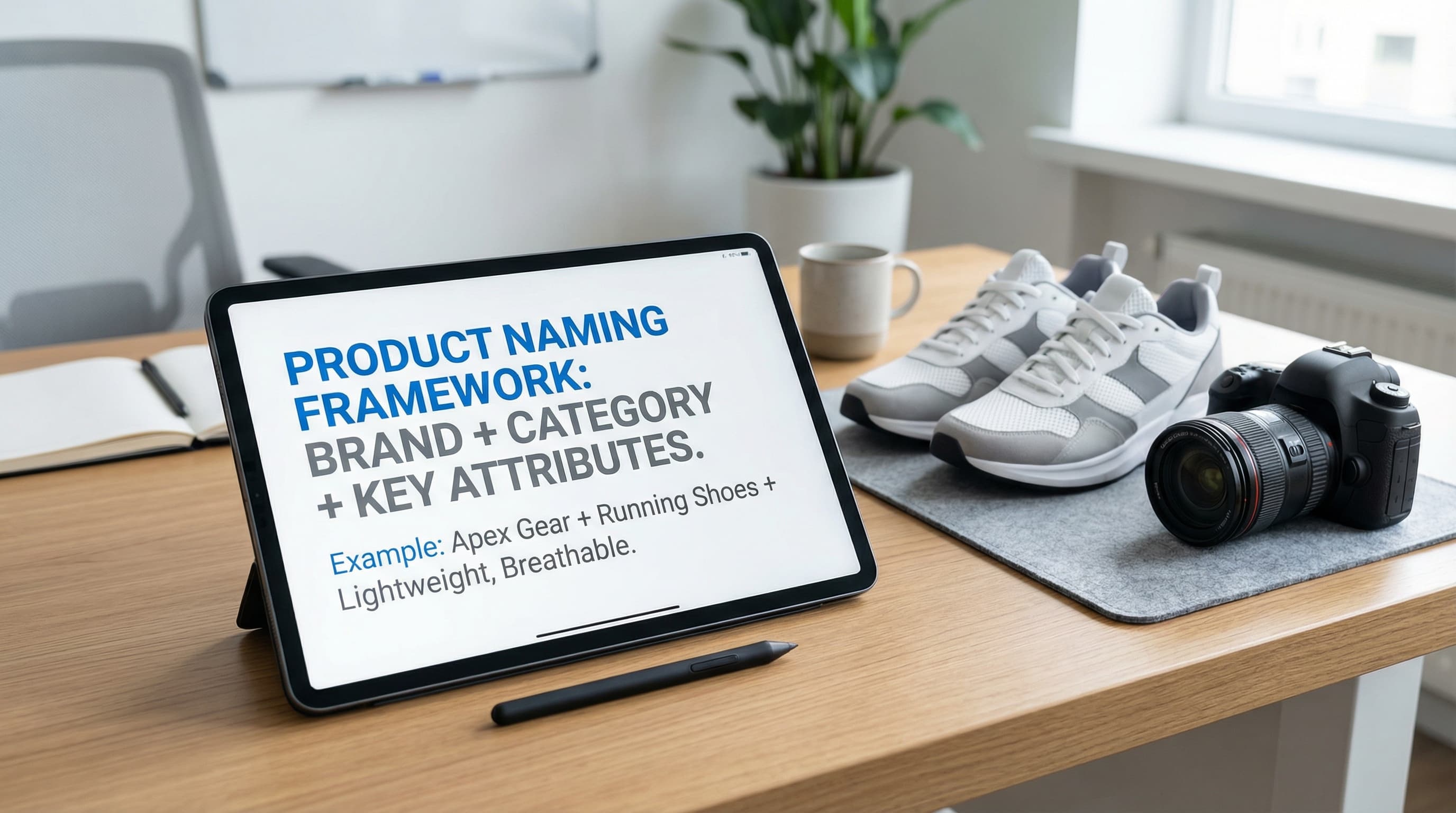
Optimizing product titles improves CTR and reduces cannibalization in large catalogs. This playbook details the pillars that make product titles work for search engines and for users, avoiding errors that break catalog coherence.
TL;DR
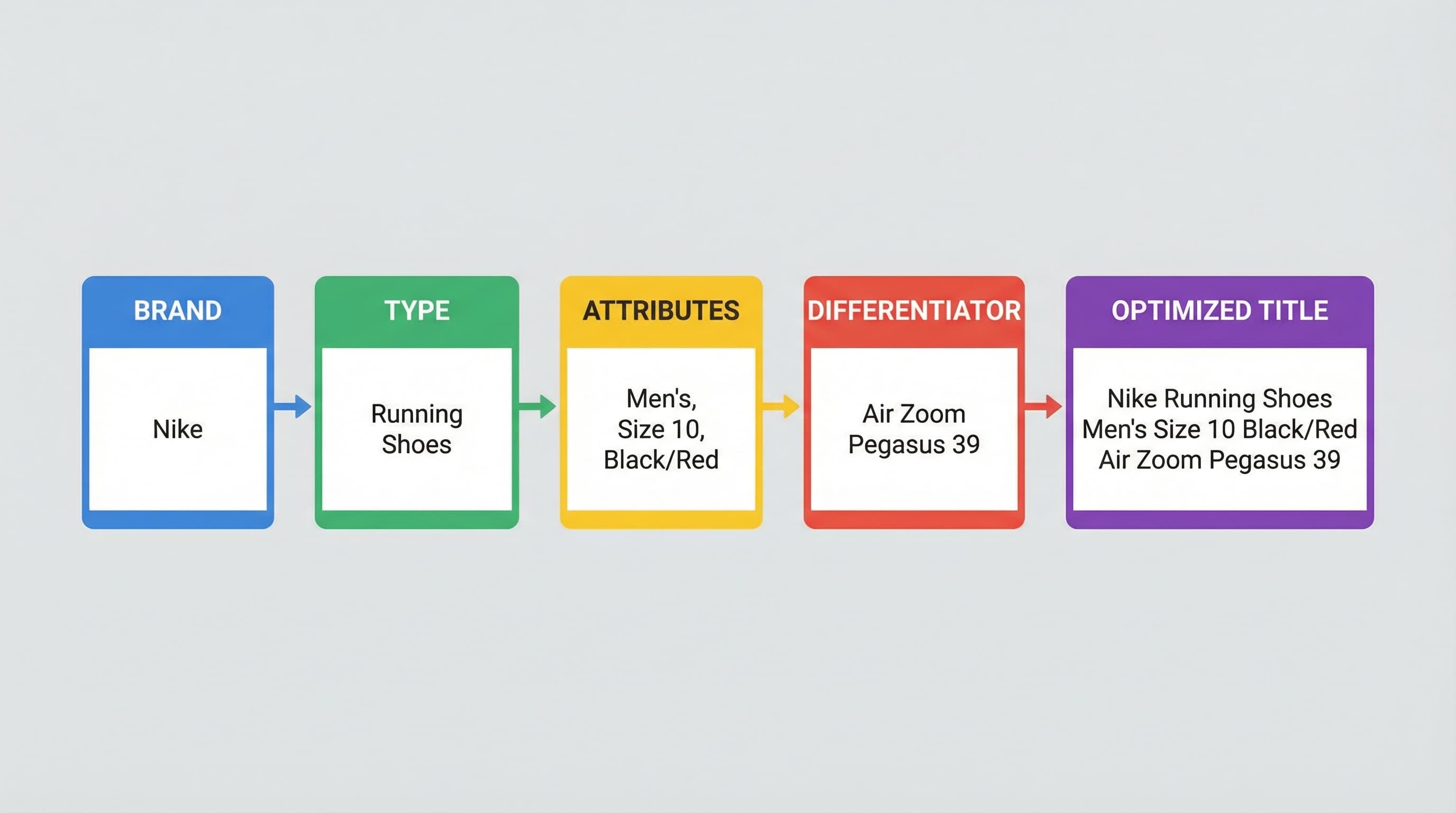
- Base Framework: Apply the Brand + Type + Attributes + Differentiator structure to scale naming without errors.
- Hierarchy: Critical information must be read from left to right to avoid truncation on mobile devices and feeds.
- Quality: Use a completeness score (0-100) to audit and prioritize mass changes in PIM or Shopify.
- Scalability: Implement controlled dictionaries and AI rules to automate naming and avoid duplicates.
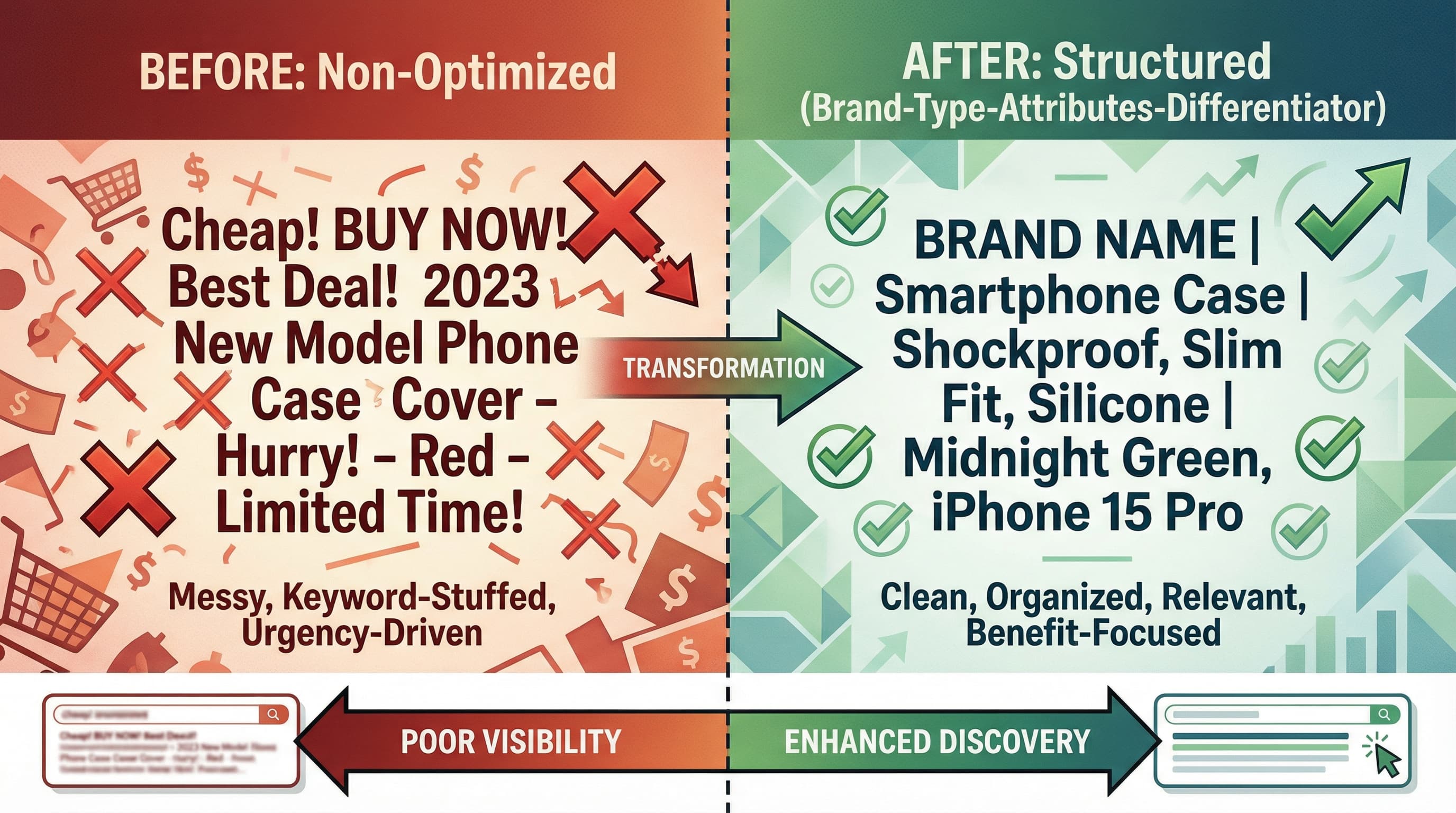
A title must solve two simultaneous objectives: being found by search engines (SEO) and being immediately understood by the buyer (UX). Ignoring either of these fronts results in low-quality traffic or impressions that do not generate clicks.
Optimization for search engines generates visibility, but optimization for user experience is what converts that visibility into real clicks. It is useless to appear in the first position if the title looks like spam or does not clarify what the product is.
Nike Running Shoes Air Zoom Black React Cushioning (Correct) vs Cheap shoes free shipping liquidation footwear (Typical keyword stuffing error).If you need to apply that hierarchy consistently across large batches, the product title generator is a faster way to standardize titles without drifting on brand, attributes, or readability.
Users and search engines (including Google Shopping algorithms) read from left to right. Therefore, the most relevant information must be placed at the beginning of the title, before the text is truncated on small screens.
Each platform has its own display rules. A title that looks perfect on your website may be unintelligible in an Instagram ad or the Google Shopping carousel.
It is a common error to use the same text for all touchpoints. Although they come from the same master data, each layer fulfills a purpose:
Optimizing titles in catalogs of thousands of references requires an industrializable system. The Brand + Type + Attributes + Differentiator framework allows scaling naming while maintaining coherence without manual intervention SKU by SKU.
In fashion, the volume of SKUs by color and size is immense. Consistency prevents the catalog from looking like a chaos of different terms for the same product.
Brand + Type + Material + Collection/Line + Color + SizeBlue cotton t-shirt from brand X size LBrandX Basic T-Shirt Organic Cotton Blue LHere technical precision is what closes the sale. The user searches for exact models and specific capabilities.
Brand + Type + Model + Capacity/Power + Critical Tech Attribute + DifferentiatorSamsung SSD 970 Evo 1TB NVMe Internal PCIe M.2Buyers in this category filter massively by dimensions, materials, and decorative style.
Brand + Type + Material + Dimensions (LxWxH) + Color + Style/UsageIkea Side Table Lack MDF Wood 55x55cm White FoldableCannibalization occurs when multiple product pages compete for the same keyword. In eCommerce, this happens when each variant (size S, M, L) has its own title and indexable URL.
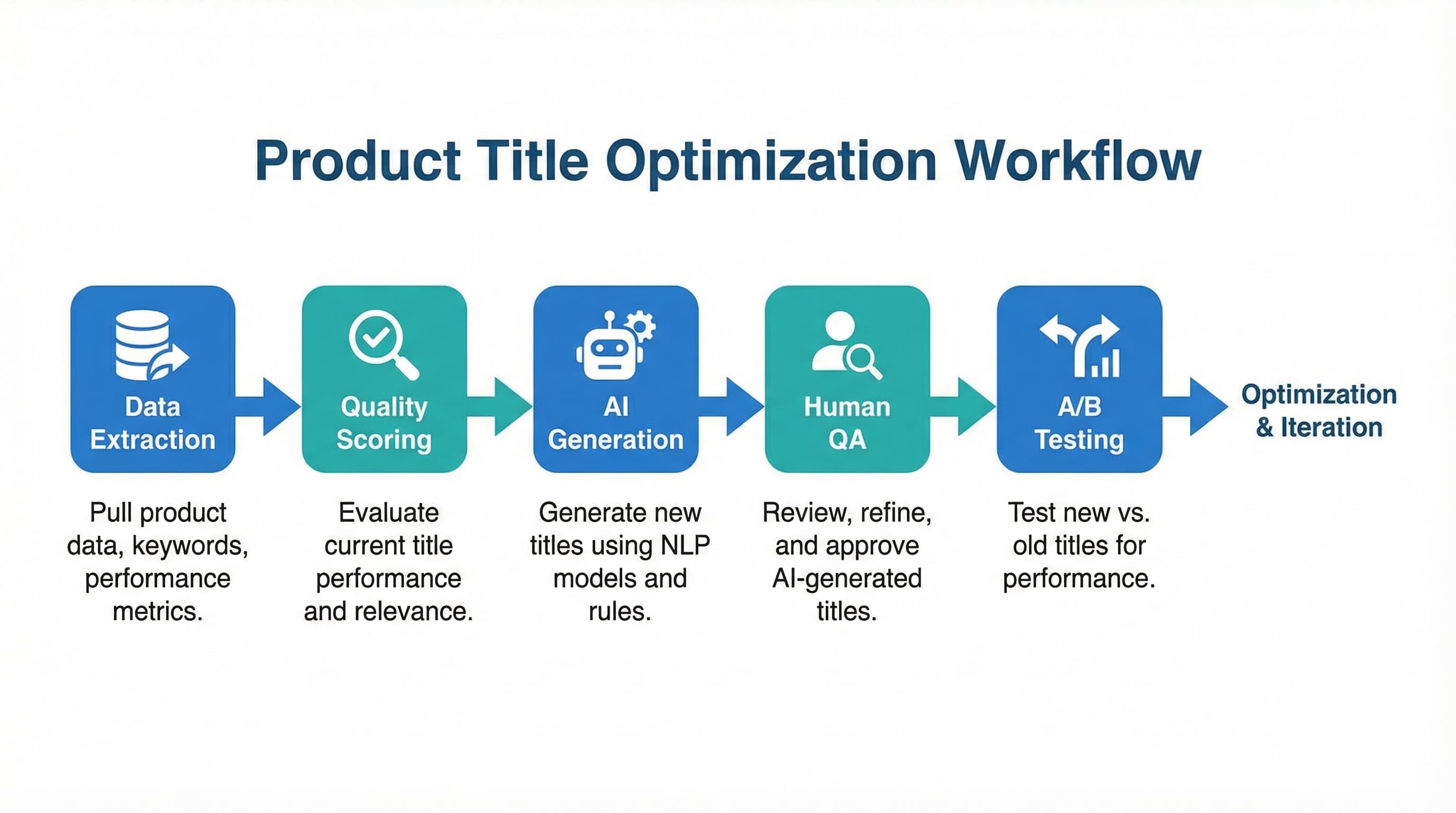
Going from a messy catalog to an optimized one does not happen overnight. It requires a phased deployment methodology.
Before changing anything, measure the state of your catalog. Create a score from 0 to 100 weighting the elements we have seen:
Products with a score below 50 should be your absolute priority. This audit can be performed using scripts that analyze your catalog CSV or AI tools that evaluate the semantic quality of the text.
For catalogs of more than 1,000 SKUs, manual editing is impossible.
IF category=footwear THEN title = {brand} + {model} + {color}.Do not launch changes across your entire catalog at once.
Should I include the size in the product page title? Only if the channel does not support variant selectors natively. In Shopify, it is better to leave the size in the variant field and keep the main product title clean. For the Google Shopping feed, it is recommended to concatenate it so the user sees it in the ad.
What do I do with products that have non-descriptive model names? Always add the product type. Do not just put "Samsung QLED Q60C"; use "Samsung TV QLED Q60C 55 inch 4K". The user sometimes searches for the model, but Google needs the noun to categorize you correctly.
How does changing titles affect my current SEO ranking? If you change high-traffic keywords for less relevant ones, you could lose positions. That is why the preliminary audit is vital. Ensure that the new titles maintain the keywords that are already bringing you traffic, but improving structure and CTR.
Managing the coherence of thousands of titles and attributes is an operational challenge that consumes critical resources. ButterflAI simplifies this process by automating the audit and optimization of your product content.
ButterflAI automatically detects listings with low quality or cannibalization risk, applying advanced naming frameworks and personalized business rules. With our platform, you can generate and synchronize optimized titles directly in Shopify or your PIM, ensuring a scalable catalog ready to dominate Google Shopping without manual effort.
Quick answers to common questions.
A practical playbook to generate product videos at scale using a 5-shot storyboard, AI generators, and a repeatable QA process.
Mar 3, 2026
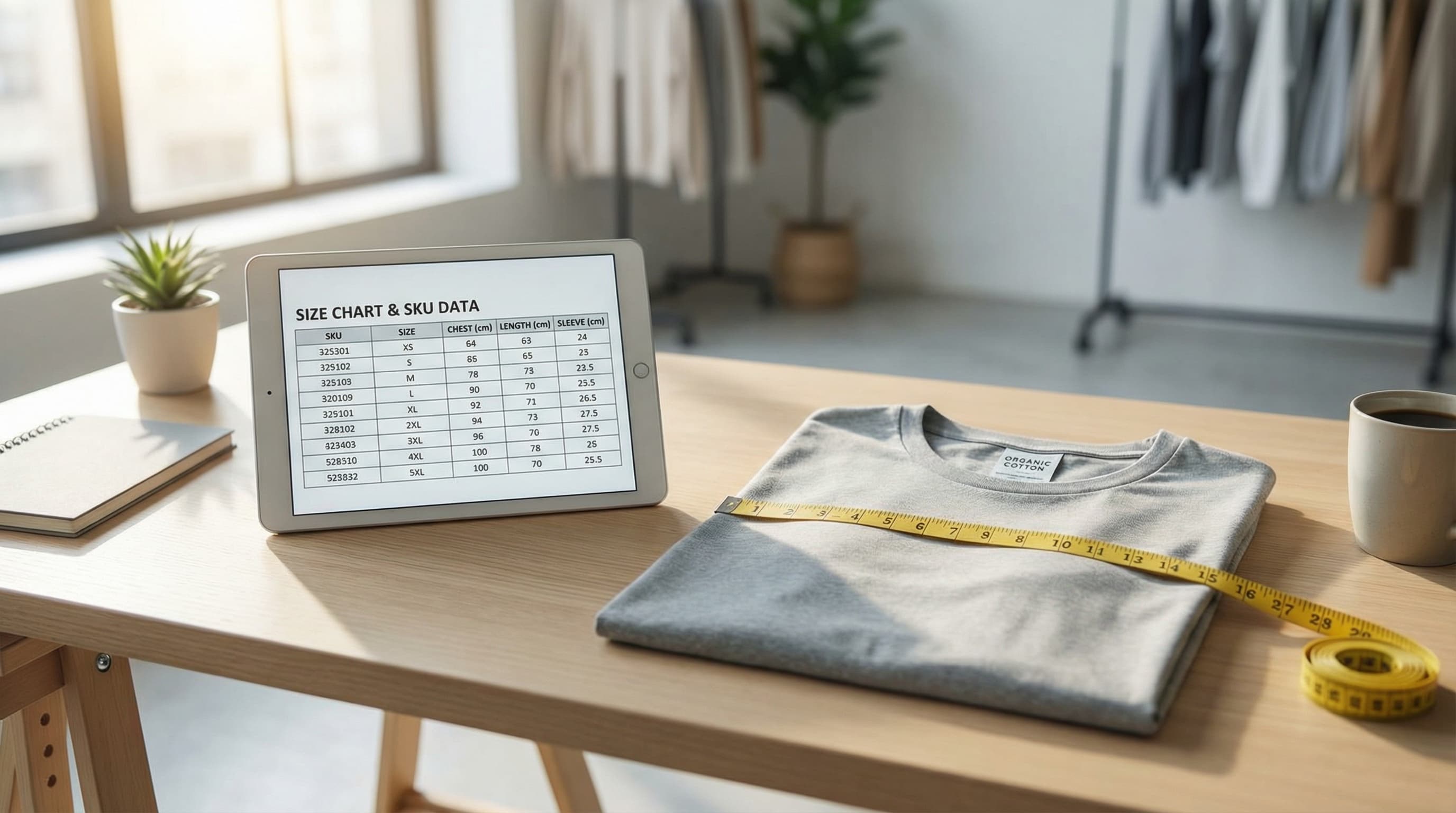
Move beyond static images. Learn how to treat sizing as structured data to reduce returns, improve PDP conversion, and scale your catalog operations.
Feb 11, 2026
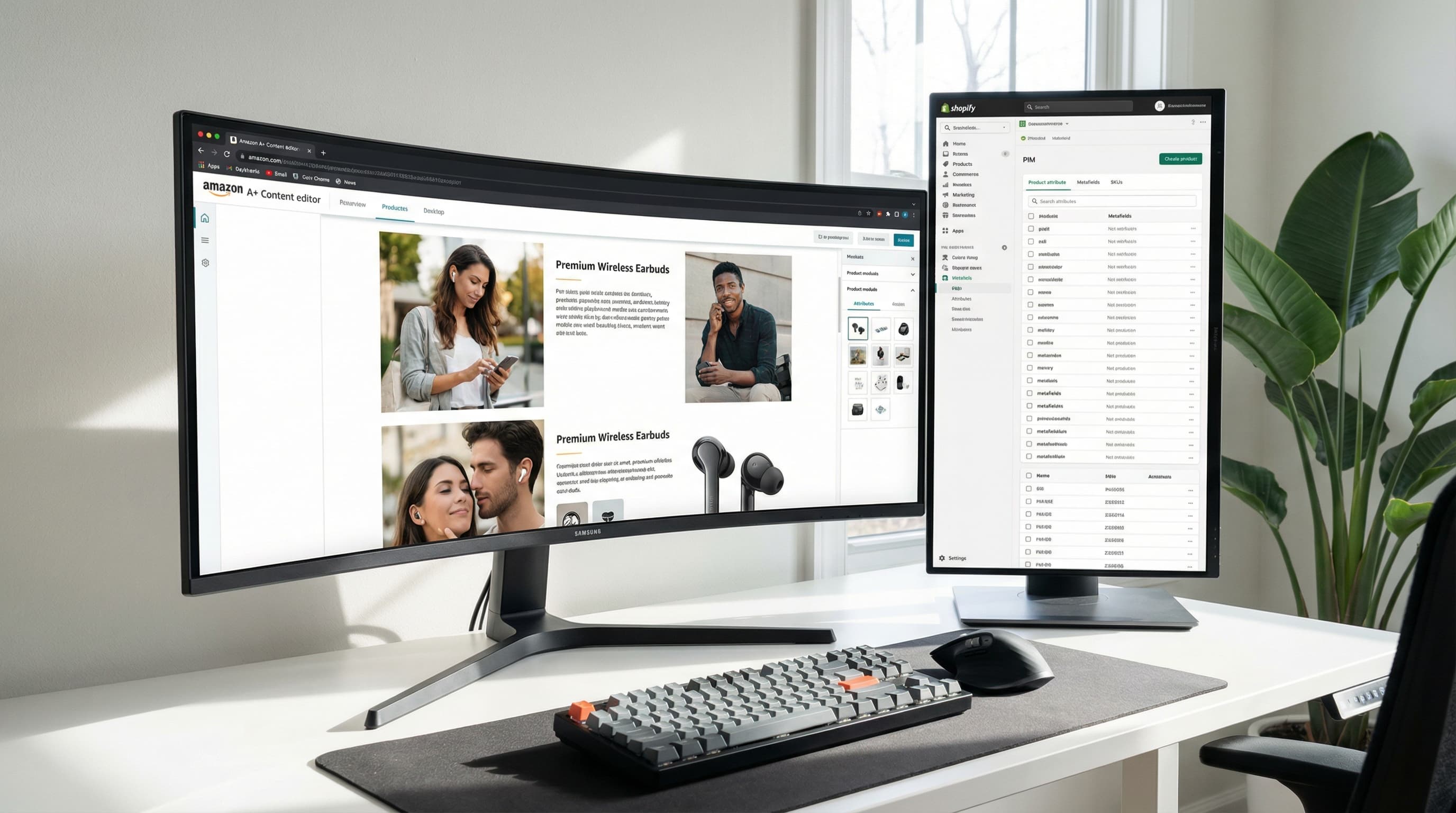
Operational playbook to convert Shopify/PIM attributes and metafields into reusable and scalable A+ modules.
Feb 4, 2026
