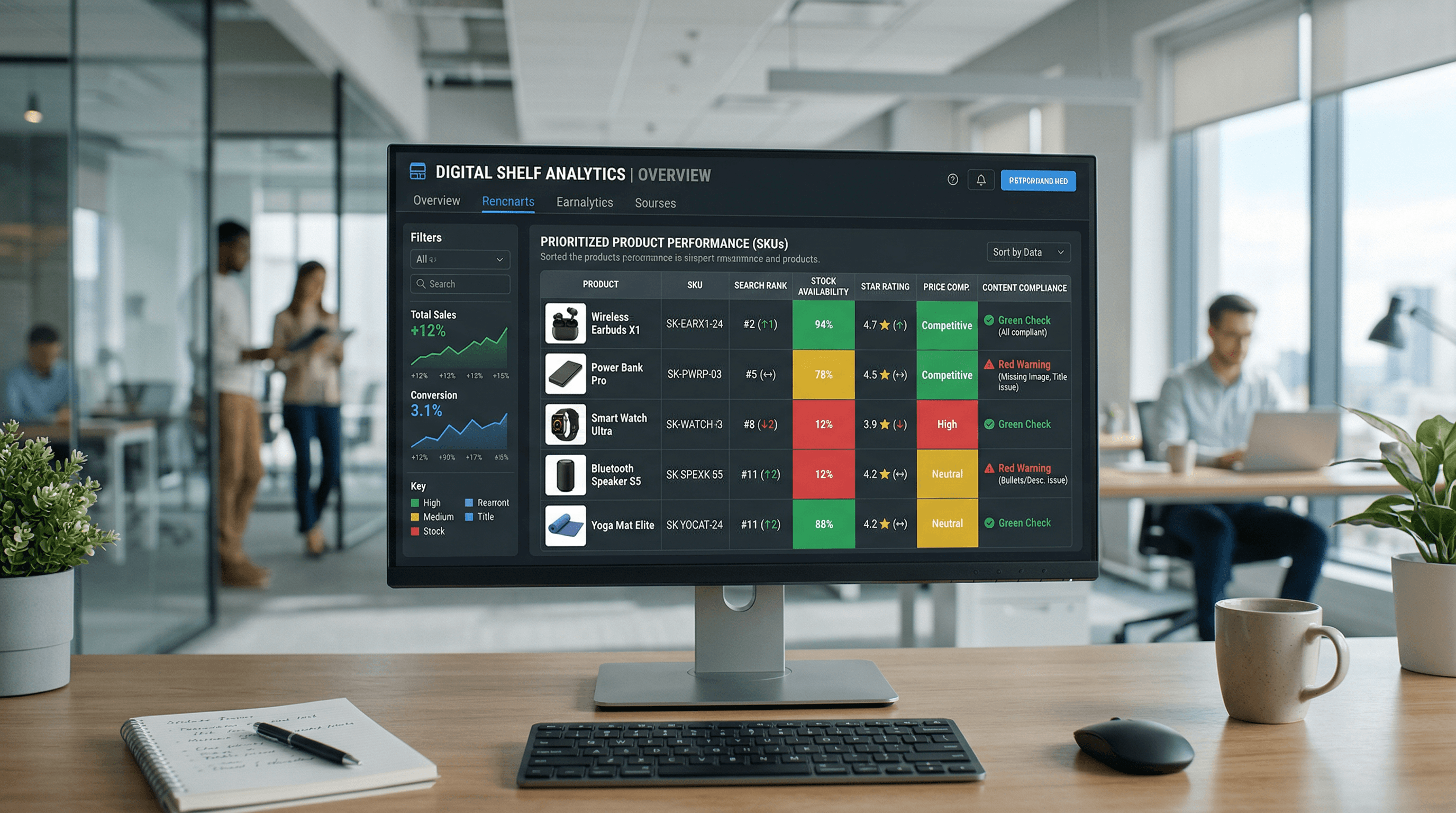
Ecommerce Operations
Digital Shelf Analytics: An Ops-First Playbook
Turn digital shelf signals like retail search ranking, product content compliance, and out-of-stock monitoring into a high-impact weekly sprint.
Feb 27, 2026
Read More
Operational guide to mastering product bulk edits, variant mapping, and metafield management without breaking your store.

A clean file guarantees stable URLs, optimized titles and descriptions, and synchronized inventory data. Before uploading, validate headers, UTF-8 encoding, and the consistency of identifiers like Handle, SKU, and Barcode.
If you manage large catalogs, keep these concepts clear:
For the template and formatting guide, consult the official help center.
Common errors: improperly named columns, incorrect delimiter (use commas), and prices without standard numeric formatting.
Importing CSVs in Shopify requires understanding the data model from step one to avoid broken product pages, duplicates, and feed errors. This section explains which columns are key, why the Handle works as an identifier, and what normalizations to apply.
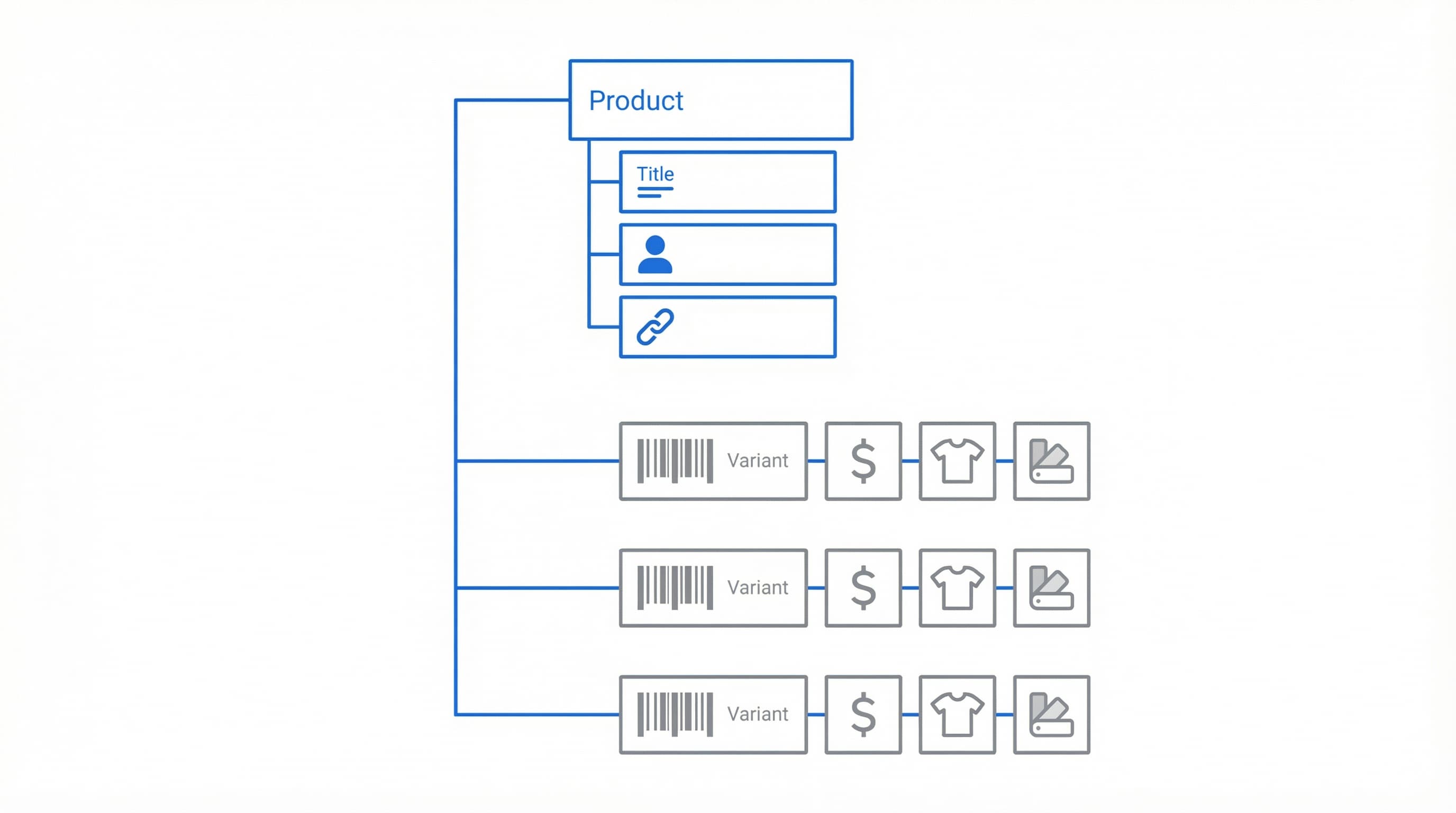
Why it matters: The schema determines how products and variants are grouped and conditions the mapping from your PIM or ERP. How to approach it: Download the official import template and compare columns with your system. In Shopify, each product is a set (parent), and each variant is imported as a row that shares the same Handle. Example: A shoe with size and color will have one row per combination, and all rows will use the same Handle to group variants into a single PDP. Typical error: Rows with different Handles for the same product, generating duplicate pages instead of variants.
Why it matters: The Handle groups variants and forms the page URL, so it must be stable and unique.
How to approach it: Define a slug convention before exporting from your PIM or ERP. Practical recommendation: vendor-product-slug-base-sku in lowercase, with hyphens and no special characters. Keep the Handle immutable between imports to avoid breaking links and feeds.
Example: manufacturerx-running-shoe-1234.
Typical error: Modifying the Handle after publishing, breaking external links and feed rules.
Why it matters: Including minimum fields prevents import failures and issues with Google Merchant.
How to approach it: Include at least the columns Handle, Title, Body HTML, Vendor, Type, Option1 Name, Option1 Value, Variant SKU, Variant Price, and Image Src. If you manage stock, add Variant Inventory Qty and Variant Inventory Policy. For variants with multiple options, use Option2 Name and Option2 Value as appropriate.
Example: Option1 Name: Size, Option1 Value: 42, Variant SKU: SHOE-42-RED, Variant Price: 79.99.
Typical error: Using thousands separators or commas in prices (e.g., 79,99) instead of a decimal point.
Why it matters: Inconsistent data causes broken pages and poor SEO experience. How to approach it: Validate UTF-8 encoding, remove non-printable characters, standardize units and currency, and fill in meta title and meta description. Execute deduplication by SKU and Handle. Example: Convert "79,99" to "79.99" and "1.000" to "1000" in quantities.
Quick Pre-Upload Checklist:
Clear variant mapping and metafield definition guarantee data ready for SEO and feeds. Here we detail how to structure rows and columns for complex attributes.
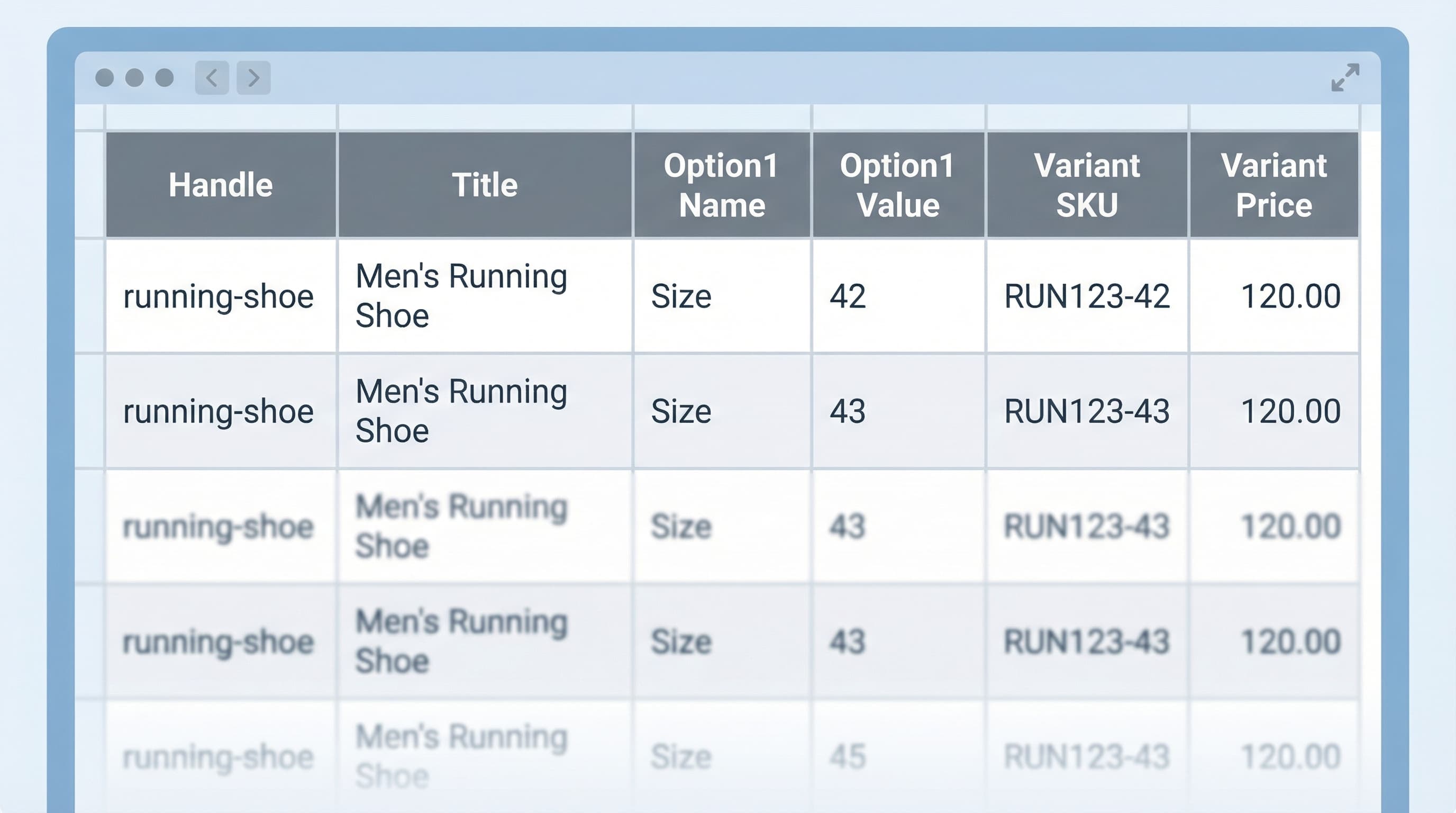
The way you represent variants in the CSV determines if Shopify groups them as a single PDP with options or creates separate products. Use the columns Handle, Option1 Name, Option1 Value, and the price and SKU columns for each row belonging to the same Handle.
Option1 Name as "Size" and Option2 Name as "Color" only if they apply.Handle: t-shirt-product, Option1 Name: Size, Option1 Value: M, Variant SKU: SHIRT-M-01.Metafields allow adding structured data that themes and feeds use to enrich PDPs.
Metafield: namespace.key [type] (or simply Metafield: namespace.key if defined). Fill values according to the expected type.Metafield: specs.weight [number_integer]: 1200, Metafield: product.origin [single_line_text_field]: spain.Duplicates break SEO and feeds by generating inconsistent canonical URLs.
Validating before publishing avoids errors in Google Merchant and Meta.
Importing correctly avoids broken PDPs and duplicates. Follow this operational flow for a bulk edit without surprises.
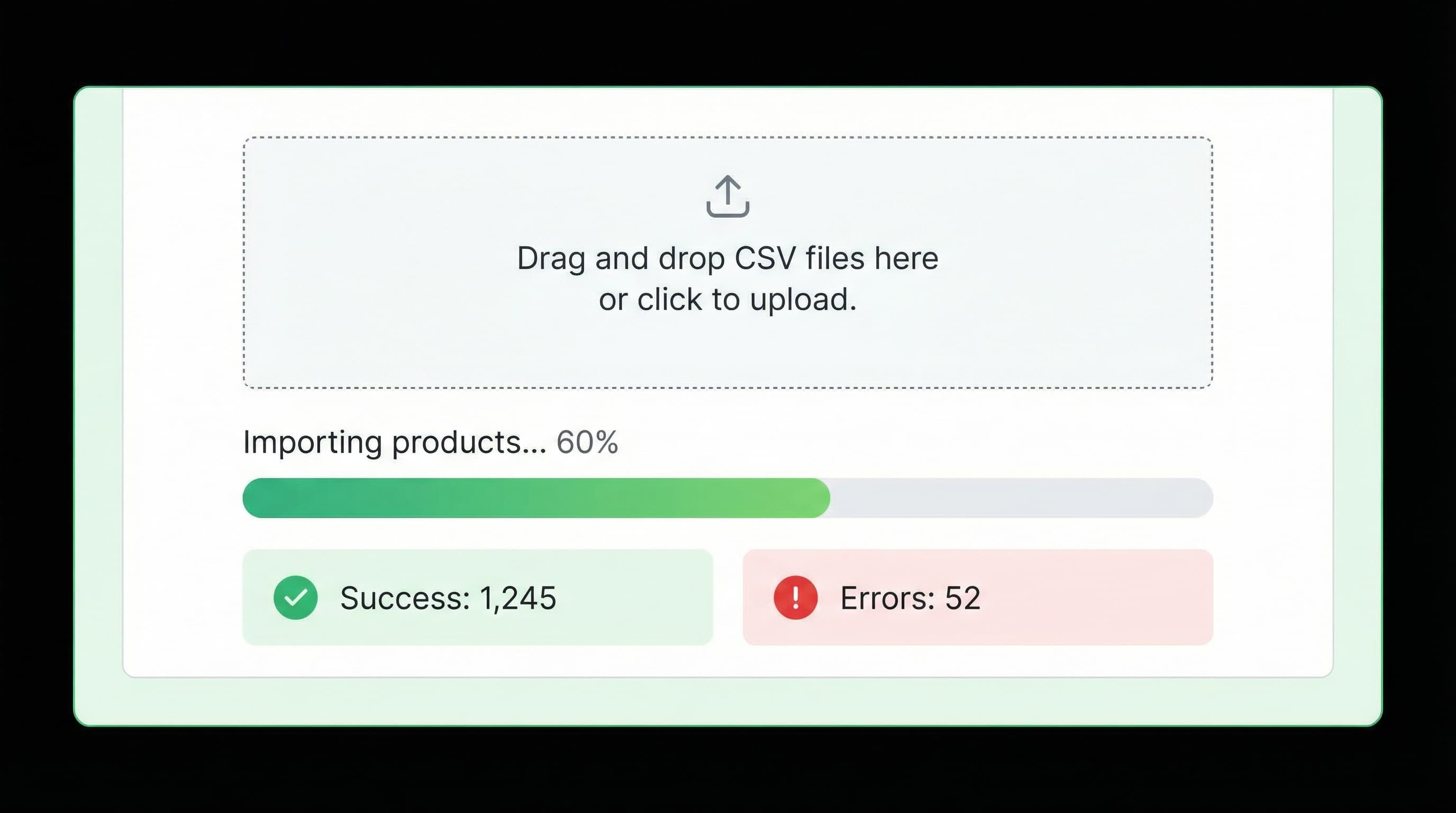
A normalized CSV reduces errors. Ensure you have handle and sku to identify products and variants. Include title, body html, price, vendor, inventory, and tags. For additional data, add metafield columns with the namespace.key format.
The panel is the control point for uploading or updating products.
test.csv with 10 SKUs that update prices and verify changes in the store.Incorrect images generate PDPs without photos and errors in channels.
Image Src returns status 200 and points to a public JPG/PNG. Avoid URLs that expire or require authentication.Image Src: https://cdn.domain.com/image.jpg (Status 200 OK).Final control prevents breakage and rejection in channels.
When importing, it is critical to validate post-upload data to avoid breakage and rejections in Google Merchant Center and Meta. Review mandatory attributes and formats following each channel's specifications.
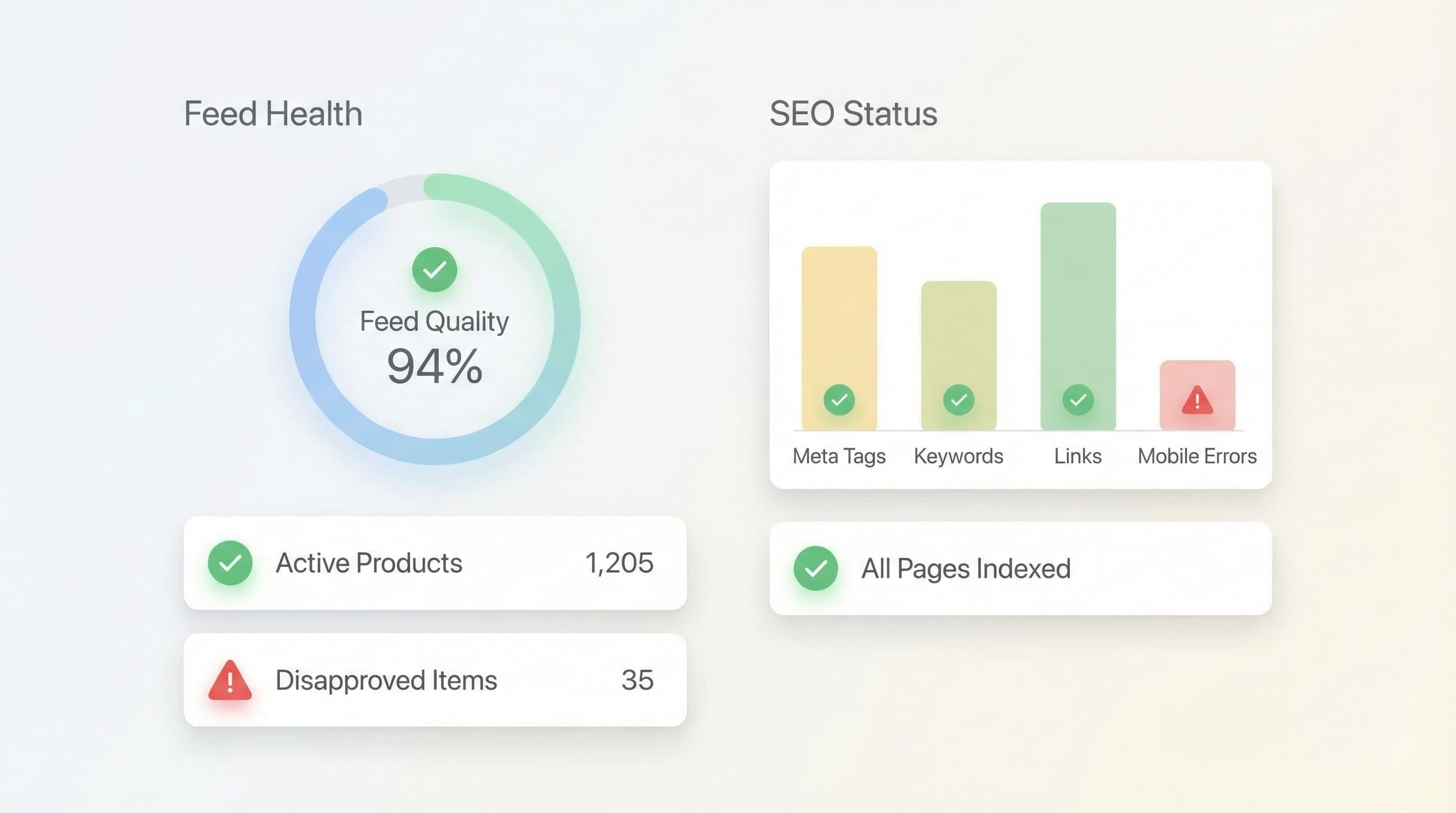
Missing fields cause rejected products.
id: 1001, price: 79.99 EUR, availability: in stock.Poorly mapped variants generate duplicates.
Option1 and Option2 are complete and inventory management is active.SHOE100, Variant SKU SHOE100-BL-42.Metafields send extra data to feeds and improve Schema.
metafield.material: "100% cotton".materials vs material).Summary: Validate format, variants, image URLs, metafields, and run tests in Merchant Center before activating new features.
Manual management of CSVs for large catalogs often leads to formatting errors, lost metafields, and poor descriptions that affect SEO.
ButterflAI audits your catalog to detect inconsistencies in titles and attributes, generates enriched content, and ensures your data meets quality standards for Shopify and your sales channels, automating what used to take hours of manual review.
Go deeper with guides and tools connected to this topic.
Quick answers to common questions.
Turn digital shelf signals like retail search ranking, product content compliance, and out-of-stock monitoring into a high-impact weekly sprint.
Feb 27, 2026
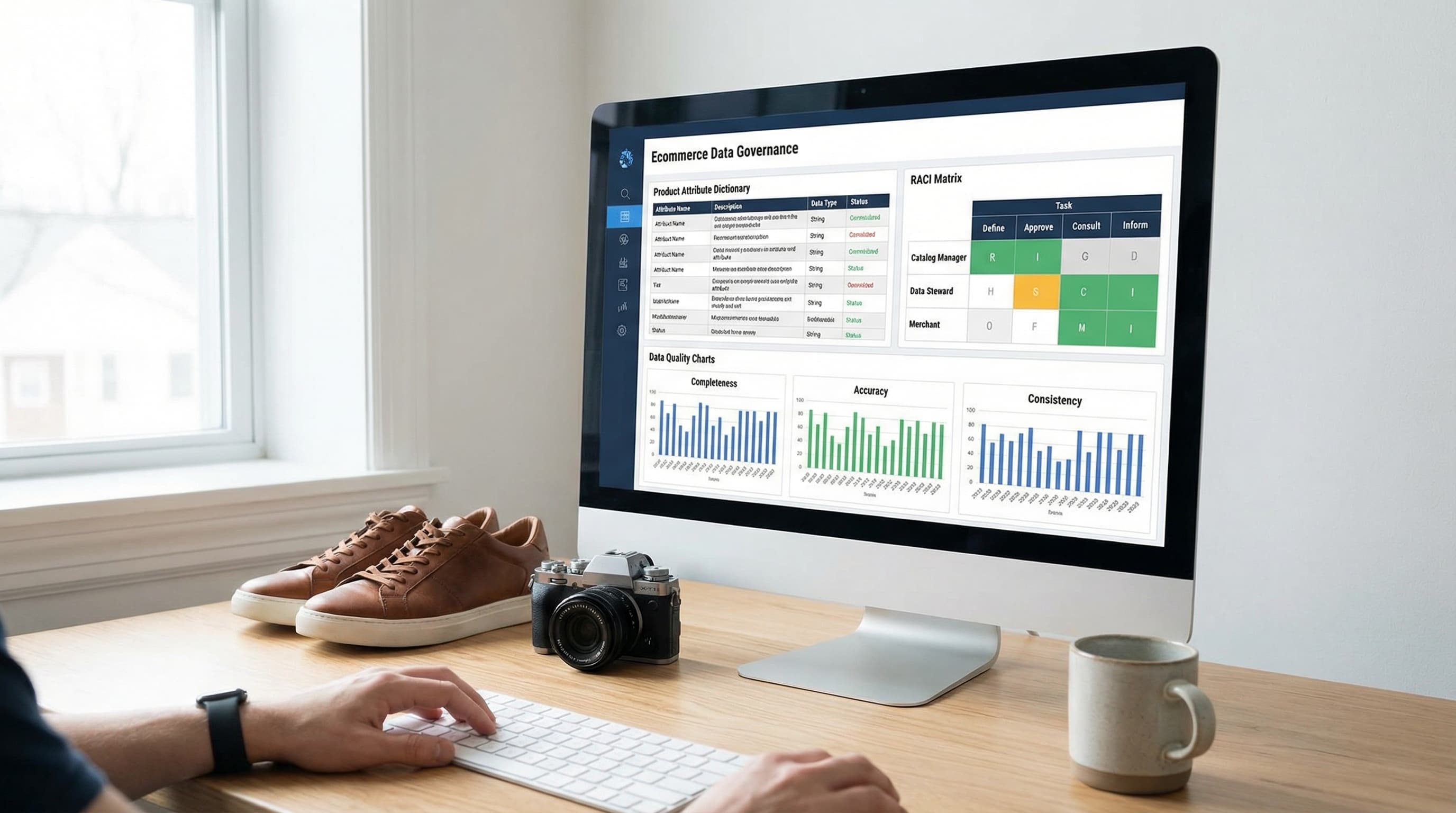
A practical data governance framework template to stop feed rejections, fix filter chaos, and organize your ecommerce product data in 30 days.
Feb 22, 2026

Master the math and data operations behind product bundling to increase AOV without eroding your margins or creating catalog chaos.
Feb 9, 2026
